
街頭運動鞋海報廣告
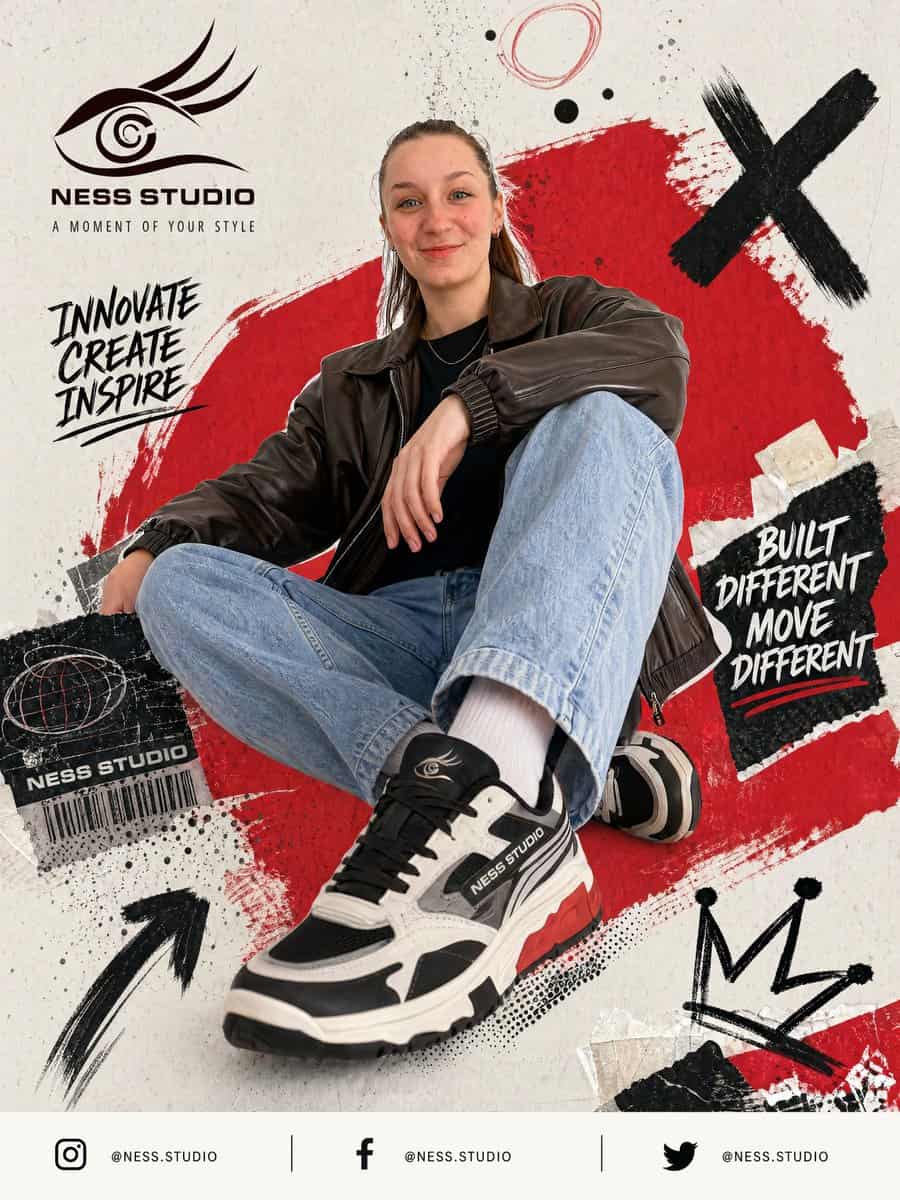
為 {argument name="brand name" default="NESS STUDIO"} 建立一張醒目的街頭服飾海報廣告,展示一位年輕成年模特隨意坐在地面上,低角度時尚姿勢,一膝抬起,一條腿伸向鏡頭,使前方運動鞋顯得巨大而佔主導。模特穿深棕色寬大皮革飛行夾克、黑色襯衫、淺藍寬鬆牛仔褲、白襪和厚底黑白灰運動鞋,鞋底有紅色點綴,鞋側和鞋舌可見 {argument name="brand name" default="NES…
提示詞
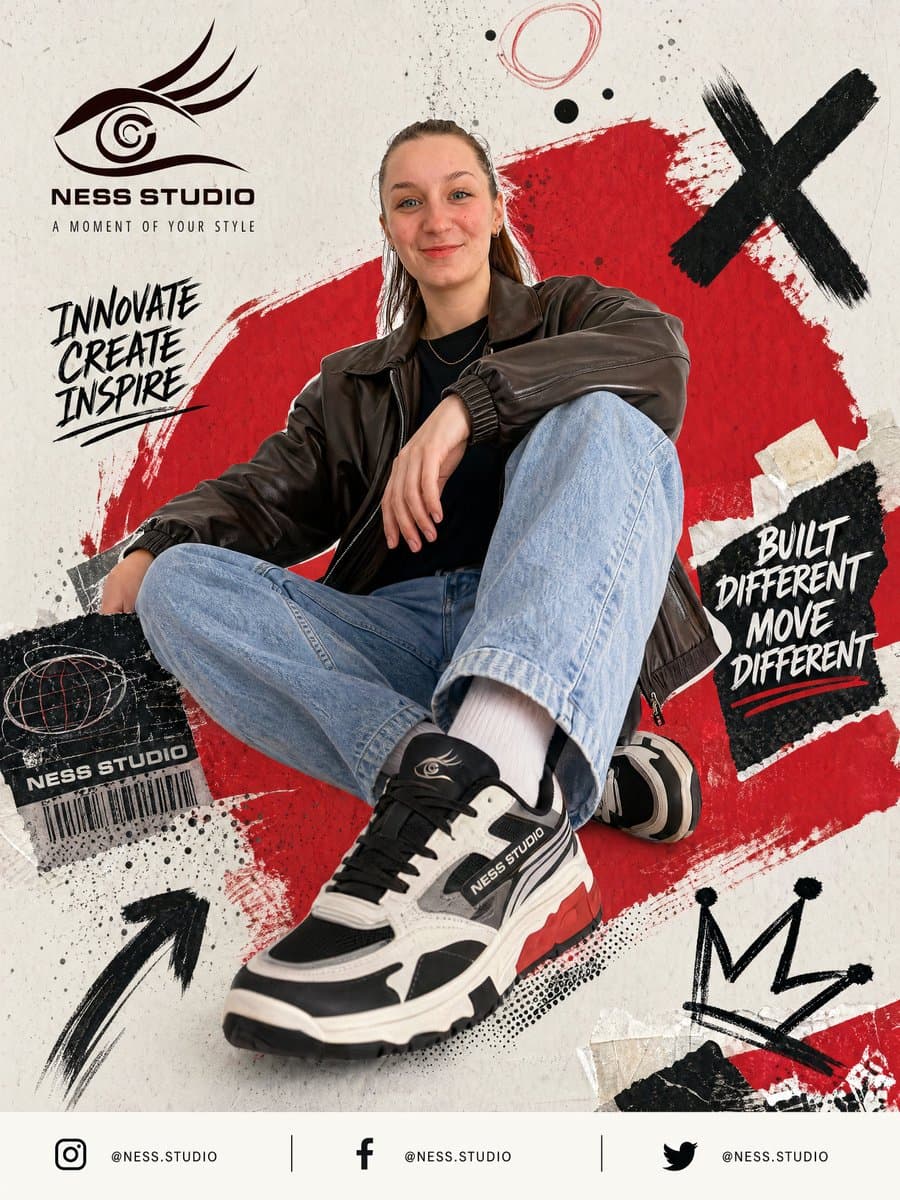
為 {argument name="brand name" default="NESS STUDIO"} 建立一張醒目的街頭服飾海報廣告,展示一位年輕成年模特隨意坐在地面上,低角度時尚姿勢,一膝抬起,一條腿伸向鏡頭,使前方運動鞋顯得巨大而佔主導。模特穿深棕色寬大皮革飛行夾克、黑色襯衫、淺藍寬鬆牛仔褲、白襪和厚底黑白灰運動鞋,鞋底有紅色點綴,鞋側和鞋舌可見 {argument name="brand name" default="NESS STUDIO"} 標誌。臉部被居中的柔和矩形模糊塊有意遮擋。使用米白色紋理紙背景,帶做舊 grunge 設計元素和拼貼分層。模特背後放置一個大號粗糙紅色油漆筆觸形狀,斜向跨過畫面中央。加入黑色墨水飛濺、草圖圓圈、撕紙碎片和手繪塗鴉點綴。包含 4 個主要圖形塗鴉:右上一個大黑色 X,左下一個手繪上箭頭,右下一個粗糙皇冠草圖,頂部中央附近一個圓形亂塗線。在左上放置風格化眼形標誌,下方文字“{argument name="brand name" default="NESS STUDIO"}”,再下方較小標語“A MOMENT OF YOUR STYLE”。左側中部加入手寫口號“INNOVATE CREATE INSPIRE”,黑色筆刷字堆疊。右側中部放置一塊撕裂黑紙貼片,上面是白色手寫口號“BUILT DIFFERENT MOVE DIFFERENT”和紅色下劃線筆觸。左下靠近鞋的位置加入黑色做舊標籤貼紙,包含地球亂塗圖案、文字“{argument name="brand name" default="NESS STUDIO"}”和條形碼。底部頁尾建立乾淨橫向條,包含 3 個社交媒體圖示和賬號,用細豎線分隔:Instagram、Facebook 和 Twitter,每個後面都跟“@NESS.STUDIO”。整體風格應鋒利、都市、年輕、高對比、編輯街頭時尚,把產品廣告攝影與塗鴉海報設計、拼貼紋理和動態品牌視覺混合。
如何使用此提示
在生成之前閱讀完整的 街頭運動鞋海報廣告 提示並確定主題、風格、相機、燈光和構圖要求。
將括號或參數式佔位符替換為您的產品、角色、品牌、場景、調色板或寬高比要求。
開啟 https://www.gptimagehub.com/zh-TW/generate?promptId=cmogx50bb00exzpdyud84fkyh,產生圖像,然後根據需要使用更具體的主題、文字、佈局或負面約束來最佳化提示。
提示常見問題解答
街頭運動鞋海報廣告 提示符號最適合用來做什麼?
此提示最適用於您需要可重複使用結構、詳細視覺方向和一致輸出品質的 海報與插畫 影像。
我可以在生成之前編輯提示嗎?
是的。完整的提示文字在此頁面上可見,因此您可以在生成之前更改主題、產品名稱、顏色、構圖、相機術語、長寬比和樣式註釋。
出現此提示時我應該使用哪種型號?
使用提示元資料中顯示的模型作為預設起點。如果另一個影像模型支援相同的寬高比和指令風格,您可以調整提示並比較結果。