
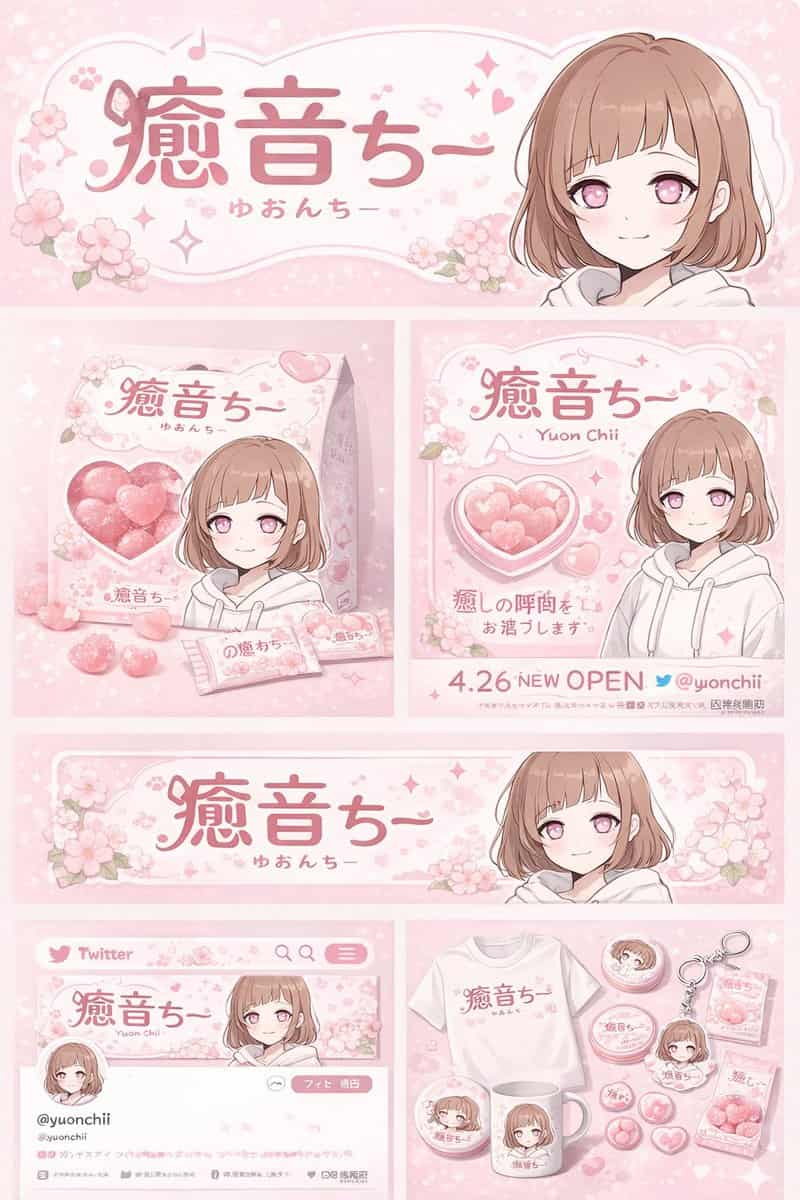
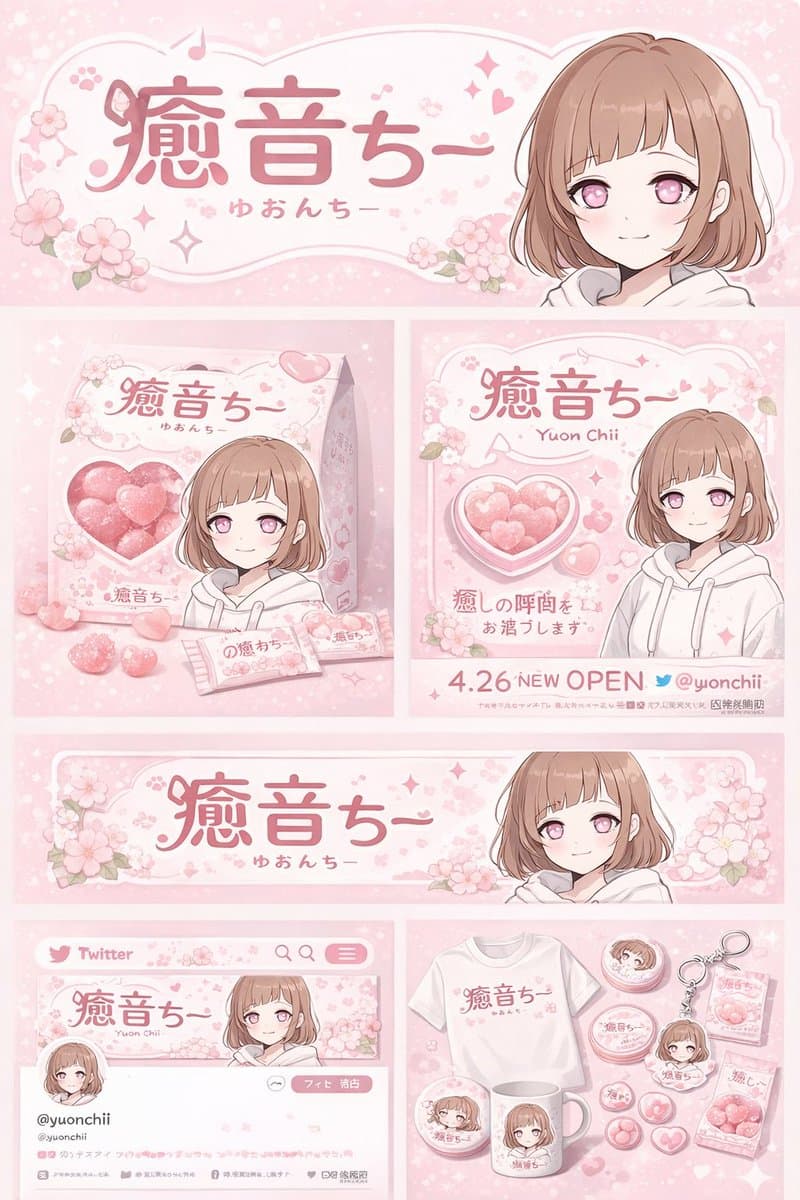
動漫角色品牌識別與周邊板
{ "type": "品牌識別與周邊商品設計板", "theme": { "color_palette": "{argument name="theme color" default="pastel pink"} 和白色", "motif": "{argument name="motif" default="cherry blossoms"} 和粉色愛心" }, "character": { "description": "短棕色波波…
提示詞
{ "type": "品牌識別與周邊商品設計板", "theme": { "color_palette": "{argument name="theme color" default="pastel pink"} 和白色", "motif": "{argument name="motif" default="cherry blossoms"} 和粉色愛心" }, "character": { "description": "短棕色波波頭動漫女孩,粉色眼睛,穿白色連帽衫,溫柔微笑" }, "branding": { "main_logo": "{argument name="character name" default="癒音ちー"}", "sub_logo": "{argument name="character subtext" default="ゆおんちー"}" }, "layout": { "sections": [ { "type": "頂部橫幅", "position": "頂部", "elements": ["大型主標誌", "副標誌", "櫻花圖形", "右側角色肖像"] }, { "type": "產品包裝", "position": "中部左側", "elements": ["1 個帶心形透明視窗的方盒,可看見粉色心形糖果", "盒子上的角色插畫", "2 個獨立糖果包裝", "5 顆散落心形糖果"] }, { "type": "宣傳海報", "position": "中部右側", "elements": ["角色肖像", "心形糖果碗", "主標誌", "文字 '4.26 NEW OPEN'", "文字 '{argument name="social handle" default="@yuonchii"}'"] }, { "type": "橫向網頁橫幅", "position": "下方中部", "elements": ["主標誌", "櫻花", "右側角色肖像"] }, { "type": "社交媒體個人主頁樣機", "position": "底部左側", "elements": ["帶標誌的頭圖", "1 個圓形頭像", "賬號 '{argument name="social handle" default="@yuonchii"}'", "1 個關注按鈕", "模擬簡介文字"] }, { "type": "周邊商品系列", "position": "底部右側", "count": 9, "items": ["1 件帶標誌的白色 T 恤", "1 個帶角色的白色馬克杯", "4 枚圓形徽章", "1 個亞克力鑰匙扣", "2 包糖果"] } ] } }
如何使用此提示
在生成之前閱讀完整的 動漫角色品牌識別與周邊板 提示並確定主題、風格、相機、燈光和構圖要求。
將括號或參數式佔位符替換為您的產品、角色、品牌、場景、調色板或寬高比要求。
開啟 https://www.gptimagehub.com/zh-TW/generate?promptId=cmogx4ed300ehzpdy31x8cahf,產生圖像,然後根據需要使用更具體的主題、文字、佈局或負面約束來最佳化提示。
提示常見問題解答
動漫角色品牌識別與周邊板 提示符號最適合用來做什麼?
此提示最適用於您需要可重複使用結構、詳細視覺方向和一致輸出品質的 logo 與品牌 影像。
我可以在生成之前編輯提示嗎?
是的。完整的提示文字在此頁面上可見,因此您可以在生成之前更改主題、產品名稱、顏色、構圖、相機術語、長寬比和樣式註釋。
出現此提示時我應該使用哪種型號?
使用提示元資料中顯示的模型作為預設起點。如果另一個影像模型支援相同的寬高比和指令風格,您可以調整提示並比較結果。