
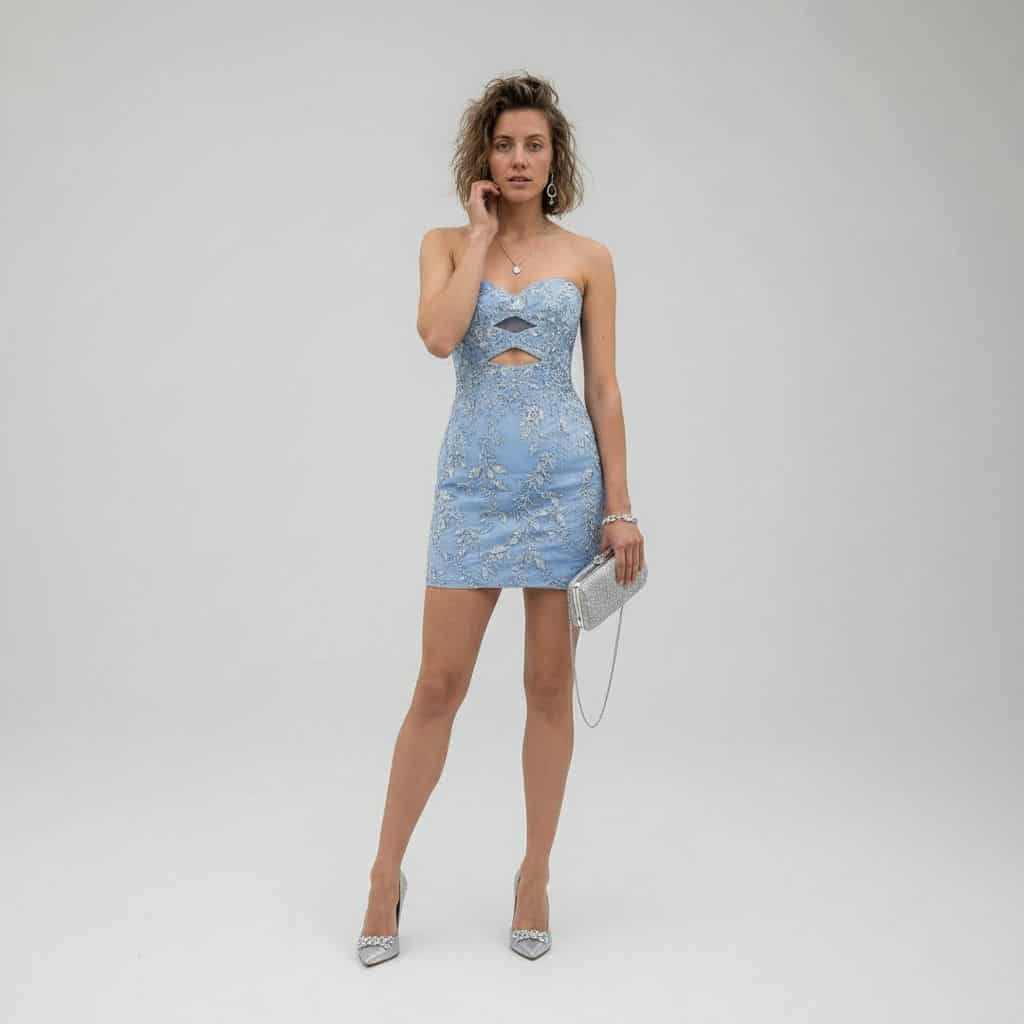
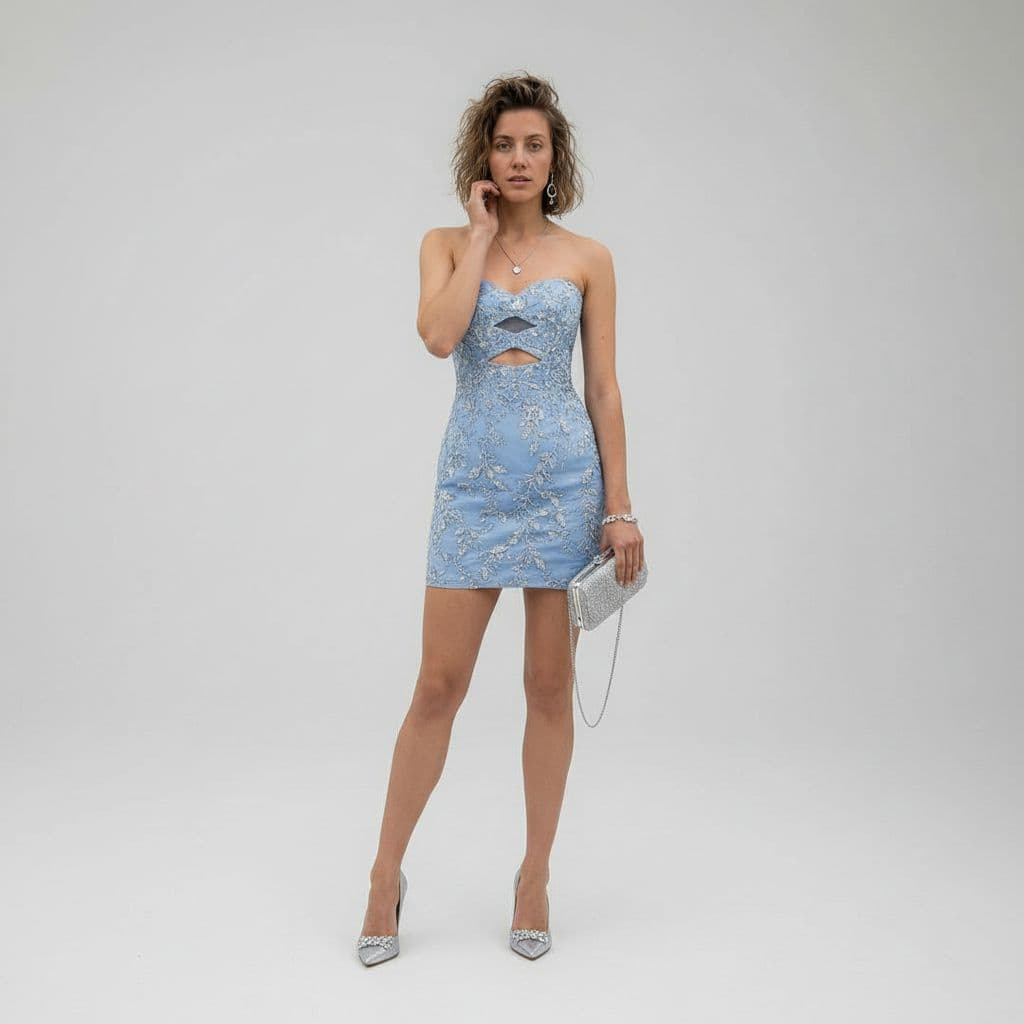
奢華影棚穿搭變換
使用 REFERENCE_0 作為主體基礎,將休閒沙漠快照轉換為全身奢華時尚影棚人像。將牛仔夾克、背心和短褲替換為一條合身抹胸迷你雞尾酒裙,顏色為 {argument name="dress color" default="powder blue"},帶華麗銀色花卉刺繡,並在胸部和上腰位置準確加入 2 個幾何鏤空。將場景改為乾淨無縫淺灰色影棚背景,並採用精緻高階編輯造型。主體右手新增 1 個帶細鏈條肩帶的銀色手拿包,以及 1 雙尖頭銀…
提示詞
使用 REFERENCE_0 作為主體基礎,將休閒沙漠快照轉換為全身奢華時尚影棚人像。將牛仔夾克、背心和短褲替換為一條合身抹胸迷你雞尾酒裙,顏色為 {argument name="dress color" default="powder blue"},帶華麗銀色花卉刺繡,並在胸部和上腰位置準確加入 2 個幾何鏤空。將場景改為乾淨無縫淺灰色影棚背景,並採用精緻高階編輯造型。主體右手新增 1 個帶細鏈條肩帶的銀色手拿包,以及 1 雙尖頭銀色高跟鞋。將姿勢調整為優雅站立時尚姿態,一隻手靠近臉部,保持同一人物與髮型身份,並應用柔和電影感奢華燈光,呈現清晰 8K 時尚攝影細節。
如何使用此提示
在生成之前閱讀完整的 奢華影棚穿搭變換 提示並確定主題、風格、相機、燈光和構圖要求。
將括號或參數式佔位符替換為您的產品、角色、品牌、場景、調色板或寬高比要求。
開啟 https://www.gptimagehub.com/zh-TW/generate?promptId=cmogwymuj00a1zpdyp8242o9t,產生圖像,然後根據需要使用更具體的主題、文字、佈局或負面約束來最佳化提示。
提示常見問題解答
奢華影棚穿搭變換 提示符號最適合用來做什麼?
此提示最適用於您需要可重複使用結構、詳細視覺方向和一致輸出品質的 ui / ux 設計 影像。
我可以在生成之前編輯提示嗎?
是的。完整的提示文字在此頁面上可見,因此您可以在生成之前更改主題、產品名稱、顏色、構圖、相機術語、長寬比和樣式註釋。
出現此提示時我應該使用哪種型號?
使用提示元資料中顯示的模型作為預設起點。如果另一個影像模型支援相同的寬高比和指令風格,您可以調整提示並比較結果。