
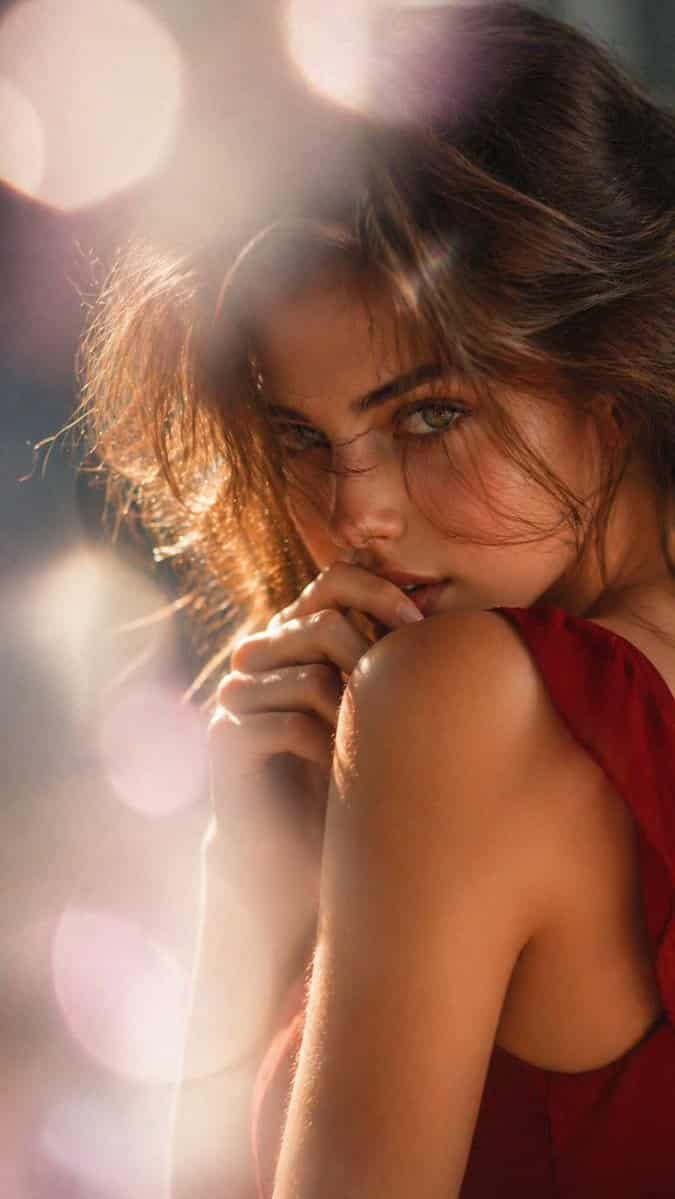
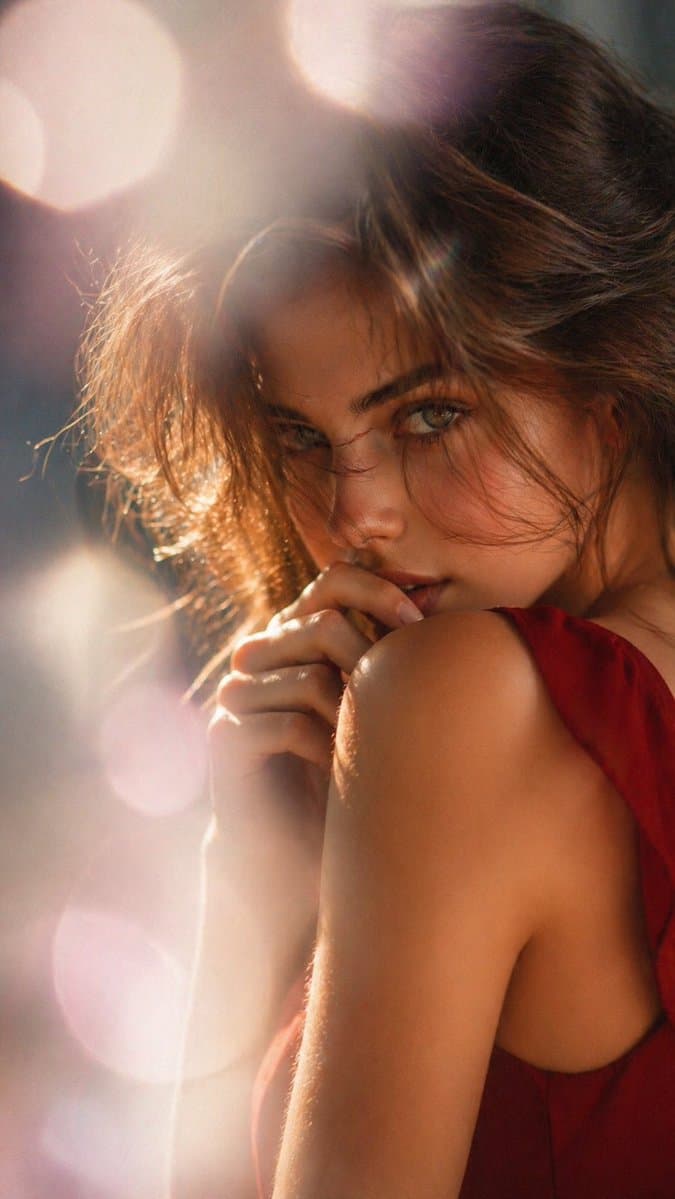
夢幻逆光編輯人像
一張電影感柔焦人像,女性從背後和輕微側面呈現,豎版構圖,從上半身向上取景。她有 {argument name="hair color" default="dark brown"} 頭髮,鬆散凌亂盤發,細碎髮絲捕捉光線。她的臉大部分被姿勢和頭髮遮住,只露出一小部分臉頰。她穿一條 {argument name="dress color" default="deep red"} 無袖連衣裙,露背或低側開口,強調裸露肩膀和上背部。一隻手優雅抬…
提示詞
一張電影感柔焦人像,女性從背後和輕微側面呈現,豎版構圖,從上半身向上取景。她有 {argument name="hair color" default="dark brown"} 頭髮,鬆散凌亂盤發,細碎髮絲捕捉光線。她的臉大部分被姿勢和頭髮遮住,只露出一小部分臉頰。她穿一條 {argument name="dress color" default="deep red"} 無袖連衣裙,露背或低側開口,強調裸露肩膀和上背部。一隻手優雅抬在頸部或肩膀附近,手指放鬆。使用強烈暖色逆光和輪廓光,在頭髮和皮膚周圍形成金色發光高光、夢幻鏡頭光暈,以及虛化背景中的大圓形 bokeh。影象應感覺親密、優雅、略帶感性,像高階時尚或美妝編輯大片,淺景深、奶油般虛化、溫暖琥珀與玫瑰色調、柔和電影光。
如何使用此提示
在生成之前閱讀完整的 夢幻逆光編輯人像 提示並確定主題、風格、相機、燈光和構圖要求。
將括號或參數式佔位符替換為您的產品、角色、品牌、場景、調色板或寬高比要求。
開啟 https://www.gptimagehub.com/zh-TW/generate?promptId=cmogwygeb009vzpdyrvpsnhgr,產生圖像,然後根據需要使用更具體的主題、文字、佈局或負面約束來最佳化提示。
提示常見問題解答
夢幻逆光編輯人像 提示符號最適合用來做什麼?
此提示最適用於您需要可重複使用結構、詳細視覺方向和一致輸出品質的 人像與攝影 影像。
我可以在生成之前編輯提示嗎?
是的。完整的提示文字在此頁面上可見,因此您可以在生成之前更改主題、產品名稱、顏色、構圖、相機術語、長寬比和樣式註釋。
出現此提示時我應該使用哪種型號?
使用提示元資料中顯示的模型作為預設起點。如果另一個影像模型支援相同的寬高比和指令風格,您可以調整提示並比較結果。