
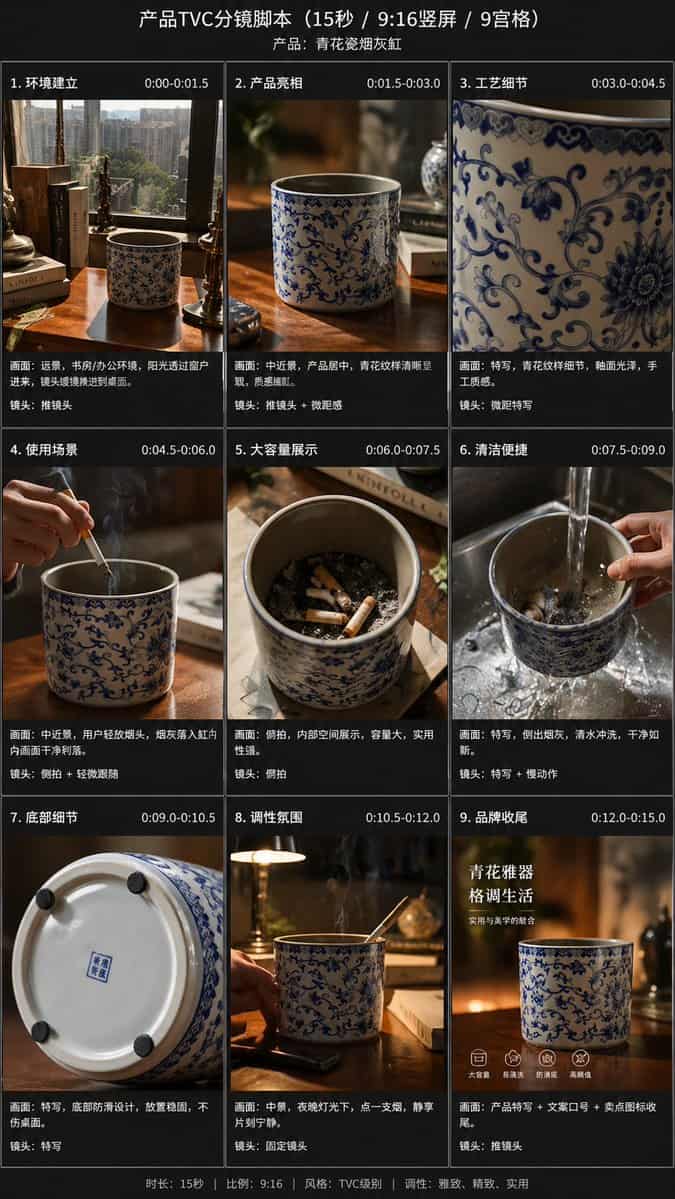
提示詞
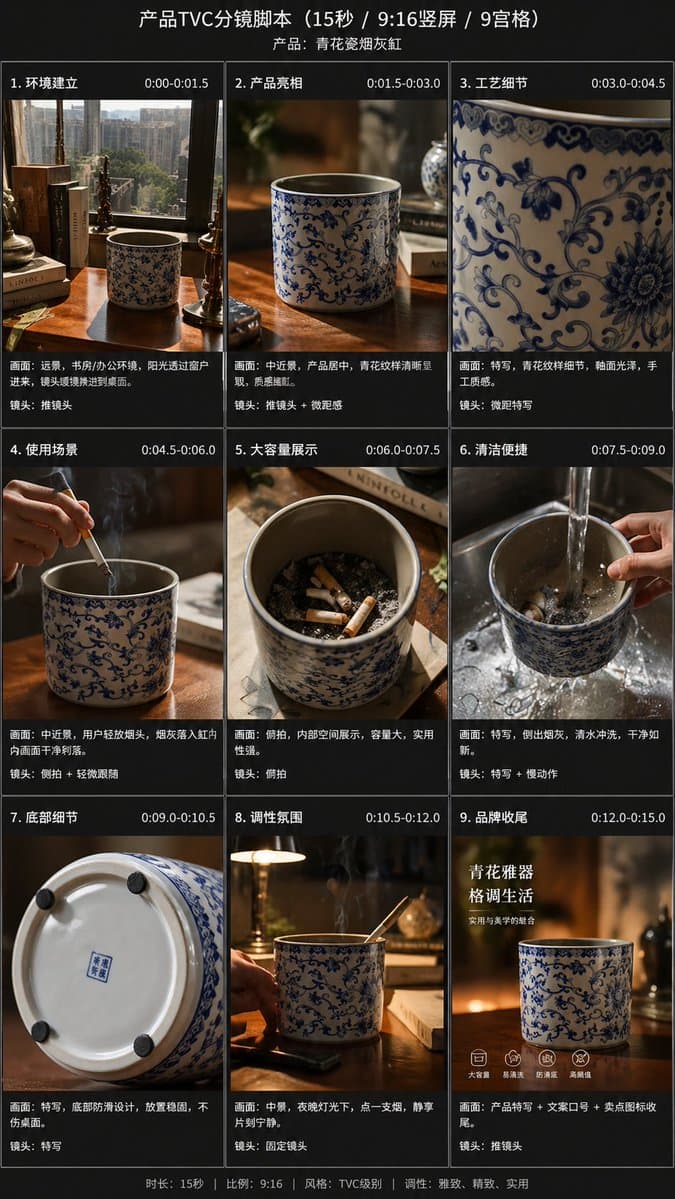
Using the provided reference image, transform the single casual product photo into a polished e-commerce TVC storyboard board for a {argument name="video duration" default="15-second"} ad in a {argument name="aspect ratio" default="9:16"} vertical format, presented as a 9-panel grid. Keep the same blue-and-white ceramic ashtray as the product base, but restage it across cinematic advertising shots with warm premium lighting, shallow depth of field, and a refined lifestyle desktop environment. Add a dark storyboard layout with Chinese titles and timing for each panel. Include exactly 9 scenes: 1) environment-establishing wide shot with desk, books, window, and the product placed in context; 2) hero product medium shot on the table; 3) extreme close-up of the blue floral craftsmanship pattern; 4) use case showing a hand placing a cigarette into the ashtray with visible smoke; 5) top-down capacity display showing multiple cigarette butts inside; 6) cleaning scene under running water in a sink with a hand holding the product; 7) bottom-detail close-up showing the underside and anti-slip pads; 8) mood/lifestyle scene at night with the product on a desk, smoke rising, and ambient lamp light; 9) brand closing frame with the product as the hero plus Chinese marketing text. Add the overall header text “產品TVC分鏡指令碼(15秒 / 9:16豎屏 / 9宮格)” and a product subtitle naming it {argument name="product name" default="青花瓷烟灰缸"}. Give each of the 9 panels a Chinese scene title and timestamp, plus small descriptive Chinese copy beneath each image in the style of a professional commercial shot list. Use premium, realistic commercial photography throughout, consistent product identity, elegant Chinese aesthetic, and a clean high-end storyboard presentation.
如何使用此提示
在生成之前閱讀完整的 9-Panel Product TVC Storyboard 提示並確定主題、風格、相機、燈光和構圖要求。
將括號或參數式佔位符替換為您的產品、角色、品牌、場景、調色板或寬高比要求。
開啟 https://www.gptimagehub.com/zh-TW/generate?promptId=cmogx63gx00frzpdyr9w48wv0,產生圖像,然後根據需要使用更具體的主題、文字、佈局或負面約束來最佳化提示。
提示常見問題解答
9-Panel Product TVC Storyboard 提示符號最適合用來做什麼?
此提示最適用於您需要可重複使用結構、詳細視覺方向和一致輸出品質的 產品與電商 影像。
我可以在生成之前編輯提示嗎?
是的。完整的提示文字在此頁面上可見,因此您可以在生成之前更改主題、產品名稱、顏色、構圖、相機術語、長寬比和樣式註釋。
出現此提示時我應該使用哪種型號?
使用提示元資料中顯示的模型作為預設起點。如果另一個影像模型支援相同的寬高比和指令風格,您可以調整提示並比較結果。