手机截图宣传图
其他

手机截图宣传图

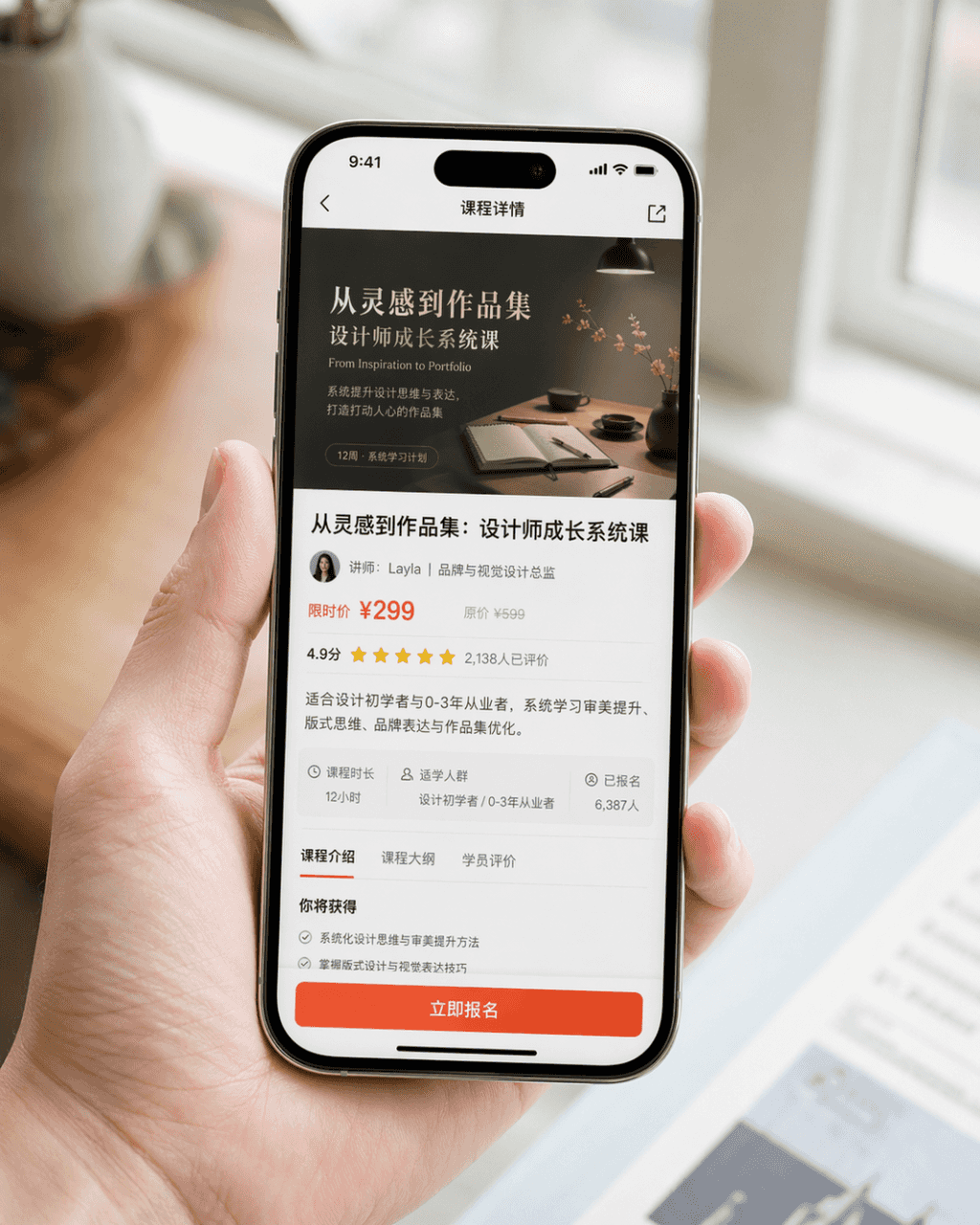
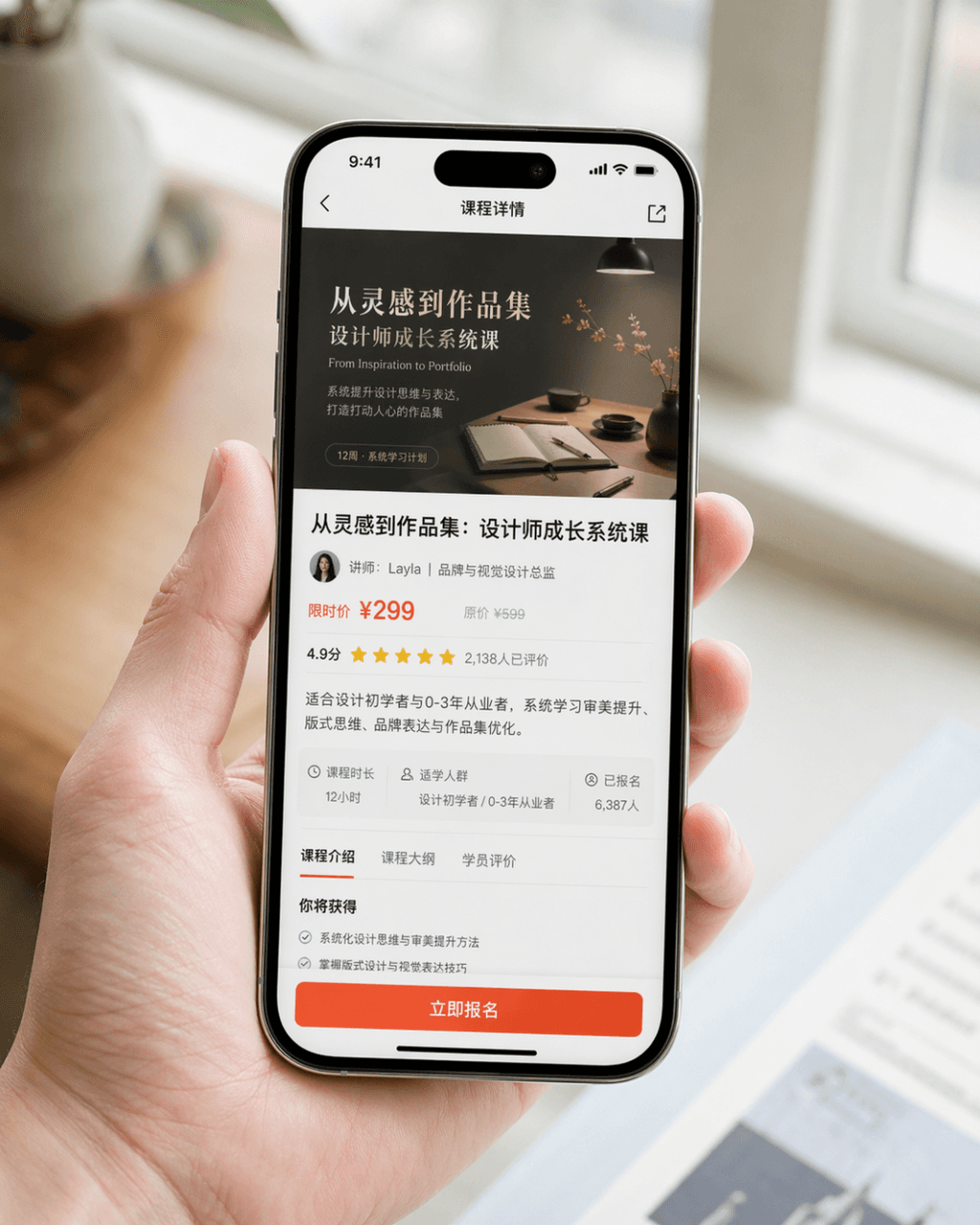
生成一张真实感很强的手机截图宣传图,设备为 iPhone 15 Pro,屏幕内容为 一款设计学习类 App 的课程详情页,页面中清晰展示课程封面、课程标题、讲师信息、价格信息、用户评分、简介摘要以及醒目的“立即报名”按钮。画面为 自然手持手机的近景构图,人物手部干净自然,手机屏幕清晰明亮,背景虚化,整体像品牌官方发布的产品 PR 图。要求写实摄影质感,光线柔和高级,构图简洁,细节真实,避免夸张 UI、避免廉价电商风、避免过度设计。

提示词

生成一张真实感很强的手机截图宣传图,设备为 iPhone 15 Pro,屏幕内容为 一款设计学习类 App 的课程详情页,页面中清晰展示课程封面、课程标题、讲师信息、价格信息、用户评分、简介摘要以及醒目的“立即报名”按钮。画面为 自然手持手机的近景构图,人物手部干净自然,手机屏幕清晰明亮,背景虚化,整体像品牌官方发布的产品 PR 图。要求写实摄影质感,光线柔和高级,构图简洁,细节真实,避免夸张 UI、避免廉价电商风、避免过度设计。

How to use this prompt

1
Review the full prompt

Read the complete 手机截图宣传图 prompt and identify the subject, style, camera, lighting, and composition requirements before generating.

2
Customize variables

Replace bracketed or argument-style placeholders with your product, character, brand, scene, color palette, or aspect ratio requirements.

3
Generate and iterate

Open https://www.gptimagehub.com/zh-CN/generate?promptId=cmogxm5f000mvxt5gnyc2fxa4, generate the image, then refine the prompt with more specific subject, text, layout, or negative constraints if needed.

Prompt FAQ

What is the 手机截图宣传图 prompt best used for?

This prompt is best used for 其他 images where you want a reusable structure, detailed visual direction, and consistent output quality.

Can I edit the prompt before generating?

Yes. The full prompt text is visible on this page so you can change subjects, product names, colors, composition, camera terms, aspect ratio, and style notes before generation.

Which model should I use with this prompt?

Use the model shown in the prompt metadata as the default starting point. If another image model supports the same aspect ratio and instruction style, you can adapt the prompt and compare results.

其他模板