教学图解海报
信息图与教育

教学图解海报

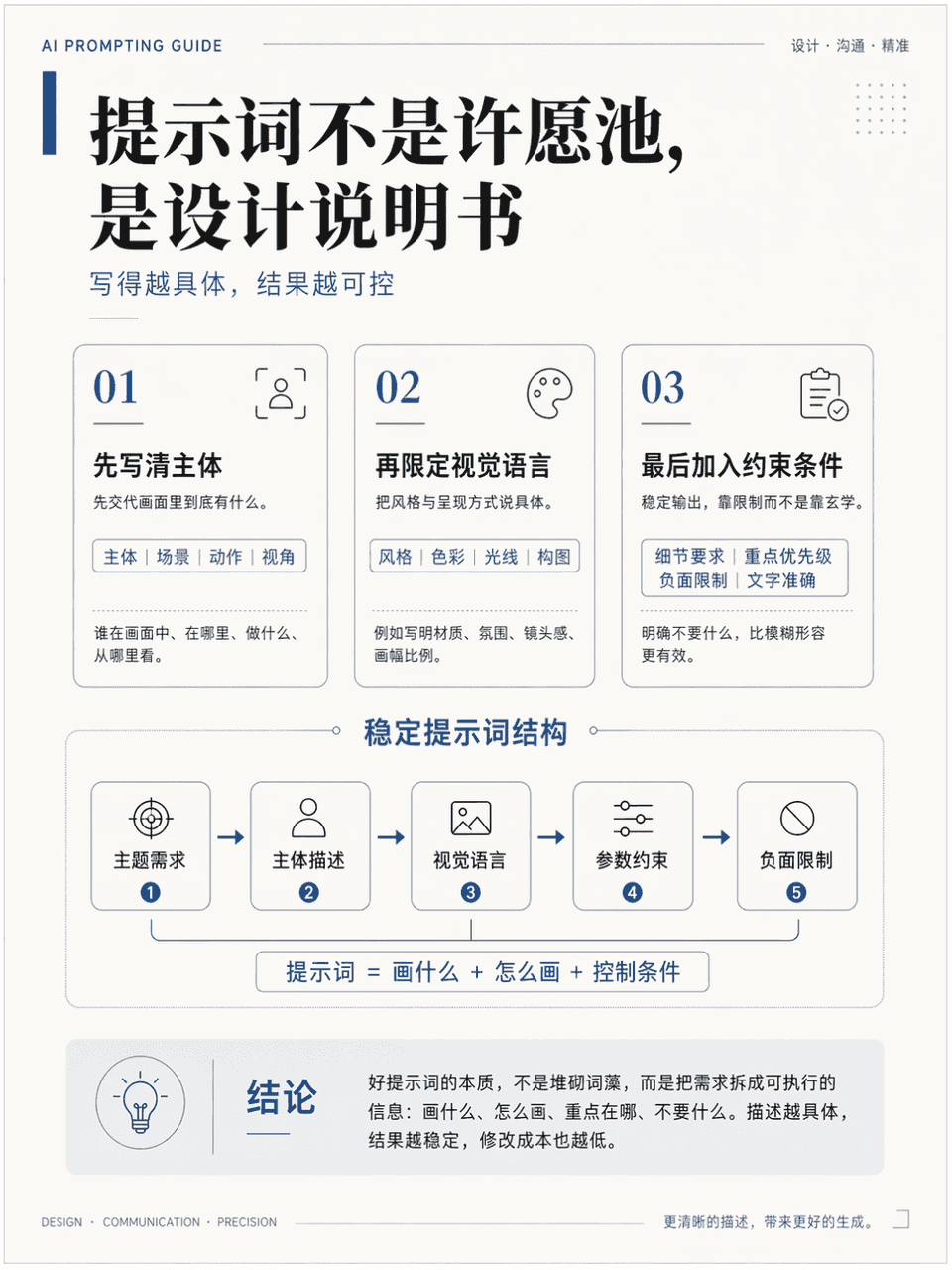
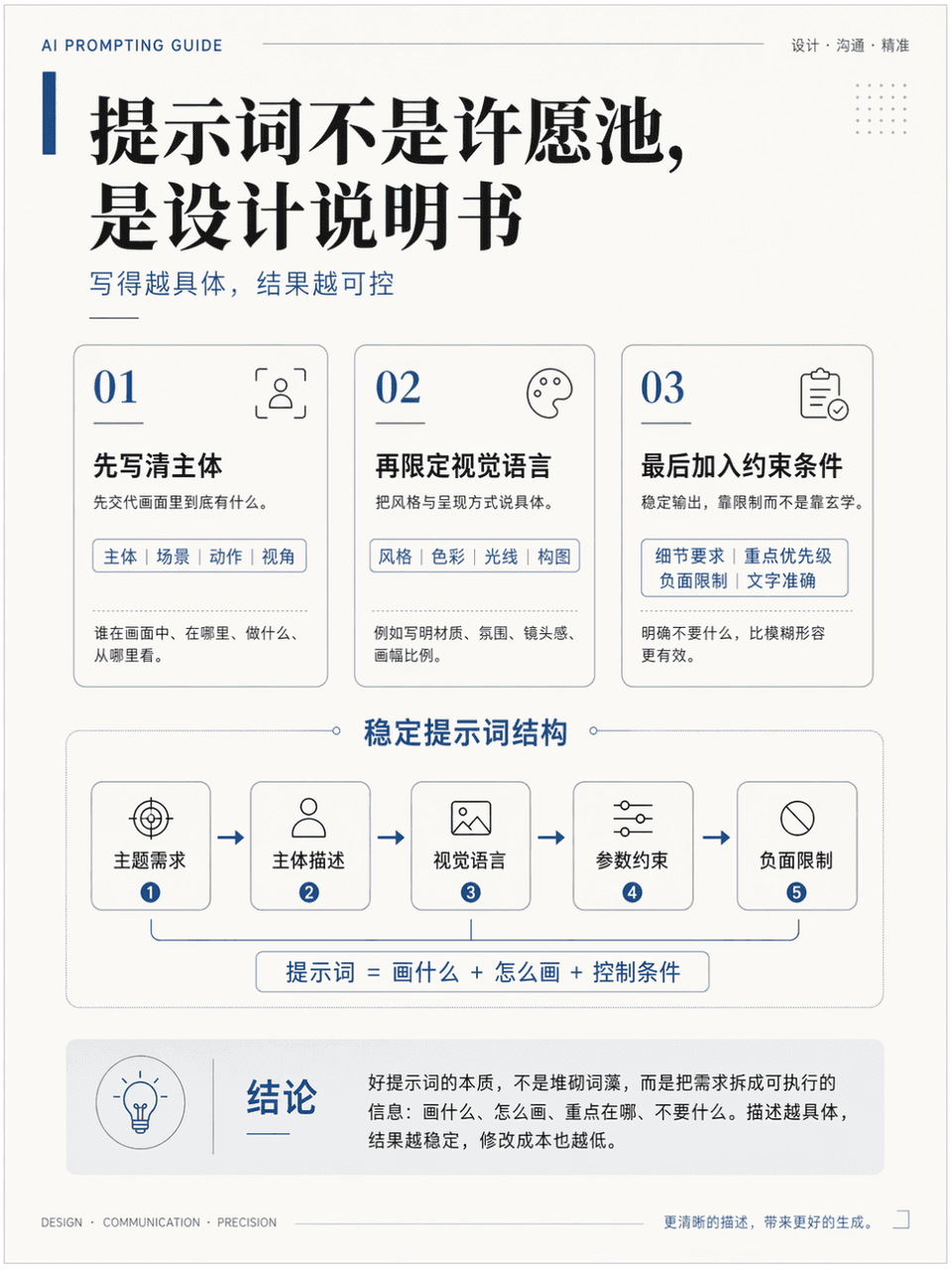
画幅3:4,生成一张竖版教学图解海报,讲解知识点《如何写出更稳定的 AI 出图提示词》。需要包含标题、3 个重点模块、1 个核心图示、1 个结论区。标题为《提示词不是许愿池,是设计说明书》,整体像高质量课程讲义页,专业、干净、学术感强,同时具有高级设计感,中文准确,层级清楚,排版克制,留白充足。

提示词

画幅3:4,生成一张竖版教学图解海报,讲解知识点《如何写出更稳定的 AI 出图提示词》。需要包含标题、3 个重点模块、1 个核心图示、1 个结论区。标题为《提示词不是许愿池,是设计说明书》,整体像高质量课程讲义页,专业、干净、学术感强,同时具有高级设计感,中文准确,层级清楚,排版克制,留白充足。

How to use this prompt

1
Review the full prompt

Read the complete 教学图解海报 prompt and identify the subject, style, camera, lighting, and composition requirements before generating.

2
Customize variables

Replace bracketed or argument-style placeholders with your product, character, brand, scene, color palette, or aspect ratio requirements.

3
Generate and iterate

Open https://www.gptimagehub.com/zh-CN/generate?promptId=cmogxlrno00mjxt5gy40v6wfz, generate the image, then refine the prompt with more specific subject, text, layout, or negative constraints if needed.

Prompt FAQ

What is the 教学图解海报 prompt best used for?

This prompt is best used for 信息图与教育 images where you want a reusable structure, detailed visual direction, and consistent output quality.

Can I edit the prompt before generating?

Yes. The full prompt text is visible on this page so you can change subjects, product names, colors, composition, camera terms, aspect ratio, and style notes before generation.

Which model should I use with this prompt?

Use the model shown in the prompt metadata as the default starting point. If another image model supports the same aspect ratio and instruction style, you can adapt the prompt and compare results.

其他模板