
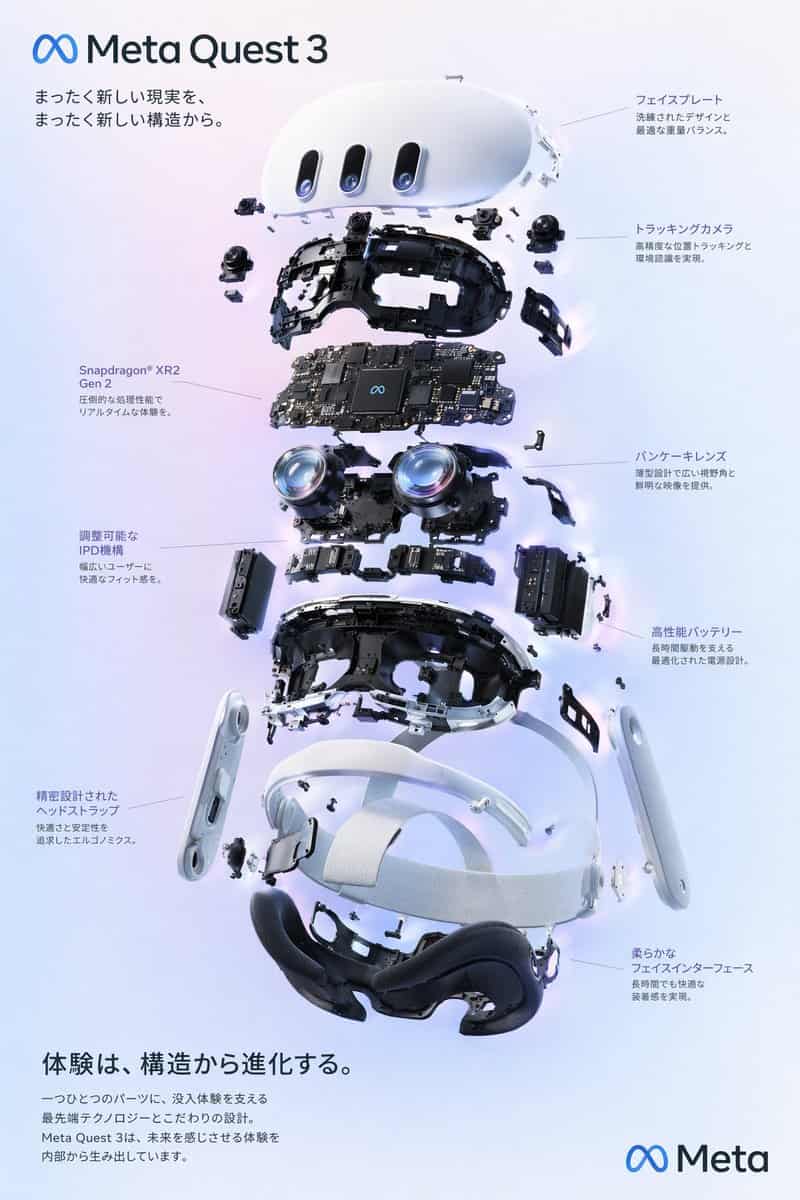
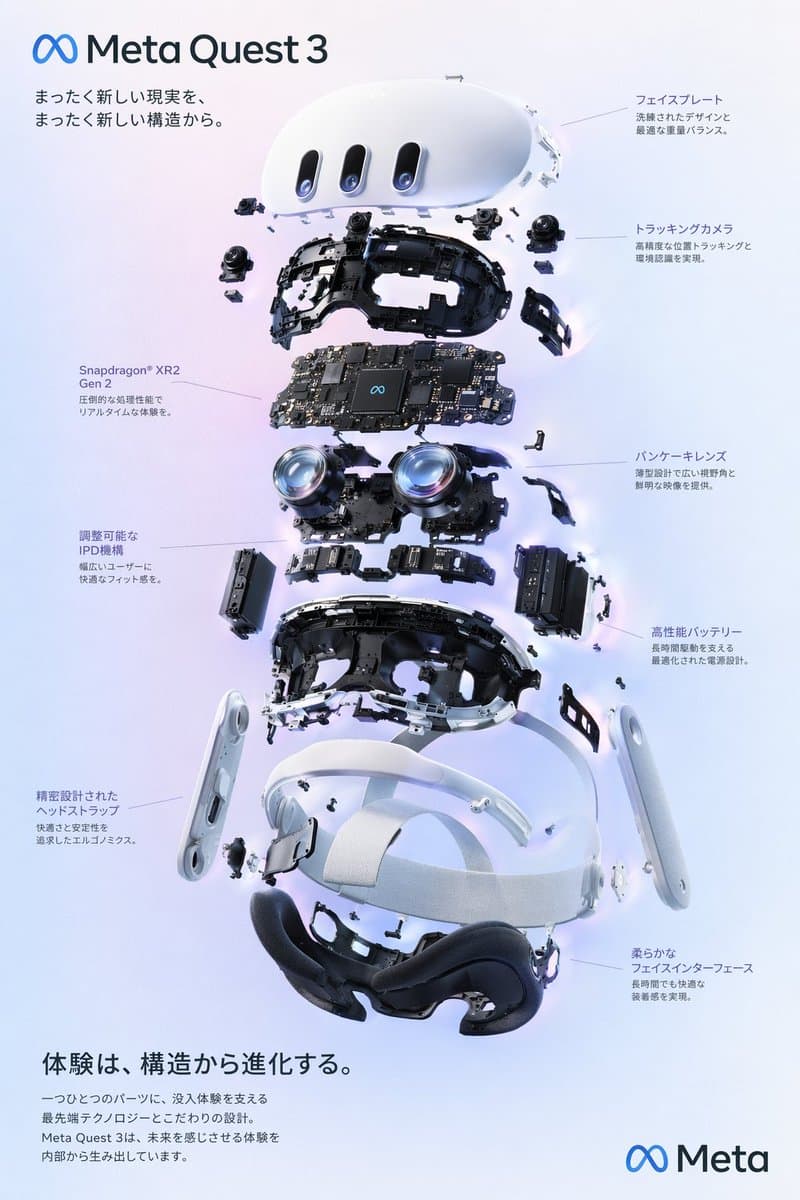
VR 头显爆炸视图海报
{ "type": "爆炸视图产品结构海报", "subject": "VR 头显", "style": "干净高科技 3D 渲染,影棚灯光,发光点缀", "background": "{argument name="background color" default="soft purple and blue gradient"}", "header": { "logo": "∞ {argument name="product na…
提示词
{ "type": "爆炸视图产品结构海报", "subject": "VR 头显", "style": "干净高科技 3D 渲染,影棚灯光,发光点缀", "background": "{argument name="background color" default="soft purple and blue gradient"}", "header": { "logo": "∞ {argument name="product name" default="Meta Quest 3"}", "subtitle": "{argument name="main catchphrase" default="まったく新しい現実を、まったく新しい構造から。"}" }, "layout": { "centerpiece": "垂直堆叠的 VR 头显爆炸视图,展示 9 个清晰分离的内部组件层:外壳、摄像头传感器、带芯片的主板、pancake 镜片、内部框架、电池组、侧绑带、顶部绑带和面部贴合软垫。", "callout_labels": { "count": 8, "left_side": [ "Snapdragon® XR2 Gen 2 以压倒性处理性能支持实时沉浸体验。", "可调 IPD 机构 为更广泛用户提供舒适贴合。", "精密设计头带 追求舒适度与稳定性的工学结构。" ], "right_side": [ "面板外壳 精炼设计与最佳重量平衡。", "追踪摄像头 实现高精度位置追踪与环境识别。", "Pancake 镜片 以薄型设计提供宽广视野和清晰影像。", "高性能电池 优化电源设计,支撑长时间运行。", "柔软面部接口 长时间佩戴依然舒适。" ] }, "footer": { "left_text_block": { "headline": "{argument name="bottom headline" default="体験は、構造から進化する。"}", "body": "每一个零件都承载着支持沉浸体验的前沿科技和精密设计。Meta Quest 3 从内部创造出令人感知未来的体验。" }, "right_logo": "∞ Meta" } } }
如何使用此提示
在生成之前阅读完整的 VR 头显爆炸视图海报 提示并确定主题、风格、相机、灯光和构图要求。
将括号或参数式占位符替换为您的产品、角色、品牌、场景、调色板或宽高比要求。
打开 https://www.gptimagehub.com/zh-CN/generate?promptId=cmogwxo12009bzpdyuolir7ys,生成图像,然后根据需要使用更具体的主题、文本、布局或负面约束来优化提示。
提示常见问题解答
VR 头显爆炸视图海报 提示符最适合用来做什么?
此提示最适用于您需要可重用结构、详细视觉方向和一致输出质量的 logo 与品牌 图像。
我可以在生成之前编辑提示吗?
是的。完整的提示文本在此页面上可见,因此您可以在生成之前更改主题、产品名称、颜色、构图、相机术语、长宽比和样式注释。
出现此提示时我应该使用哪种型号?
使用提示元数据中显示的模型作为默认起点。如果另一个图像模型支持相同的宽高比和指令风格,您可以调整提示并比较结果。