
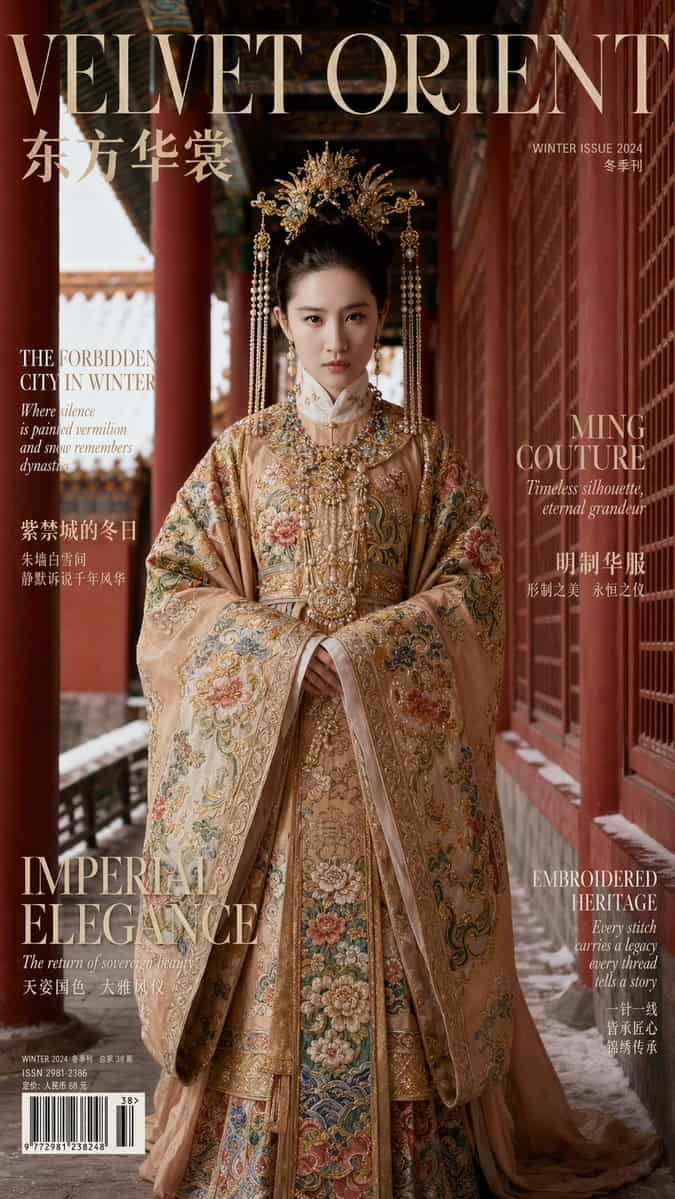
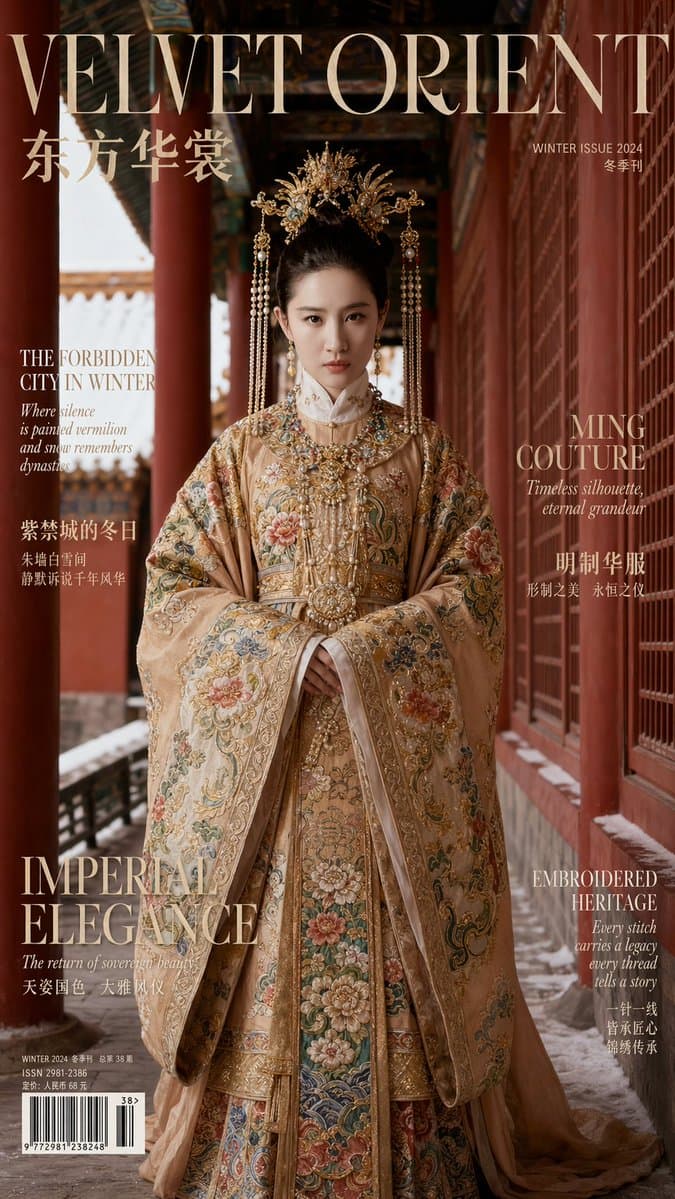
提示词
画幅比例:9:16 竖版 【身份与真实感(最高优先级)】 主体是一位成年女性,其面部特征和骨相必须与提供的 FACE_REF 图像 100% 完全匹配。眼距、鼻梁、下颌线和颧骨结构必须精确;不允许身份漂移。皮肤纹理必须照片级真实,显示毛孔和细节,不要过度磨皮,也不要 Instagram 滤镜感。 【摄影与电影感】 一张高端编辑时尚照片,具有电影级质感,可媲美 Vogue、Harper’s Bazaar 或 ELLE 封面。 镜头与对焦:中景使用 85mm 镜头,或全身使用 50mm/70mm,并采用浅景深。主体眼睛必须极其清晰。 光线:冬季自然日光,辅以柔和专业补光。金饰和宝石应有真实镜面高光,但不能过曝。刺绣纹理必须极其清晰且有触感。 调色:浓郁的电影感色彩。红墙和服装主色必须分明、干净,不能浑浊。整体图像应显得深邃、有纹理且昂贵。 构图:干净的杂志封面版式,在顶部或侧边有刻意留出的负空间用于排版。不要撕纸或手绘效果。 【场景:冬日紫禁城】 地点为北京故宫的红墙长廊。 环境:可见朱红墙面、红色立柱、精致雕花窗,以及具有强透视深度的彩绘木梁。场景必须干净:无游客、无现代标识、无水印。 天气条件(随机选择): [若选择降雪]:细小雪花轻轻飘落。 [若选择雪后]:空气清冽,屋檐和台阶上残留积雪。 【服装:明代重工高级定制】 主体穿着华丽、多层次的明代礼制服汉服。整体美学以重金感、密集流苏、凤冠、大面积织金刺绣、复杂层叠、端庄奢华为核心。 结构:可见清爽挺括的白色立领内衬,形成干净边界。外层为结构明确、宽袖的对襟袄,上方覆以厚重霞帔/披帛结构,并由大型中央压襟饰物固定。 面料与工艺:主面料是真正的织金锦,具有可感知的纤维质感。刺绣为重工工艺,使用盘金、贴金线等技法。
如何使用此提示
在生成之前阅读完整的 9:16 竖版明代重工汉服故宫人像 提示并确定主题、风格、相机、灯光和构图要求。
将括号或参数式占位符替换为您的产品、角色、品牌、场景、调色板或宽高比要求。
打开 https://www.gptimagehub.com/zh-CN/generate?promptId=cmogwumv1004hzpdyhxz5foro,生成图像,然后根据需要使用更具体的主题、文本、布局或负面约束来优化提示。
提示常见问题解答
9:16 竖版明代重工汉服故宫人像 提示符最适合用来做什么?
此提示最适用于您需要可重用结构、详细视觉方向和一致输出质量的 海报与插画 图像。
我可以在生成之前编辑提示吗?
是的。完整的提示文本在此页面上可见,因此您可以在生成之前更改主题、产品名称、颜色、构图、相机术语、长宽比和样式注释。
出现此提示时我应该使用哪种型号?
使用提示元数据中显示的模型作为默认起点。如果另一个图像模型支持相同的宽高比和指令风格,您可以调整提示并比较结果。