
Theme Science Encyclopedia Card
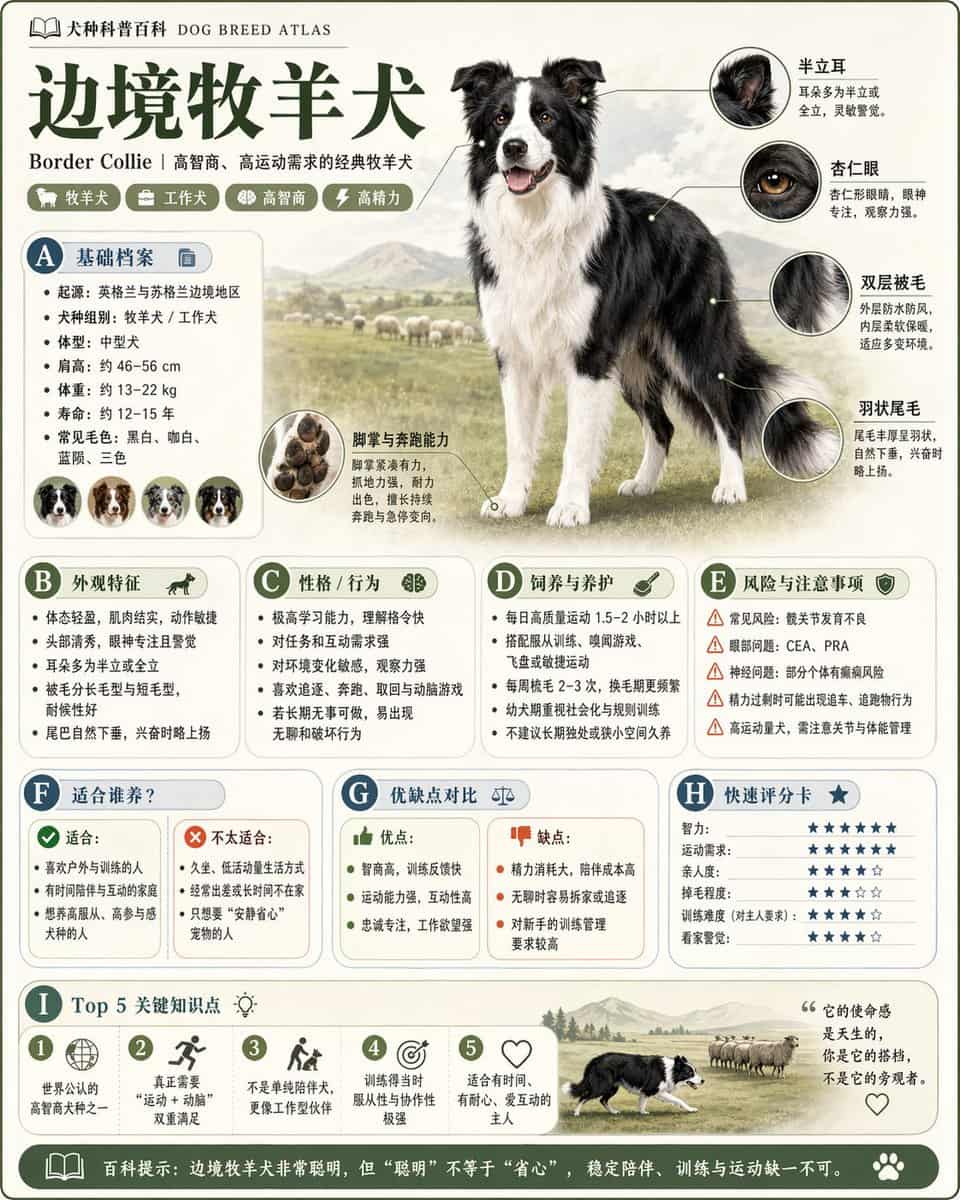
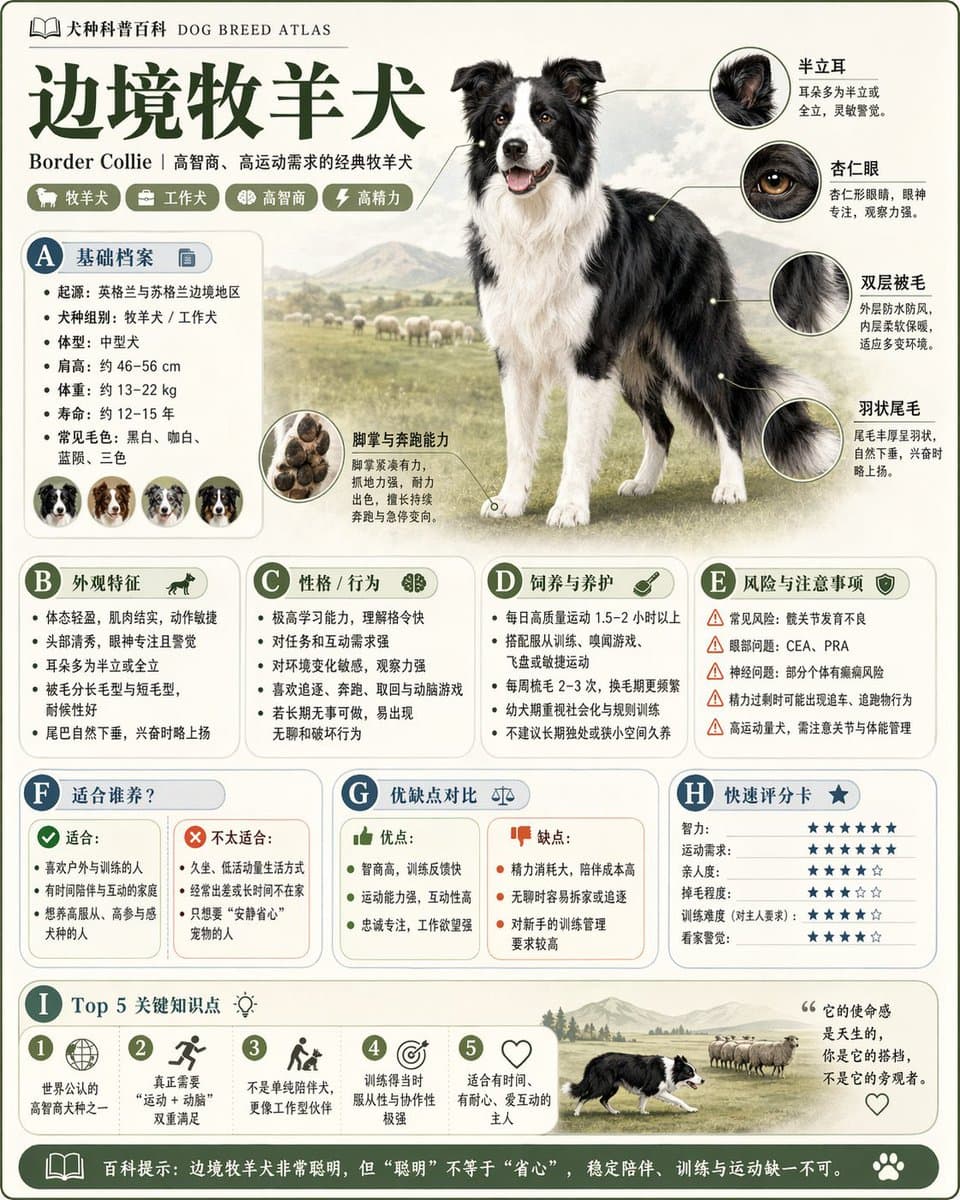
请根据【主题】生成一张高质量竖版「科普百科图」。 这张图不是普通海报,也不是单纯插画,而是一张兼具“图鉴感、百科感、信息结构感、收藏感”的模块化科普信息图。整体风格参考高级博物图鉴、现代百科书页、生活方式知识卡和社交媒体高传播信息图的结合。 请让画面包含: - 一个清晰漂亮的主题主视觉 - 若干局部特征放大细节 - 多个圆角模块化信息分区 - 清楚的标题层级与重点标签 - 简洁但丰富的百科内容 - 可视化评分、要点总结或Top 5模块…
提示词
请根据【主题】生成一张高质量竖版「科普百科图」。 这张图不是普通海报,也不是单纯插画,而是一张兼具“图鉴感、百科感、信息结构感、收藏感”的模块化科普信息图。整体风格参考高级博物图鉴、现代百科书页、生活方式知识卡和社交媒体高传播信息图的结合。 请让画面包含: - 一个清晰漂亮的主题主视觉 - 若干局部特征放大细节 - 多个圆角模块化信息分区 - 清楚的标题层级与重点标签 - 简洁但丰富的百科内容 - 可视化评分、要点总结或Top 5模块 内容栏目请根据主题自动适配,优先从这些方向中选择并合理组合: 基础档案、分类信息、外观特征、习性/生态、形成机制/结构组成、生长或使用条件、养护或维护建议、风险与注意事项、适合人群或适用场景、优缺点对比、快速评分卡。 视觉要求: 浅色干净背景,柔和配色,轻阴影,精致小图标,圆角信息框,整洁排版,信息密度高但不拥挤,阅读体验好。整体必须像真正可以发布、阅读、收藏、系列化生产的科普百科卡,而不是广告图。 请不要做成普通商业宣传海报。要突出“知识整理 + 模块信息 + 图鉴式展示”的特征。
如何使用此提示
在生成之前阅读完整的 Theme Science Encyclopedia Card 提示并确定主题、风格、相机、灯光和构图要求。
将括号或参数式占位符替换为您的产品、角色、品牌、场景、调色板或宽高比要求。
打开 https://www.gptimagehub.com/zh-CN/generate?promptId=cmogwugew0043zpdyxuzop0qg,生成图像,然后根据需要使用更具体的主题、文本、布局或负面约束来优化提示。
提示常见问题解答
Theme Science Encyclopedia Card 提示符最适合用来做什么?
此提示最适用于您需要可重用结构、详细视觉方向和一致输出质量的 海报与插画 图像。
我可以在生成之前编辑提示吗?
是的。完整的提示文本在此页面上可见,因此您可以在生成之前更改主题、产品名称、颜色、构图、相机术语、长宽比和样式注释。
出现此提示时我应该使用哪种型号?
使用提示元数据中显示的模型作为默认起点。如果另一个图像模型支持相同的宽高比和指令风格,您可以调整提示并比较结果。