
Anime Martial Arts Battle Illustration
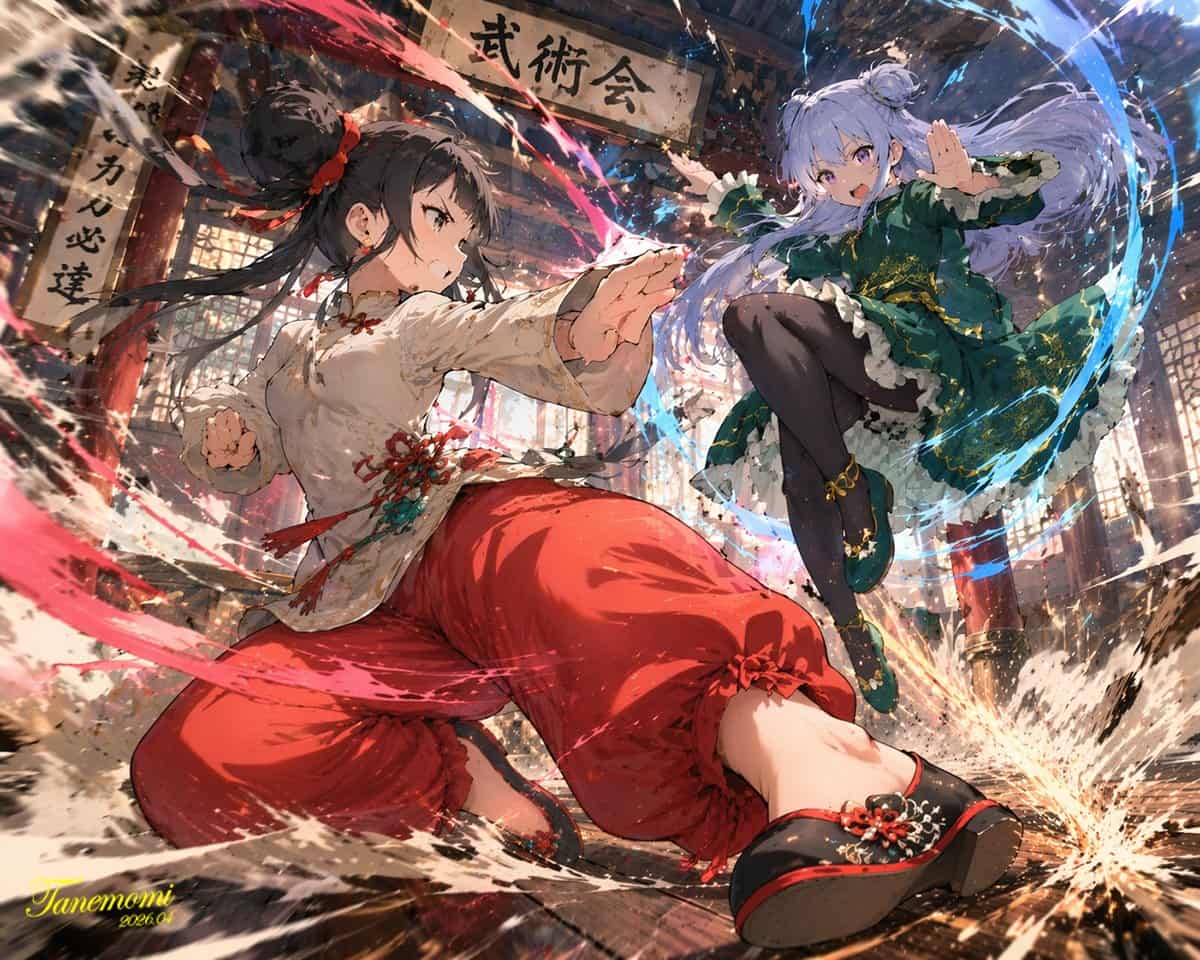
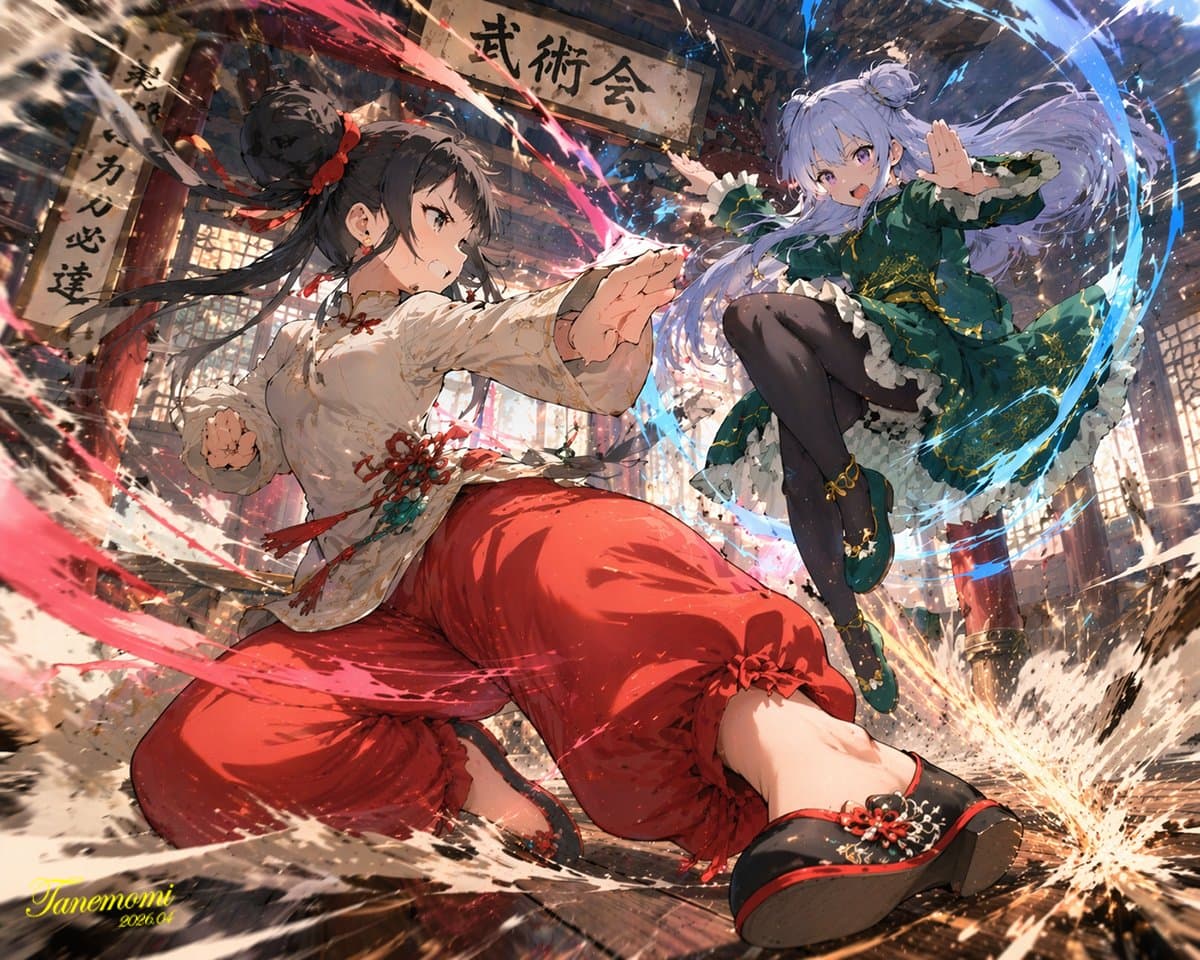
An anime-style illustration of a {argument name="action type" default="high-impact martial arts battle"} between two young female fighters in a {argument name="setting" default="traditional wooden martial arts dojo"}. I…
提示词
An anime-style illustration of a {argument name="action type" default="high-impact martial arts battle"} between two young female fighters in a {argument name="setting" default="traditional wooden martial arts dojo"}. In the foreground, a girl with black hair in a high bun wears a {argument name="character 1 color theme" default="red and white"} Chinese-style martial arts outfit with baggy pants. She is in a dynamic, low, forward-thrusting stance, surrounded by swirling red energy and water splashes. In the background to the right, a girl with light purple hair in twin buns wears a {argument name="character 2 color theme" default="green and purple"} Chinese dress with gold embroidery and black tights. She is leaping through the air in a flying kick pose, surrounded by swirling blue energy. The wooden floorboards are splintering from the intense impact, with debris and dust flying through the air. Above them hangs a weathered wooden sign with the text "{argument name="sign text" default="武術会"}". The scene features dramatic lighting, a low-angle dynamic perspective, and intense action effects.
如何使用此提示
在生成之前阅读完整的 Anime Martial Arts Battle Illustration 提示并确定主题、风格、相机、灯光和构图要求。
将括号或参数式占位符替换为您的产品、角色、品牌、场景、调色板或宽高比要求。
打开 https://www.gptimagehub.com/zh-CN/generate?promptId=cmogwy0pn009jzpdymbkmynpv,生成图像,然后根据需要使用更具体的主题、文本、布局或负面约束来优化提示。
提示常见问题解答
Anime Martial Arts Battle Illustration 提示符最适合用来做什么?
此提示最适用于您需要可重用结构、详细视觉方向和一致输出质量的 海报与插画 图像。
我可以在生成之前编辑提示吗?
是的。完整的提示文本在此页面上可见,因此您可以在生成之前更改主题、产品名称、颜色、构图、相机术语、长宽比和样式注释。
出现此提示时我应该使用哪种型号?
使用提示元数据中显示的模型作为默认起点。如果另一个图像模型支持相同的宽高比和指令风格,您可以调整提示并比较结果。