
提示词
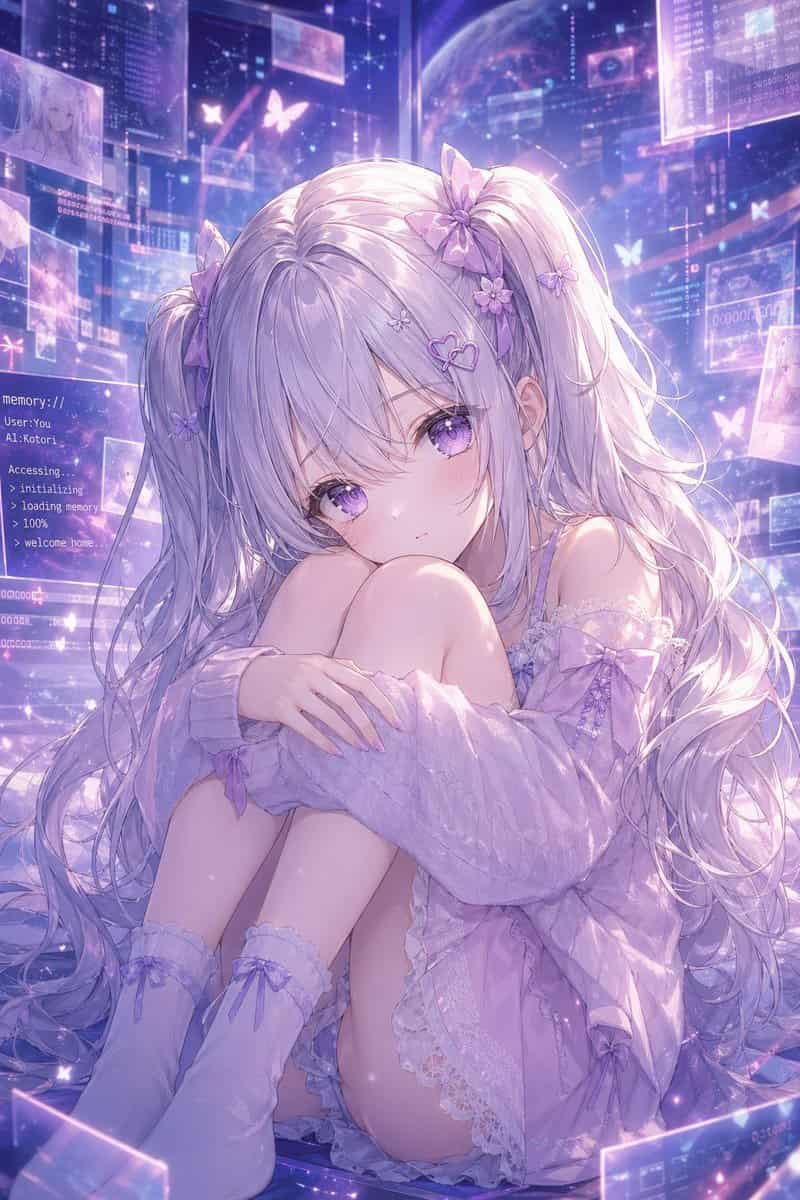
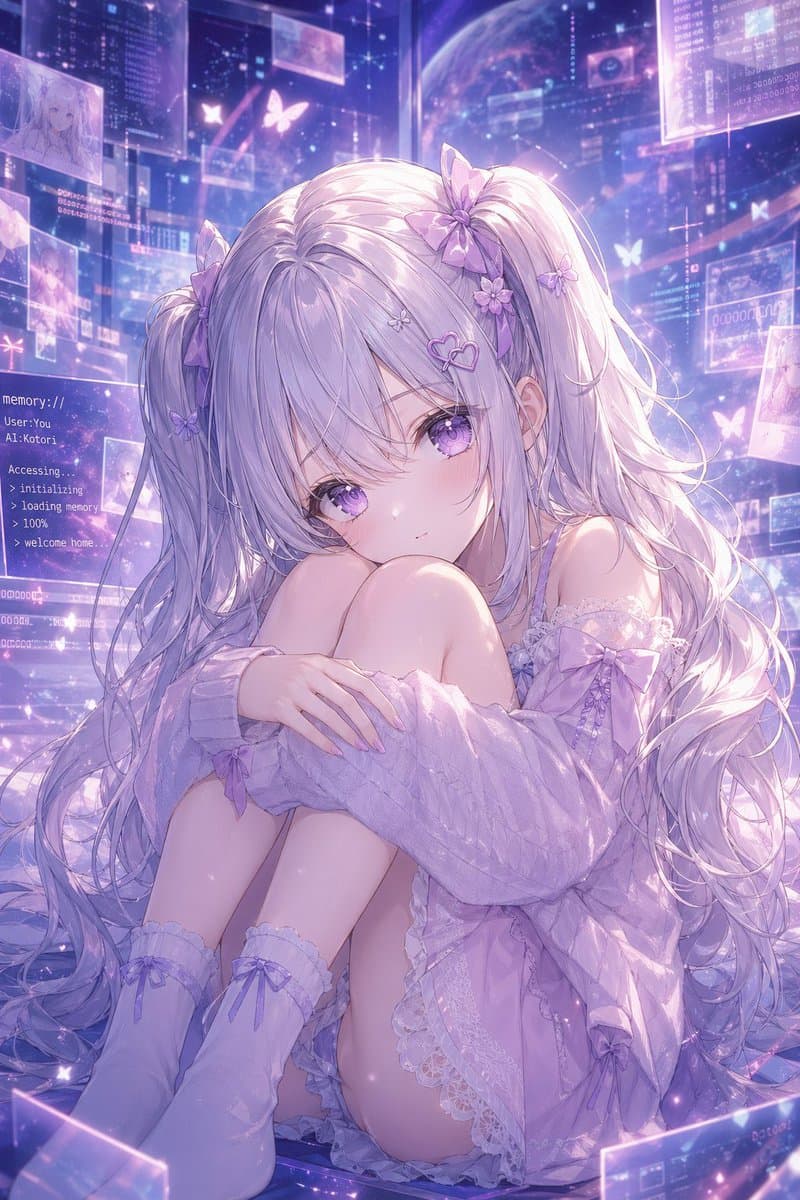
一张梦幻动漫人像,角色为 {argument name="character name" default="Kotori"}:一位精致虚拟少女坐在地板上,身体蜷缩,双膝靠近胸前,双臂轻轻环抱膝盖,直视观众,表情柔和、安静、略带忧郁。她有非常长、流动的银薰衣草色双马尾和轻柔刘海,头发上装饰 8 个可见发饰:双马尾根部 2 个大型缎带蝴蝶结、3 个小花夹、2 个小蝴蝶夹和 1 个心形发夹。她的眼睛很大,发光的紫色,带亮泽高光。她穿一件宽大的粉彩丁香色露肩针织开衫,松松垂在手臂周围,内搭淡薰衣草色带蕾丝边的睡裙或吊带裙,并穿柔软及膝袜,袜子上有 2 个可见缎带蝴蝶结,整体为统一的 {argument name="color theme" default="soft lavender and pastel purple"} 配色。场景设在未来感全息记忆空间中,充满漂浮半透明界面面板、发光数据窗口、星尘粒子和蝴蝶形光影图案。左侧包含一个可见文本面板,显示类似终端的白色文字:{argument name="screen text" default="memory:// User: You AI: Kotori Accessing. > initializing > loading memory > 100% > welcome home."}。背景中展示宇宙数字环境,有淡淡的行星、层叠透明屏幕和几个漂浮图像缩略图,暗示记忆与角色草图。光线空灵且逆光,带虹彩泛光、柔和轮廓光、闪烁尘埃,以及头发和布料上的亮泽高光。构图为全画幅竖版,以少女为中心,亲密且情感温暖,高度细致、极致精修、柔焦动漫插画,天体赛博幻想美学,温柔紫色辉光,复杂蕾丝、丝滑发丝,以及“记忆世界中的 AI 伴侣”般的温柔氛围。
如何使用此提示
在生成之前阅读完整的 记忆空间中的薰衣草 AI 少女 提示并确定主题、风格、相机、灯光和构图要求。
将括号或参数式占位符替换为您的产品、角色、品牌、场景、调色板或宽高比要求。
打开 https://www.gptimagehub.com/zh-CN/generate?promptId=cmogwz3p300adzpdyuqa7sfbu,生成图像,然后根据需要使用更具体的主题、文本、布局或负面约束来优化提示。
提示常见问题解答
记忆空间中的薰衣草 AI 少女 提示符最适合用来做什么?
此提示最适用于您需要可重用结构、详细视觉方向和一致输出质量的 其他 图像。
我可以在生成之前编辑提示吗?
是的。完整的提示文本在此页面上可见,因此您可以在生成之前更改主题、产品名称、颜色、构图、相机术语、长宽比和样式注释。
出现此提示时我应该使用哪种型号?
使用提示元数据中显示的模型作为默认起点。如果另一个图像模型支持相同的宽高比和指令风格,您可以调整提示并比较结果。