
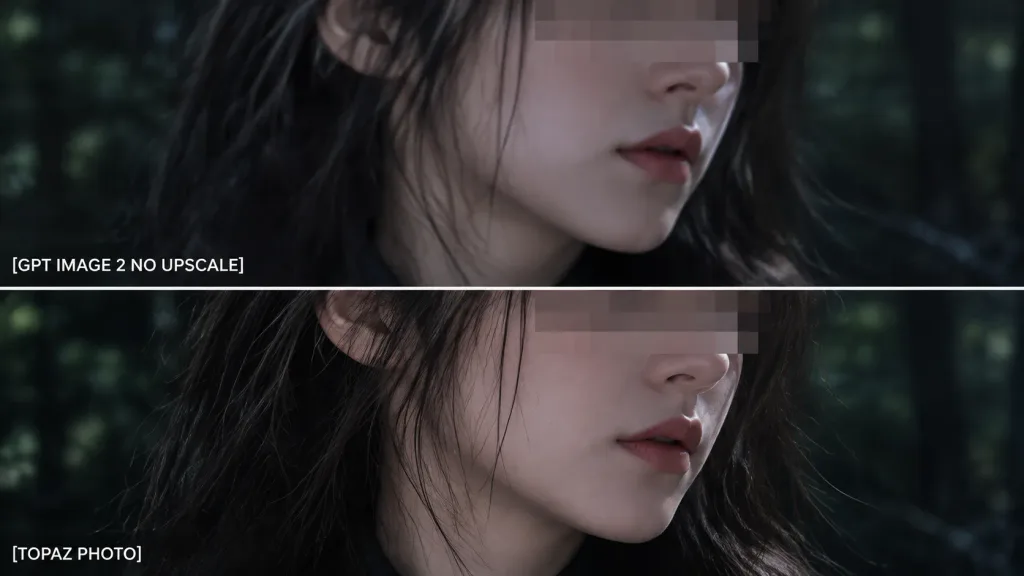
Two-Panel Quality Comparison Zoom Crop
Generates a close-up zoomed view of a two-panel comparison with custom labels. Customize the text labels and background edge details to match your evaluation tests.
Prompt
Using the reference photo as the source image, create an extreme zoom-in crop for a detail-comparison view: - Composition: Two stacked horizontal comparison panels separated by a clean divider line. Crop tightly around the subject's face, hair, jawline, and neck so the facial area occupies most of the frame, showing only slivers of the [forest background] along the edges. - Elements & Text: Preserve the existing anonymizing face blocks. Display exactly two white text labels on the left: "[GPT IMAGE 2 NO UPSCALE]" in the upper panel and "[TOPAZ PHOTO]" in the lower panel. - Lighting & Style: Retain the dark cinematic lighting, authentic colors, and side-by-side sharpness differences. - Constraints: Do not add new objects, modify the subject, or add extra text.
What you can customize
Swap these parts of the prompt for your own subject or wording before you generate.
[forest background]placeholder[GPT IMAGE 2 NO UPSCALE]placeholder[TOPAZ PHOTO]placeholder
Prompt details
- Category
- Infographic / Education
- Model
- GPT IMAGE 2
- Cost per image
- 1K: 43 credits · 2K: 86 credits · 4K: 143 credits
- Aspect ratio
- 16:9
- Added