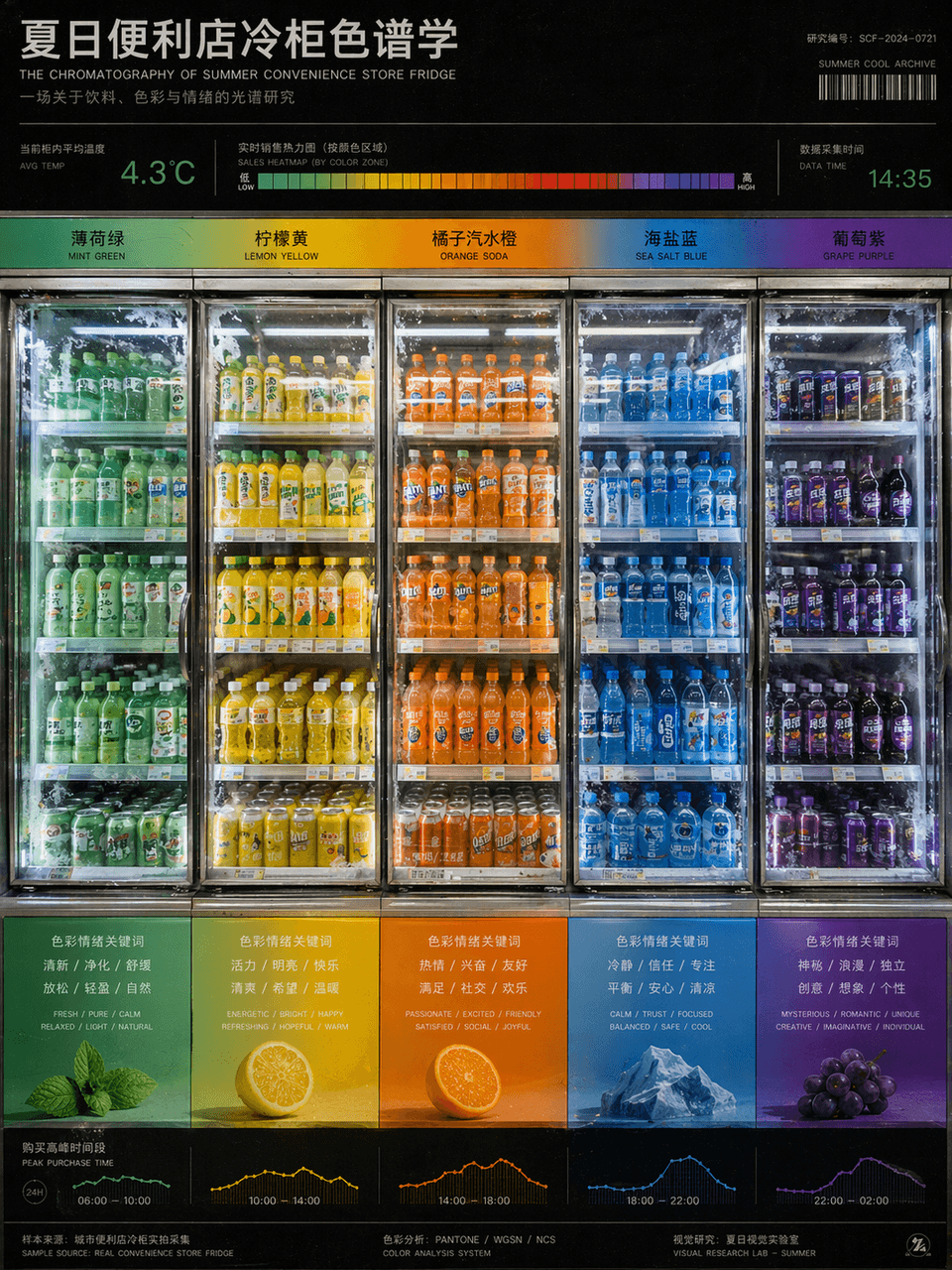
Summer convenience store freezer chromatography
Creates a color-coded convenience store refrigerator infographic analyzing beverage packaging, useful for graphic design posters and marketing concepts.
Prompt
"Summer Convenience Store Refrigerator Chromatography" is a fusion of product photography and color research charts. The refrigerators are arranged from left to right according to the gradient of beverage packaging colors, from mint green to lemon yellow, orange soda orange, sea salt blue, and grape purple. There are temperature readings and sales heat bars on the top, and the bottom corresponds to the emotional keywords and purchase time periods brought by each color. The picture looks like a design school color course poster, but the content comes from a real convenience store scene. The frosting details of the glass door and the reflection of fluorescent lights are very realistic, with a ratio of 3:4.
What you can customize
Swap these parts of the prompt for your own subject or wording before you generate.
“Summer Convenience Store Refrigerator Chromatography”quoted wording
Prompt details
- Category
- Infographic / Education
- Model
- GPT IMAGE 2
- Cost per image
- 1K: 43 credits · 2K: 86 credits · 4K: 143 credits
- Aspect ratio
- 1:1
- Added
- Updated