
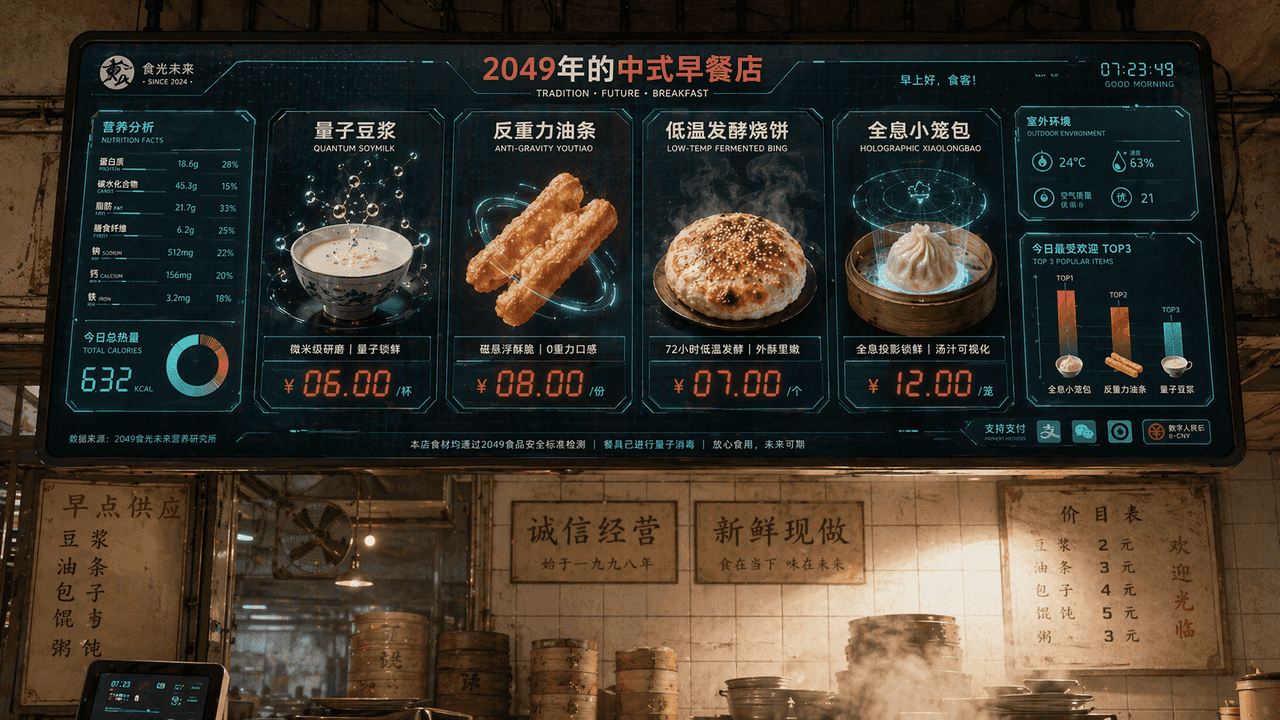
Chinese breakfast restaurant menu screen in 2049
"Chinese Breakfast Shop Menu Screen in 2049", the catering brand vision is integrated with the sci-fi screen interface. The main screen is a huge electronic ordering screen hanging above the shop. The dishes include "Qu…
Prompt
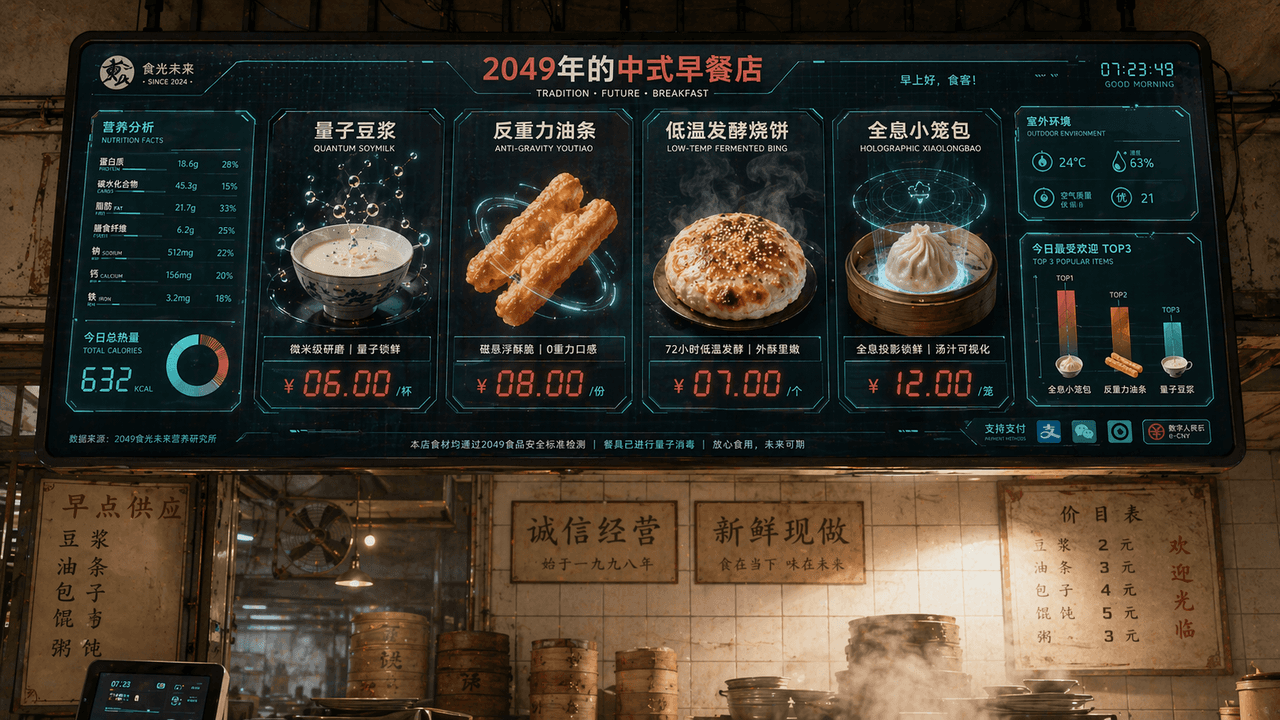
"Chinese Breakfast Shop Menu Screen in 2049", the catering brand vision is integrated with the sci-fi screen interface. The main screen is a huge electronic ordering screen hanging above the shop. The dishes include "Quantum Soy Milk", "Anti-Gravity Fritters", "Low-temperature Fermented Shaobing" and "Holographic Xiao Long Bao". Each dish is displayed with extremely exquisite food 3D renderings. The price tag uses red LED digital characters. On the left is a nutritional value and calorie information chart, and in the lower right corner is "Today's Most Popular TOP3" bar chart, the background retains the tiled wall of an old-fashioned breakfast shop and the real steam-filled environment, forming a collision between old and new. The color scheme is milk white, tomato red, and digital green, with a ratio of 16:9.
How to use this prompt
Read the complete Chinese breakfast restaurant menu screen in 2049 prompt and identify the subject, style, camera, lighting, and composition requirements before generating.
Replace bracketed or argument-style placeholders with your product, character, brand, scene, color palette, or aspect ratio requirements.
Open https://www.gptimagehub.com/generate?promptId=cmogxi55d00glxt5g4zgzwk75, generate the image, then refine the prompt with more specific subject, text, layout, or negative constraints if needed.
Prompt FAQ
What is the Chinese breakfast restaurant menu screen in 2049 prompt best used for?
This prompt is best used for other images where you want a reusable structure, detailed visual direction, and consistent output quality.
Can I edit the prompt before generating?
Yes. The full prompt text is visible on this page so you can change subjects, product names, colors, composition, camera terms, aspect ratio, and style notes before generation.
Which model should I use with this prompt?
Use the model shown in the prompt metadata as the default starting point. If another image model supports the same aspect ratio and instruction style, you can adapt the prompt and compare results.