发布海报 #22
海报与插画

发布海报 #22

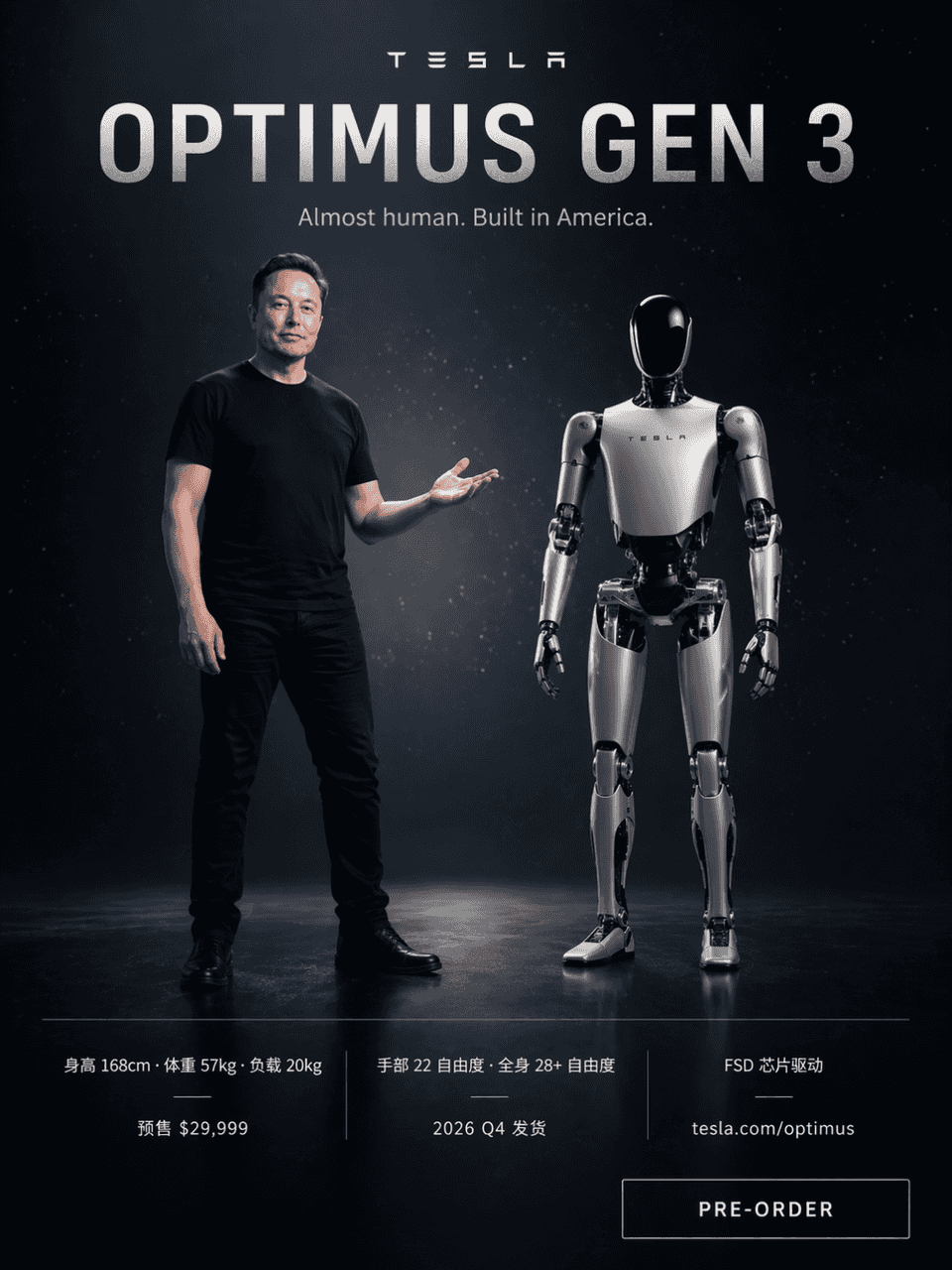
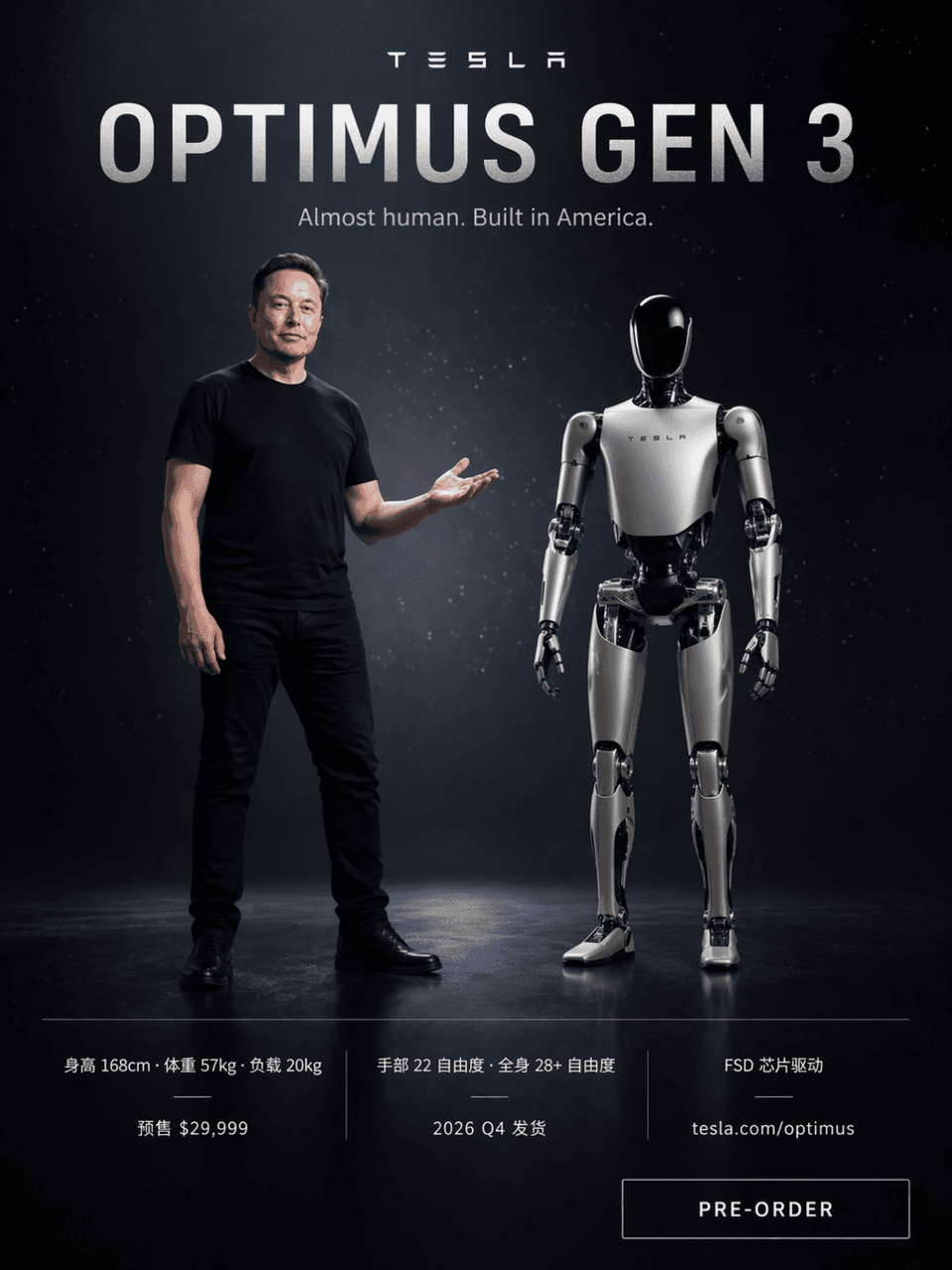
提示词画一张特斯拉风格的产品发布海报,深色科技感背景带星光粒子。Elon Musk 身穿黑色 T 恤站在画面左侧右手摊开示意,右侧一台银白色 Optimus Gen 3 人形机器人并肩而立,身高比例接近 168cm。顶部大字「OPTIMUS GEN 3」,副标题「Almost human. Built in America.」。下方三列参数对照「身高 168cm · 体重 57kg · 负载 20kg」「手部 22 自由度 · 全身…

提示词

提示词画一张特斯拉风格的产品发布海报,深色科技感背景带星光粒子。Elon Musk 身穿黑色 T 恤站在画面左侧右手摊开示意,右侧一台银白色 Optimus Gen 3 人形机器人并肩而立,身高比例接近 168cm。顶部大字「OPTIMUS GEN 3」,副标题「Almost human. Built in America.」。下方三列参数对照「身高 168cm · 体重 57kg · 负载 20kg」「手部 22 自由度 · 全身 28+ 自由度 · FSD 芯片驱动」「预售 $29,999 · 2026 Q4 发货 · tesla.com/optimus」。右下角一个「PRE-ORDER」按钮。

How to use this prompt

1
Review the full prompt

Read the complete 发布海报 #22 prompt and identify the subject, style, camera, lighting, and composition requirements before generating.

2
Customize variables

Replace bracketed or argument-style placeholders with your product, character, brand, scene, color palette, or aspect ratio requirements.

3
Generate and iterate

Open https://www.gptimagehub.com/zh-CN/generate?promptId=cmogxow2g00ozxt5gruedqbvs, generate the image, then refine the prompt with more specific subject, text, layout, or negative constraints if needed.

Prompt FAQ

What is the 发布海报 #22 prompt best used for?

This prompt is best used for 海报与插画 images where you want a reusable structure, detailed visual direction, and consistent output quality.

Can I edit the prompt before generating?

Yes. The full prompt text is visible on this page so you can change subjects, product names, colors, composition, camera terms, aspect ratio, and style notes before generation.

Which model should I use with this prompt?

Use the model shown in the prompt metadata as the default starting point. If another image model supports the same aspect ratio and instruction style, you can adapt the prompt and compare results.

其他模板