Ink-Curve Guangzhou Aesthetics Poster
海报与插画

Ink-Curve Guangzhou Aesthetics Poster

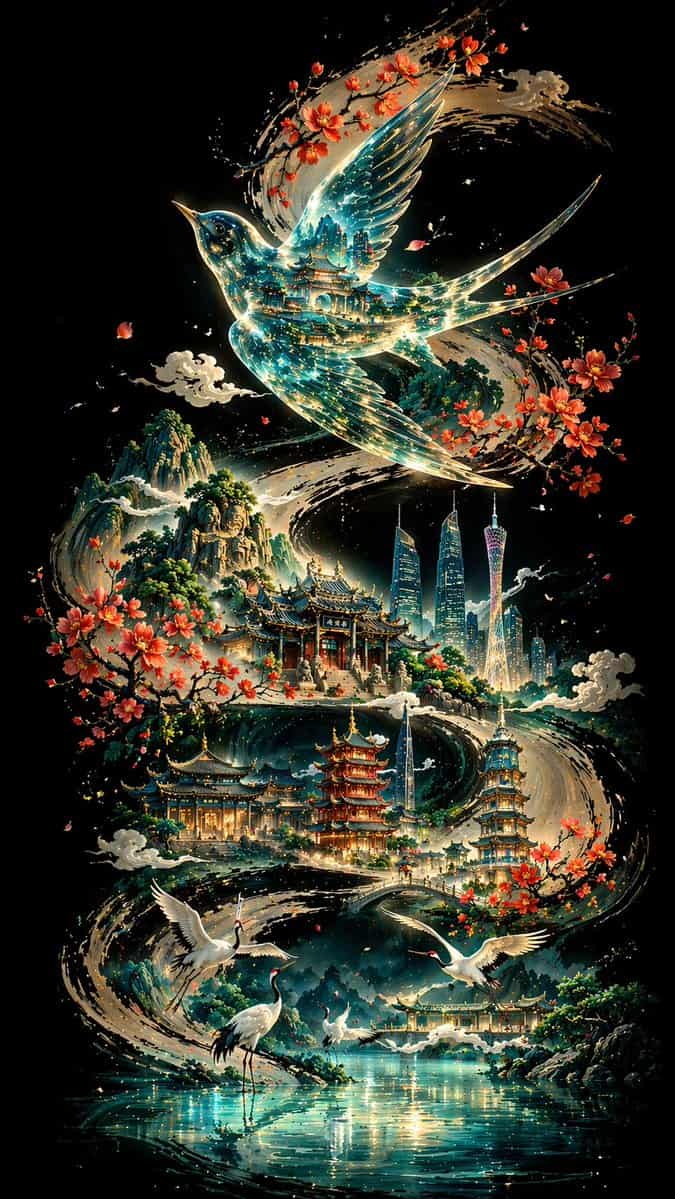
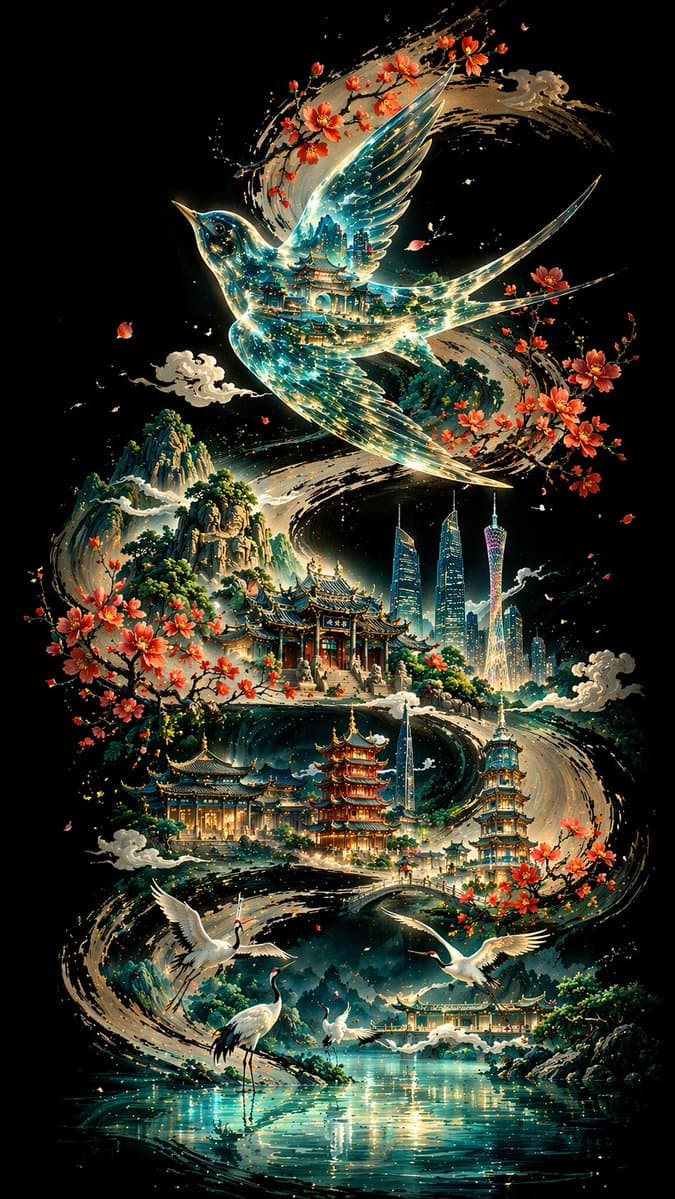
纯黑深邃底色,一条粗壮有力的墨色书法 S 型曲线自画面一端蜿蜒贯穿至另一端,构成整幅画面的视觉骨架与叙事动线。曲线上方是一只透明质感的画眉鸟,内部映射传统建筑叠影与蓝绿色光流;沿曲线错落分布广州地标与古典建筑序列,前景有白鹤与湖面,远景为层叠山峦。整体采用非线性透视、冷色调主导、暖色点缀,东方美学与现代意象交融,8K 超高清渲染,比例 9:16。

提示词

纯黑深邃底色,一条粗壮有力的墨色书法 S 型曲线自画面一端蜿蜒贯穿至另一端,构成整幅画面的视觉骨架与叙事动线。曲线上方是一只透明质感的画眉鸟,内部映射传统建筑叠影与蓝绿色光流;沿曲线错落分布广州地标与古典建筑序列,前景有白鹤与湖面,远景为层叠山峦。整体采用非线性透视、冷色调主导、暖色点缀,东方美学与现代意象交融,8K 超高清渲染,比例 9:16。

How to use this prompt

1
Review the full prompt

Read the complete Ink-Curve Guangzhou Aesthetics Poster prompt and identify the subject, style, camera, lighting, and composition requirements before generating.

2
Customize variables

Replace bracketed or argument-style placeholders with your product, character, brand, scene, color palette, or aspect ratio requirements.

3
Generate and iterate

Open https://www.gptimagehub.com/zh-CN/generate?promptId=cmogwt3ay002pzpdylv1w56np, generate the image, then refine the prompt with more specific subject, text, layout, or negative constraints if needed.

Prompt FAQ

What is the Ink-Curve Guangzhou Aesthetics Poster prompt best used for?

This prompt is best used for 海报与插画 images where you want a reusable structure, detailed visual direction, and consistent output quality.

Can I edit the prompt before generating?

Yes. The full prompt text is visible on this page so you can change subjects, product names, colors, composition, camera terms, aspect ratio, and style notes before generation.

Which model should I use with this prompt?

Use the model shown in the prompt metadata as the default starting point. If another image model supports the same aspect ratio and instruction style, you can adapt the prompt and compare results.

其他模板