
超现实巴洛克绘画现实裂缝
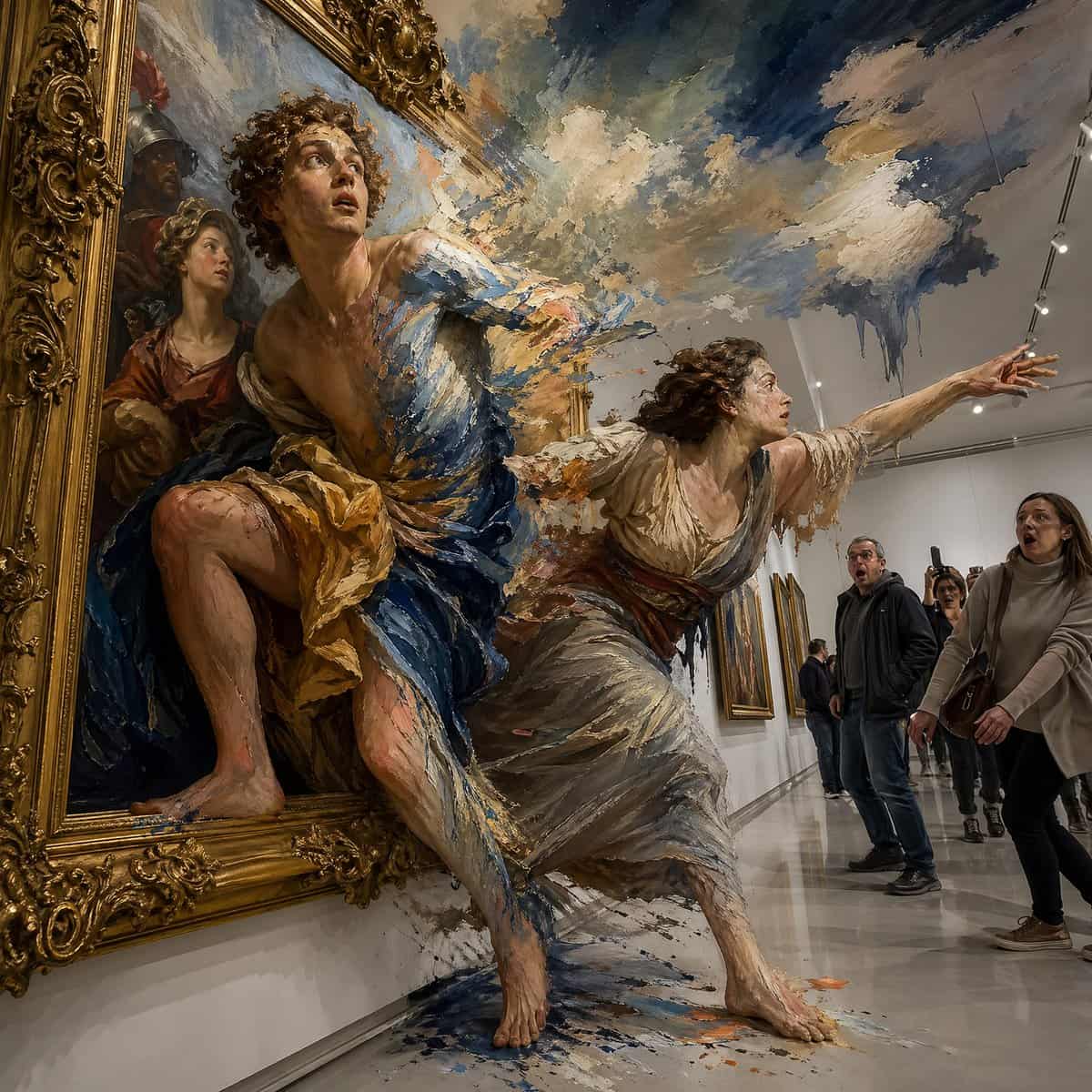
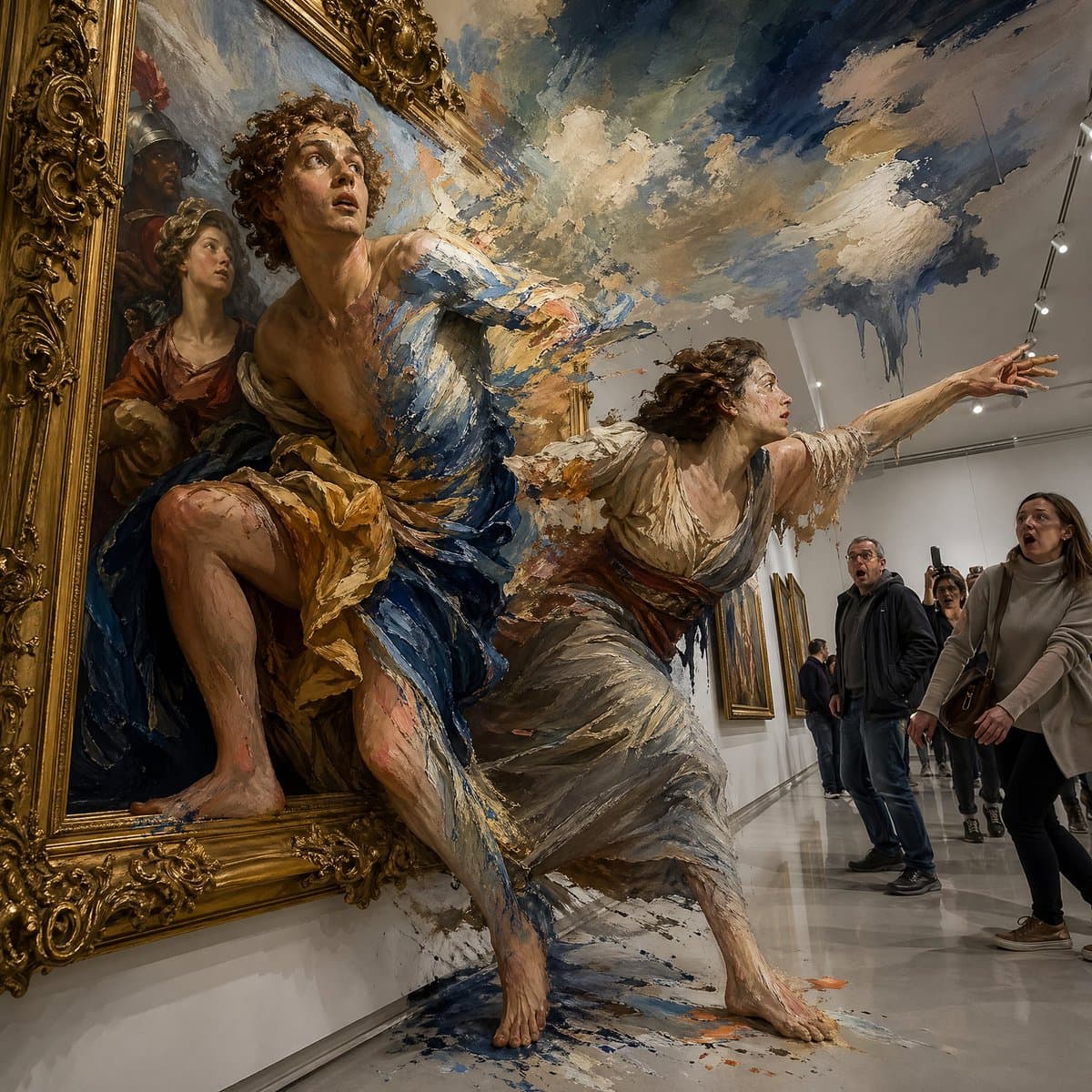
一幅 {argument name="painting style" default="baroque oil painting"} 活了过来:画中人物从镀金画框中爬出,进入 {argument name="setting" default="modern white gallery"}。他们一半身体仍是扁平 2D 绘画,一半变成具有体积感的 3D 真人,皮肤上可见笔触;画作背景中的水彩云朵渗入画廊天花板,博物馆参观者震惊定格,超高细…
提示词
一幅 {argument name="painting style" default="baroque oil painting"} 活了过来:画中人物从镀金画框中爬出,进入 {argument name="setting" default="modern white gallery"}。他们一半身体仍是扁平 2D 绘画,一半变成具有体积感的 3D 真人,皮肤上可见笔触;画作背景中的水彩云朵渗入画廊天花板,博物馆参观者震惊定格,超高细节,{argument name="artist influence" default="René Magritte meets Pixar"},现实在每个边界处碎裂。
如何使用此提示
在生成之前阅读完整的 超现实巴洛克绘画现实裂缝 提示并确定主题、风格、相机、灯光和构图要求。
将括号或参数式占位符替换为您的产品、角色、品牌、场景、调色板或宽高比要求。
打开 https://www.gptimagehub.com/zh-CN/generate?promptId=cmogx42js00e7zpdyy4af51z2,生成图像,然后根据需要使用更具体的主题、文本、布局或负面约束来优化提示。
提示常见问题解答
超现实巴洛克绘画现实裂缝 提示符最适合用来做什么?
此提示最适用于您需要可重用结构、详细视觉方向和一致输出质量的 其他 图像。
我可以在生成之前编辑提示吗?
是的。完整的提示文本在此页面上可见,因此您可以在生成之前更改主题、产品名称、颜色、构图、相机术语、长宽比和样式注释。
出现此提示时我应该使用哪种型号?
使用提示元数据中显示的模型作为默认起点。如果另一个图像模型支持相同的宽高比和指令风格,您可以调整提示并比较结果。