
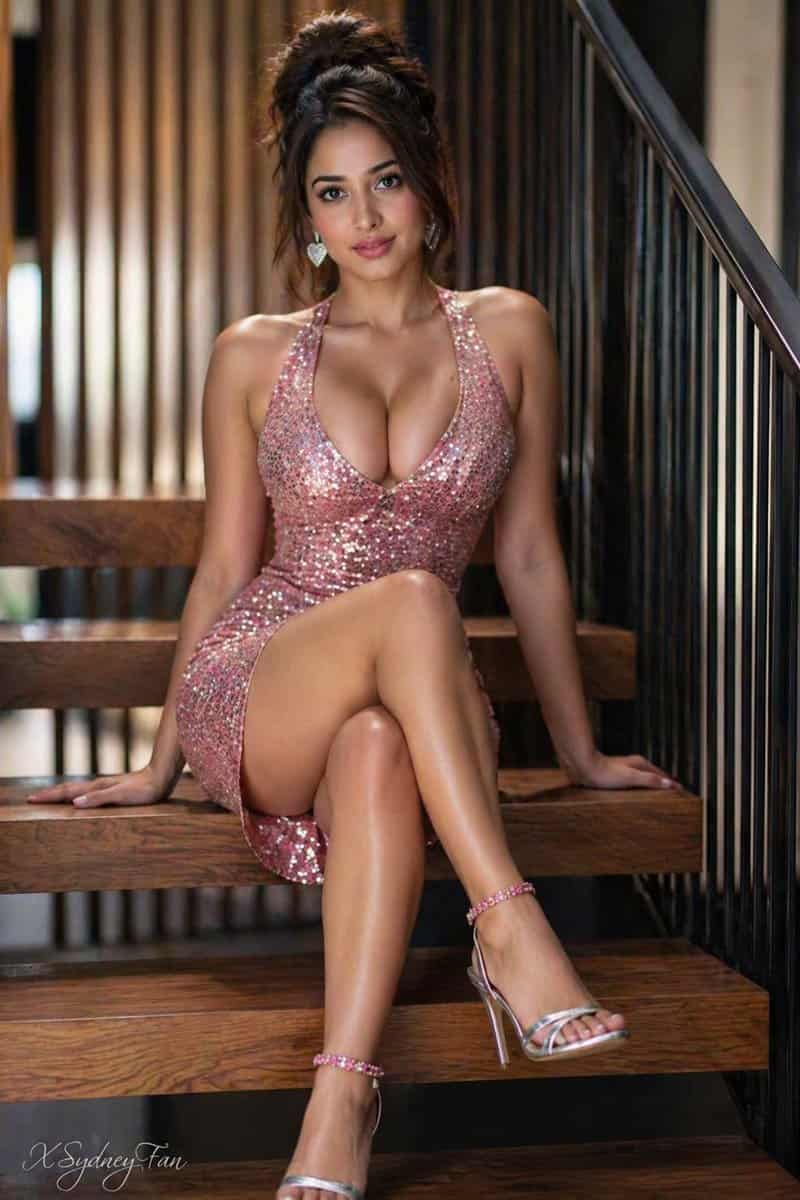
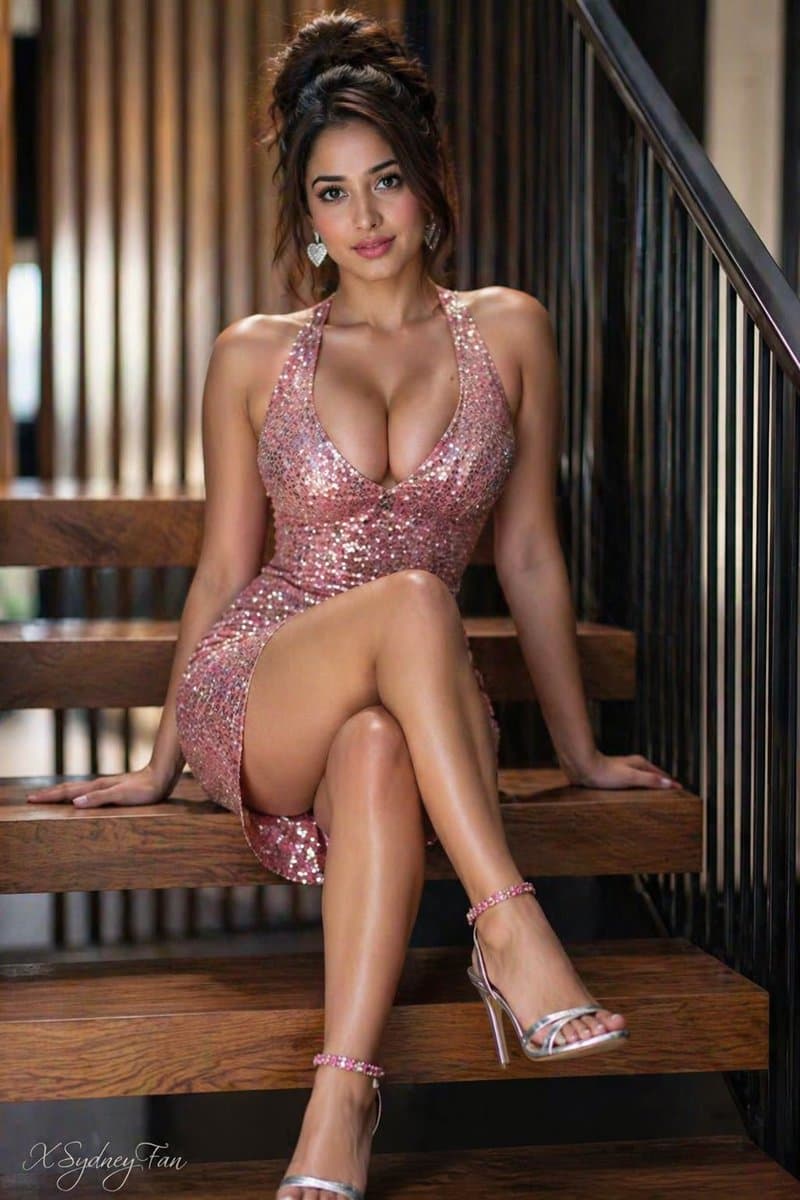
楼梯上的亮片裙年轻女性
竖版 2:3 格式。{argument name="subject" default="Young woman"} 头发为凌乱盘发,坐在现代木质楼梯上。穿着 {argument name="dress" default="shimmering Silver halter dress sequin dress"},搭配银色高跟凉鞋。双腿交叉。银色爱心耳环。每只脚踝各戴一个紫红色手镯。表情妩媚,嘴唇微张。背景为虚化的竖向木条和黑色金属栏杆…
提示词
竖版 2:3 格式。{argument name="subject" default="Young woman"} 头发为凌乱盘发,坐在现代木质楼梯上。穿着 {argument name="dress" default="shimmering Silver halter dress sequin dress"},搭配银色高跟凉鞋。双腿交叉。银色爱心耳环。每只脚踝各戴一个紫红色手镯。表情妩媚,嘴唇微张。背景为虚化的竖向木条和黑色金属栏杆。不要改变脸。
如何使用此提示
在生成之前阅读完整的 楼梯上的亮片裙年轻女性 提示并确定主题、风格、相机、灯光和构图要求。
将括号或参数式占位符替换为您的产品、角色、品牌、场景、调色板或宽高比要求。
打开 https://www.gptimagehub.com/zh-CN/generate?promptId=cmogwykue009zzpdysn1i2aar,生成图像,然后根据需要使用更具体的主题、文本、布局或负面约束来优化提示。
提示常见问题解答
楼梯上的亮片裙年轻女性 提示符最适合用来做什么?
此提示最适用于您需要可重用结构、详细视觉方向和一致输出质量的 ui / ux 设计 图像。
我可以在生成之前编辑提示吗?
是的。完整的提示文本在此页面上可见,因此您可以在生成之前更改主题、产品名称、颜色、构图、相机术语、长宽比和样式注释。
出现此提示时我应该使用哪种型号?
使用提示元数据中显示的模型作为默认起点。如果另一个图像模型支持相同的宽高比和指令风格,您可以调整提示并比较结果。