
提示词
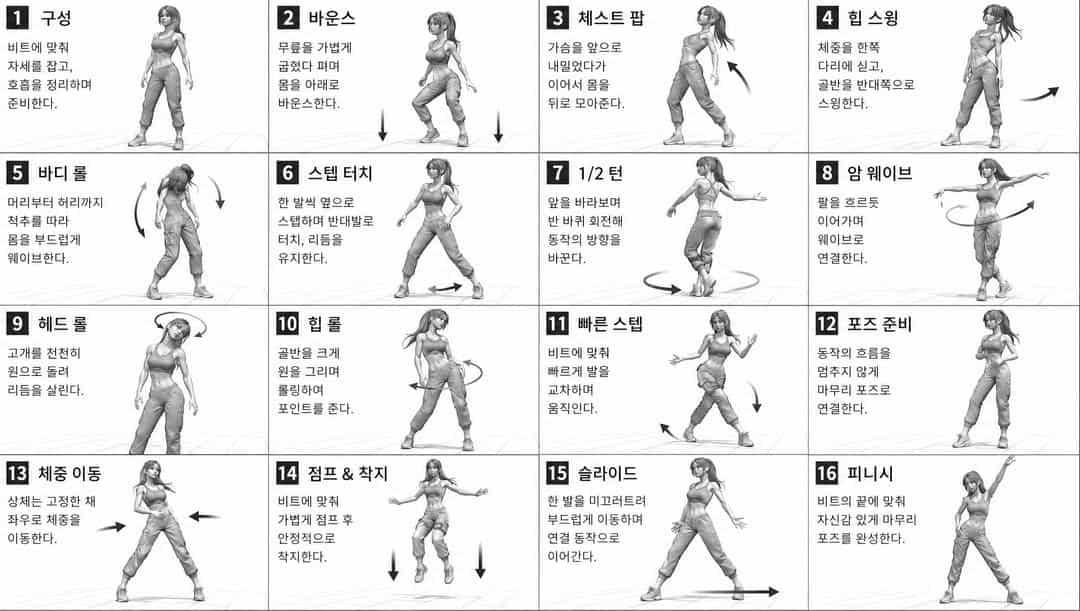
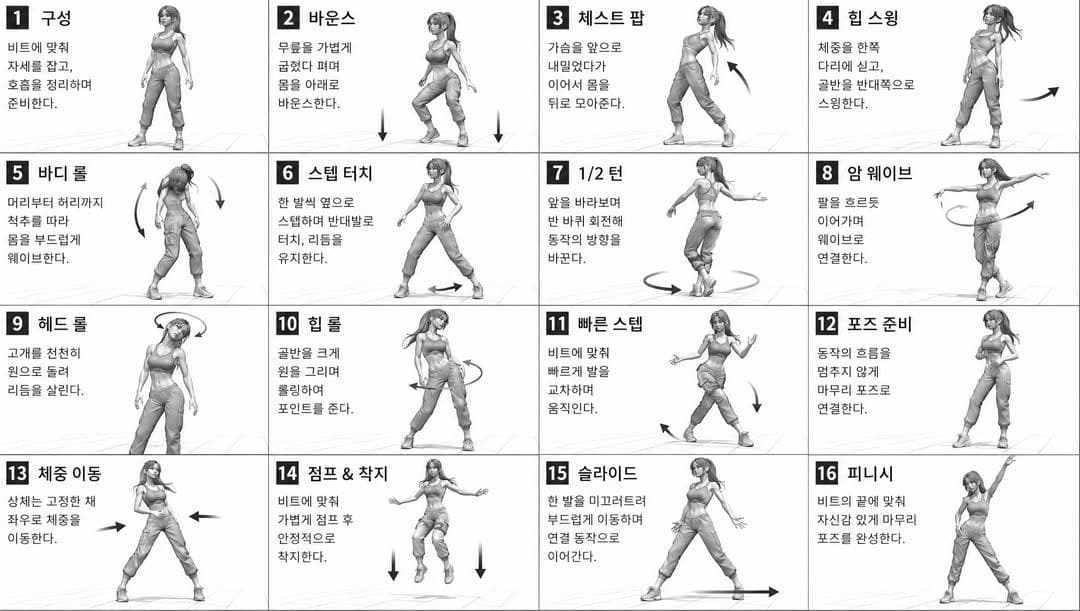
[风格] 单色灰阶插画,3D 渲染角色,干净的教学参考表,白色背景,漫画风分格版式,技术图解美学 [版式] 4x4 网格布局,共 16 个面板,每个面板用细黑色边框分隔,格子从 1 到 16 编号,面板尺寸保持一致 [角色] {argument name="character" default="年轻女舞者,运动型身材,马尾发型,短款上衣和宽松裤,运动鞋"},所有面板中都是同一角色 [单格结构] 左上:粗体数字徽章 + {argument name="title" default="韩文标题文本"} 中央:全身角色姿势插画 左下:{argument name="description" default="韩文说明文本(3-4 行)"} 叠加:显示动作方向的方向箭头 [箭头 / 动作指示] 弯曲箭头、直线箭头、圆形旋转指示器,放置在角色周围,用于表现动作流向和方向 [渲染风格] 高细节 3D 雕塑风,柔和影棚布光,轻微阴影,只有灰阶无彩色,干净线条,游戏概念艺术质量 [负面要求] 无背景场景,无彩色调,无额外角色,无杂乱背景
如何使用此提示
在生成之前阅读完整的 舞蹈动作参考表 提示并确定主题、风格、相机、灯光和构图要求。
将括号或参数式占位符替换为您的产品、角色、品牌、场景、调色板或宽高比要求。
打开 https://www.gptimagehub.com/zh-CN/generate?promptId=cmogx1ysw00cjzpdymc01ga6i,生成图像,然后根据需要使用更具体的主题、文本、布局或负面约束来优化提示。
提示常见问题解答
舞蹈动作参考表 提示符最适合用来做什么?
此提示最适用于您需要可重用结构、详细视觉方向和一致输出质量的 logo 与品牌 图像。
我可以在生成之前编辑提示吗?
是的。完整的提示文本在此页面上可见,因此您可以在生成之前更改主题、产品名称、颜色、构图、相机术语、长宽比和样式注释。
出现此提示时我应该使用哪种型号?
使用提示元数据中显示的模型作为默认起点。如果另一个图像模型支持相同的宽高比和指令风格,您可以调整提示并比较结果。