工业设计展示板
产品与电商

工业设计展示板

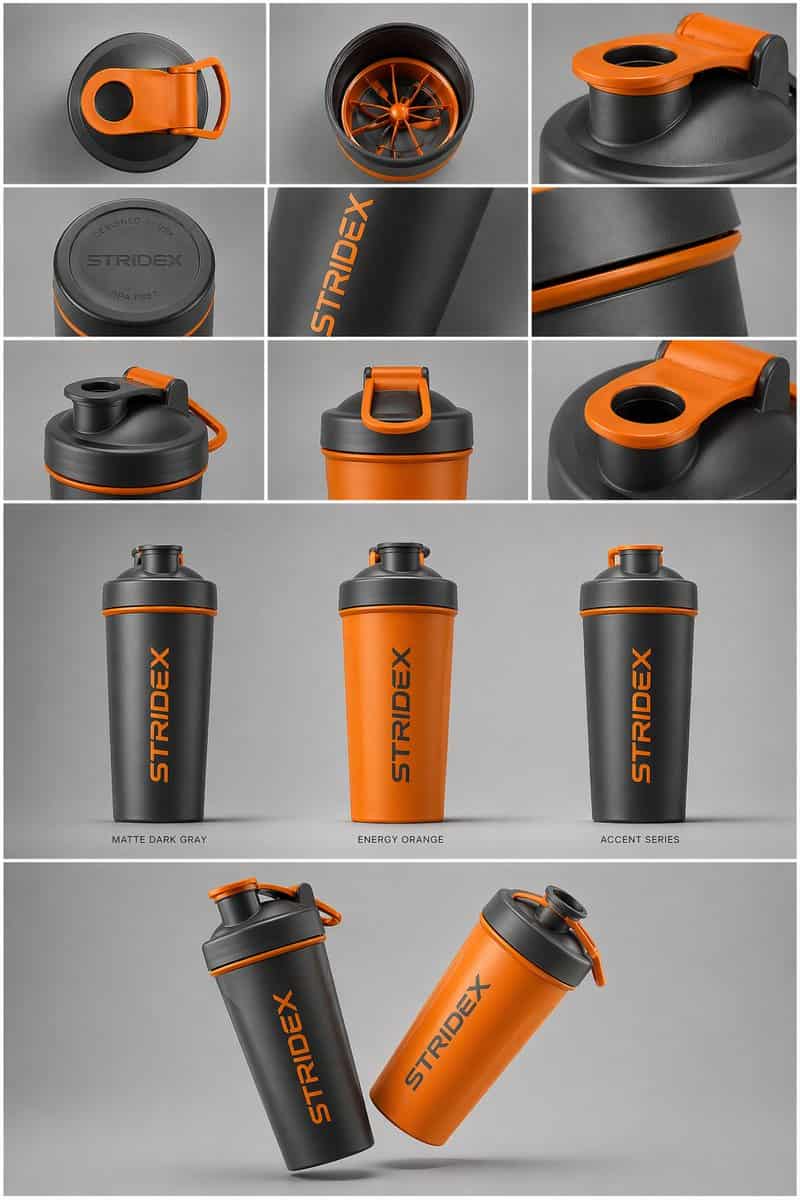
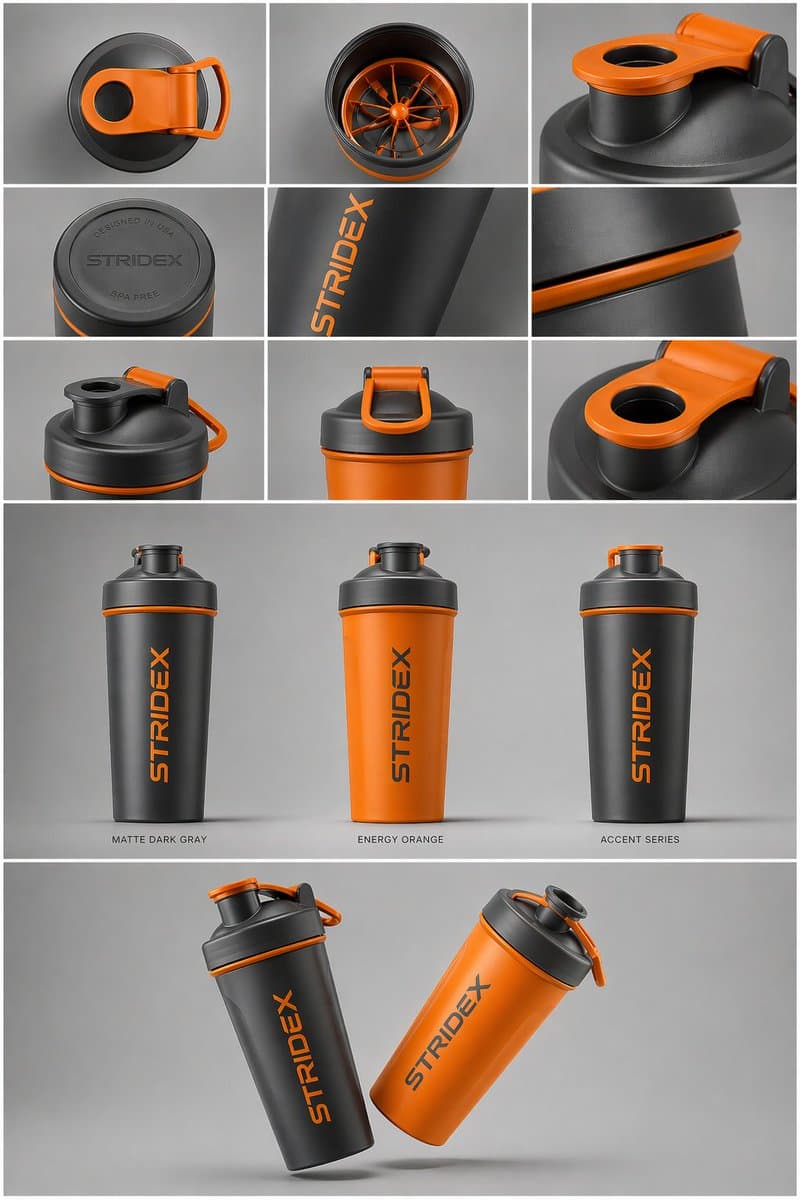
核心主体:[{argument name="reference" default="使用上传图片"},保持细节、字体排版和结构 100% 锁定] 版式与构图:一张 {argument name="presentation type" default="专业工业设计展示板"}。图像应组织为干净的网格系统。 顶部行:3x3 布局,展示俯视平铺视图和材料近距离微距细节。 中部区域:三张产品直立的主视觉图,展示不同配色(哑光黑、北极白和带强调…

提示词

核心主体:[{argument name="reference" default="使用上传图片"},保持细节、字体排版和结构 100% 锁定] 版式与构图:一张 {argument name="presentation type" default="专业工业设计展示板"}。图像应组织为干净的网格系统。 顶部行:3x3 布局,展示俯视平铺视图和材料近距离微距细节。 中部区域:三张产品直立的主视觉图,展示不同配色(哑光黑、北极白和带强调色的变体)。产品应略微倾斜,以展示深度和形态。 底部区域:动态“漂浮”构图,展示两个产品以相反角度重叠,同时呈现正面和侧面轮廓。 环境与灯光:置于极简中性影棚灰背景。柔和顶部光,带写实接触阴影。高级产品摄影美学。 风格与完成度:哑光纹理、干净剪影、锐利边缘。在产品表面预留指定空白区域用于“Placeholder Branding”和“Graphic Mockups”。4k 分辨率,Unreal Engine 5 渲染风格,超写实,干净美学。

How to use this prompt

1
Review the full prompt

Read the complete 工业设计展示板 prompt and identify the subject, style, camera, lighting, and composition requirements before generating.

2
Customize variables

Replace bracketed or argument-style placeholders with your product, character, brand, scene, color palette, or aspect ratio requirements.

3
Generate and iterate

Open https://www.gptimagehub.com/zh-CN/generate?promptId=cmogx6d9r00fzzpdyd2l77n5e, generate the image, then refine the prompt with more specific subject, text, layout, or negative constraints if needed.

Prompt FAQ

What is the 工业设计展示板 prompt best used for?

This prompt is best used for 产品与电商 images where you want a reusable structure, detailed visual direction, and consistent output quality.

Can I edit the prompt before generating?

Yes. The full prompt text is visible on this page so you can change subjects, product names, colors, composition, camera terms, aspect ratio, and style notes before generation.

Which model should I use with this prompt?

Use the model shown in the prompt metadata as the default starting point. If another image model supports the same aspect ratio and instruction style, you can adapt the prompt and compare results.

其他模板