
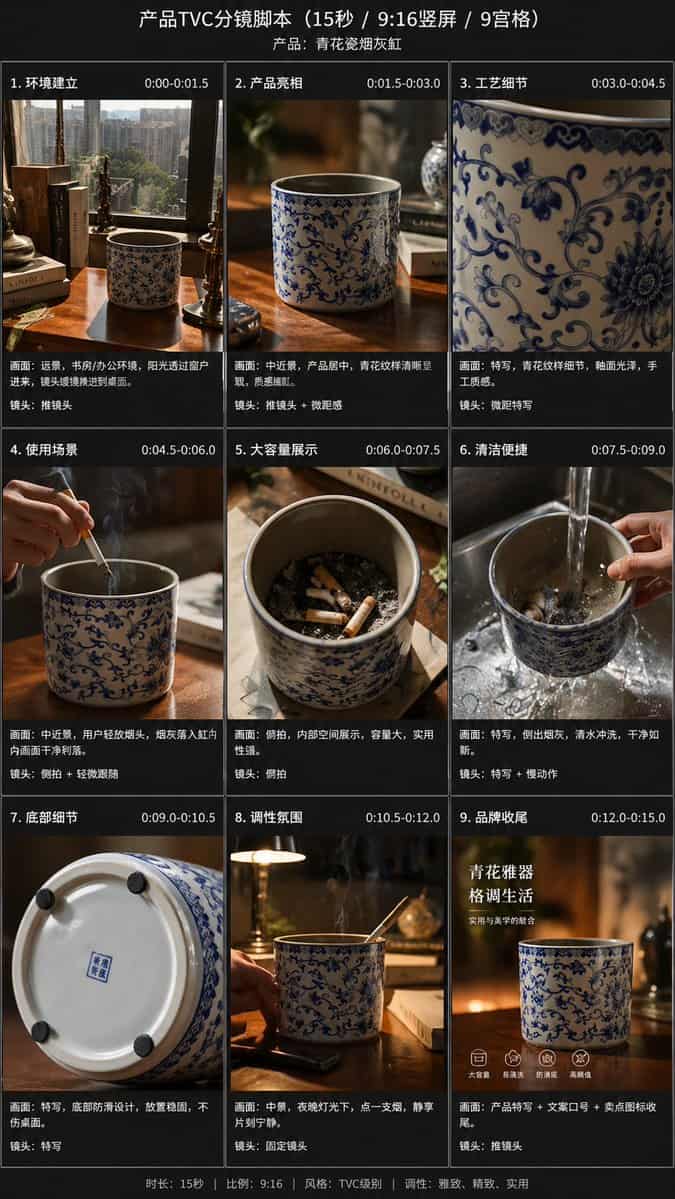
提示词
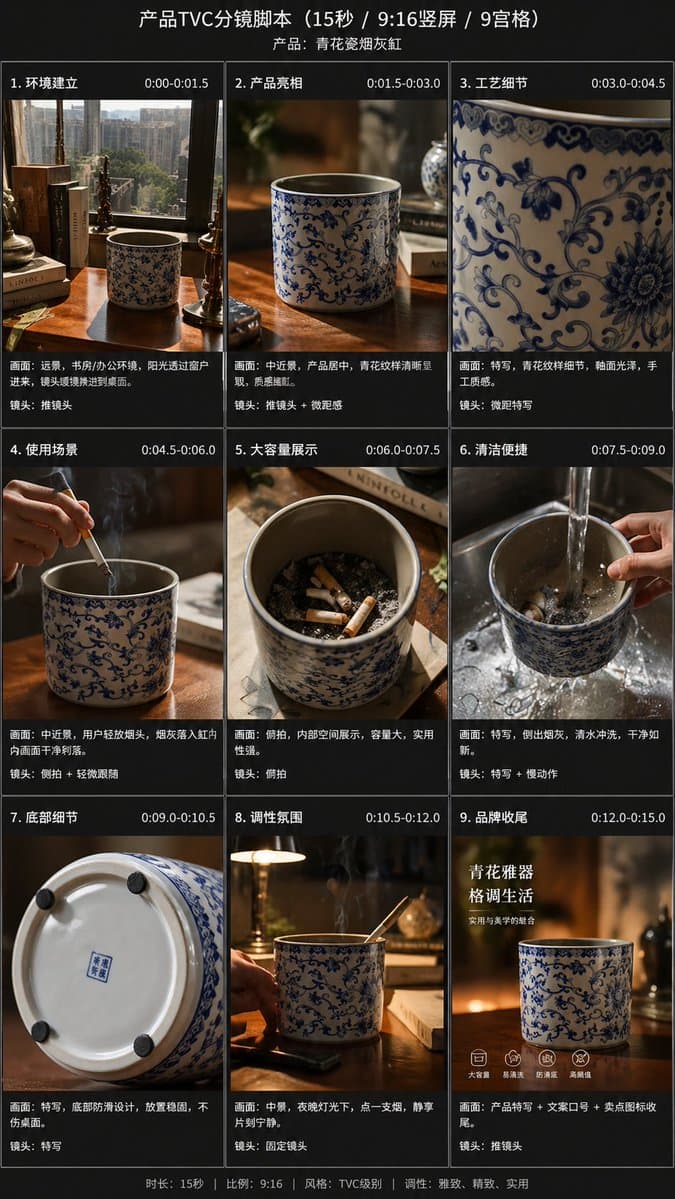
Using the provided reference image, transform the single casual product photo into a polished e-commerce TVC storyboard board for a {argument name="video duration" default="15-second"} ad in a {argument name="aspect ratio" default="9:16"} vertical format, presented as a 9-panel grid. Keep the same blue-and-white ceramic ashtray as the product base, but restage it across cinematic advertising shots with warm premium lighting, shallow depth of field, and a refined lifestyle desktop environment. Add a dark storyboard layout with Chinese titles and timing for each panel. Include exactly 9 scenes: 1) environment-establishing wide shot with desk, books, window, and the product placed in context; 2) hero product medium shot on the table; 3) extreme close-up of the blue floral craftsmanship pattern; 4) use case showing a hand placing a cigarette into the ashtray with visible smoke; 5) top-down capacity display showing multiple cigarette butts inside; 6) cleaning scene under running water in a sink with a hand holding the product; 7) bottom-detail close-up showing the underside and anti-slip pads; 8) mood/lifestyle scene at night with the product on a desk, smoke rising, and ambient lamp light; 9) brand closing frame with the product as the hero plus Chinese marketing text. Add the overall header text “产品TVC分镜脚本(15秒 / 9:16竖屏 / 9宫格)” and a product subtitle naming it {argument name="product name" default="青花瓷烟灰缸"}. Give each of the 9 panels a Chinese scene title and timestamp, plus small descriptive Chinese copy beneath each image in the style of a professional commercial shot list. Use premium, realistic commercial photography throughout, consistent product identity, elegant Chinese aesthetic, and a clean high-end storyboard presentation.
如何使用此提示
在生成之前阅读完整的 9-Panel Product TVC Storyboard 提示并确定主题、风格、相机、灯光和构图要求。
将括号或参数式占位符替换为您的产品、角色、品牌、场景、调色板或宽高比要求。
打开 https://www.gptimagehub.com/zh-CN/generate?promptId=cmogx63gx00frzpdyr9w48wv0,生成图像,然后根据需要使用更具体的主题、文本、布局或负面约束来优化提示。
提示常见问题解答
9-Panel Product TVC Storyboard 提示符最适合用来做什么?
此提示最适用于您需要可重用结构、详细视觉方向和一致输出质量的 产品与电商 图像。
我可以在生成之前编辑提示吗?
是的。完整的提示文本在此页面上可见,因此您可以在生成之前更改主题、产品名称、颜色、构图、相机术语、长宽比和样式注释。
出现此提示时我应该使用哪种型号?
使用提示元数据中显示的模型作为默认起点。如果另一个图像模型支持相同的宽高比和指令风格,您可以调整提示并比较结果。