
game icon
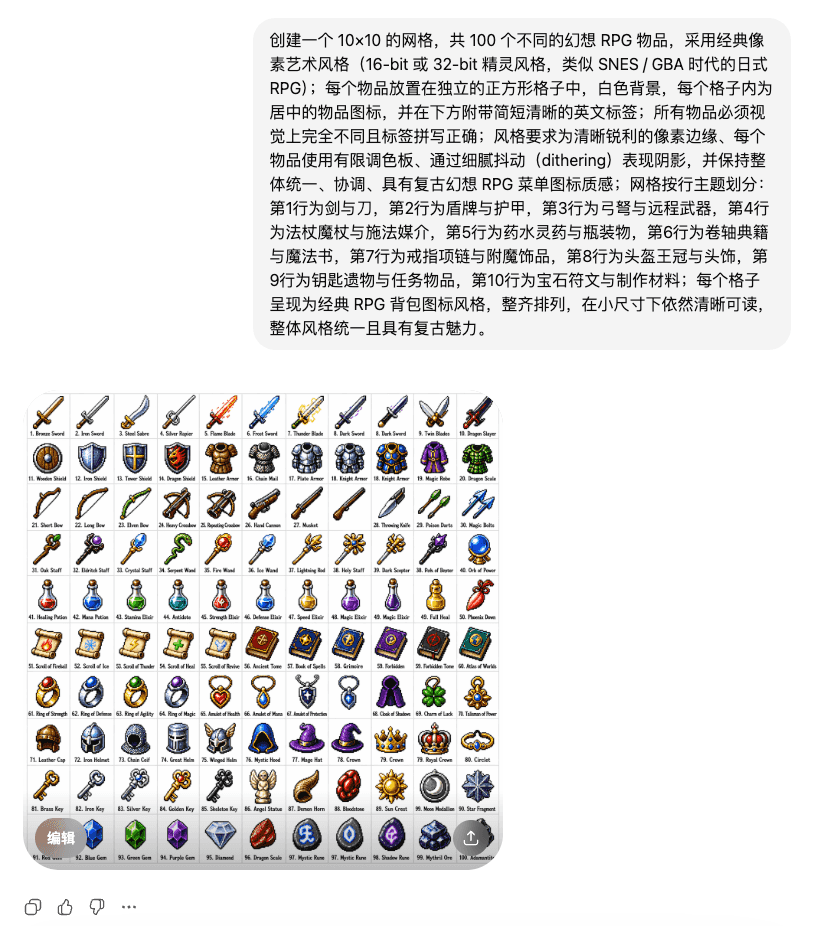
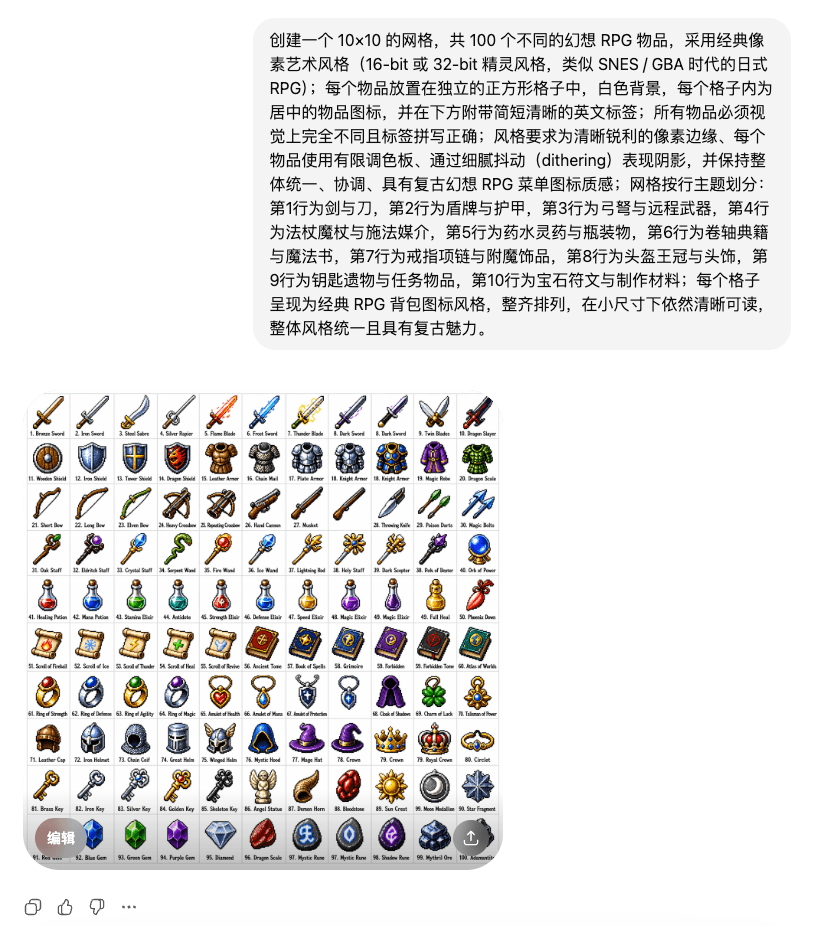
Create a 10x10 grid with a total of 100 different fantasy RPG items in a classic pixel art style (16-bit or 32-bit sprite style, similar to Japanese RPGs from the SNES/GBA era); each item is placed in a separate square…
Prompt
Create a 10x10 grid with a total of 100 different fantasy RPG items in a classic pixel art style (16-bit or 32-bit sprite style, similar to Japanese RPGs from the SNES/GBA era); each item is placed in a separate square grid with a white background, each The grid contains a centered item icon with a short and clear English label below; all items must be visually distinct and the labels must be spelled correctly; the style requirements are clear and sharp pixel edges, use a limited color palette for each item, express shadows through delicate dithering, and maintain the overall Unified, coordinated, with the texture of retro fantasy RPG menu icons; the grid is divided by row theme: row 1 for swords and knives, row 2 for shields and armor, row 3 for crossbows and long-range weapons, row 4 for staffs, wands and casting media, row 5 for potions, elixirs and bottles, row 6 for scrolls, classics and magic books, row 7 The behavior ring necklace and enchanted accessories, the 8th row is the helmet crown and headdress, the 9th row is the key relic and mission item, the 10th row is the gemstone rune and making materials; each grid is presented in the classic RPG backpack icon style, neatly arranged, still legible in small sizes, the overall style is unified and has retro charm.
How to use this prompt
Read the complete game icon prompt and identify the subject, style, camera, lighting, and composition requirements before generating.
Replace bracketed or argument-style placeholders with your product, character, brand, scene, color palette, or aspect ratio requirements.
Open https://www.gptimagehub.com/generate?promptId=cmogxrgpf00qxxt5gvqsta51o, generate the image, then refine the prompt with more specific subject, text, layout, or negative constraints if needed.
Prompt FAQ
What is the game icon prompt best used for?
This prompt is best used for game asset images where you want a reusable structure, detailed visual direction, and consistent output quality.
Can I edit the prompt before generating?
Yes. The full prompt text is visible on this page so you can change subjects, product names, colors, composition, camera terms, aspect ratio, and style notes before generation.
Which model should I use with this prompt?
Use the model shown in the prompt metadata as the default starting point. If another image model supports the same aspect ratio and instruction style, you can adapt the prompt and compare results.