
Portrait & Photography
Structured Face Swap Task Definition
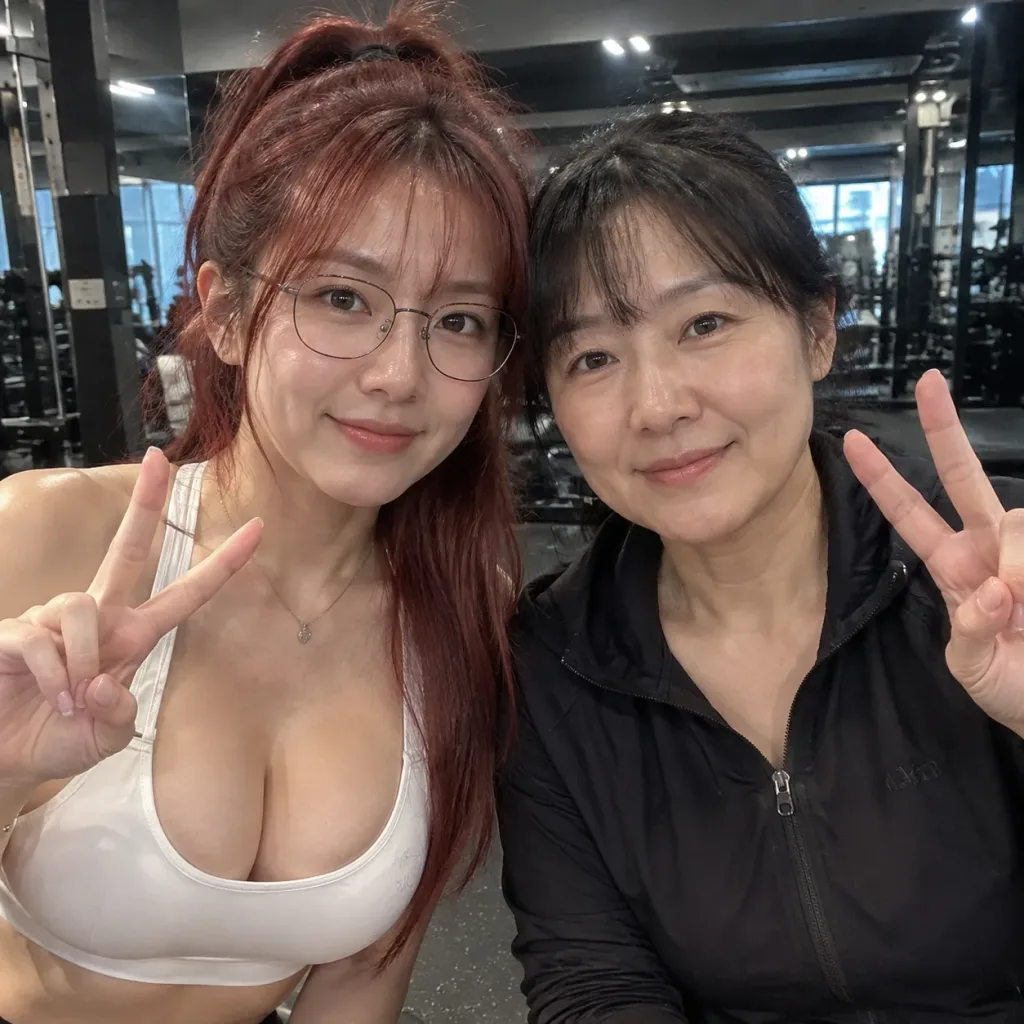
A structured JSON instruction set for realistic face swapping between two reference photos. Change the image labels or adjust identity and blending parameters to fit your workflow.
face swapjson promptphoto editingportraitphotorealisticworkflow
Prompt
{
  "task": "face_swap",
  "instructions": {
    "primary_goal": "Transfer the face from source reference [image1] onto the subject in target reference [image2] with seamless, realistic integration",
    "source_mapping": {
      "face_source": "[image1]",
      "face_target": "[image2]",
      "preserve_source_identity": true
    },
    "identity": {
      "match_skin_tone": true,
      "match_facial_expression": true,
      "maintain_face_structure": true
    },
    "blending": {
      "seamless_edges": true,
      "match_lighting": true,
      "match_color_grading": true,
      "preserve_shadows_and_highlights": true,
      "no_visible_artifacts": true
    },
    "background": {
      "preserve_original_background": true,
      "preserve_environment_details": true,
      "no_changes_to_objects": true,
      "no_blur_or_distortion": true
    },
    "composition": {
      "keep_original_pose": true,
      "keep_camera_angle": true,
      "keep_framing": true,
      "maintain_depth_of_field": true
    },
    "quality": {
      "photorealistic": true,
      "high_resolution": true,
      "natural_skin_texture": true
    }
  }
}What you can customize
Swap these parts of the prompt for your own subject or wording before you generate.
[image1]placeholder[image2]placeholder
Prompt details
- Category
- Portrait & Photography
- Model
- Nano Banana Pro
- Cost per image
- 1K: 108 credits · 2K: 108 credits · 4K: 193 credits
- Aspect ratio
- 1:1
- Added