
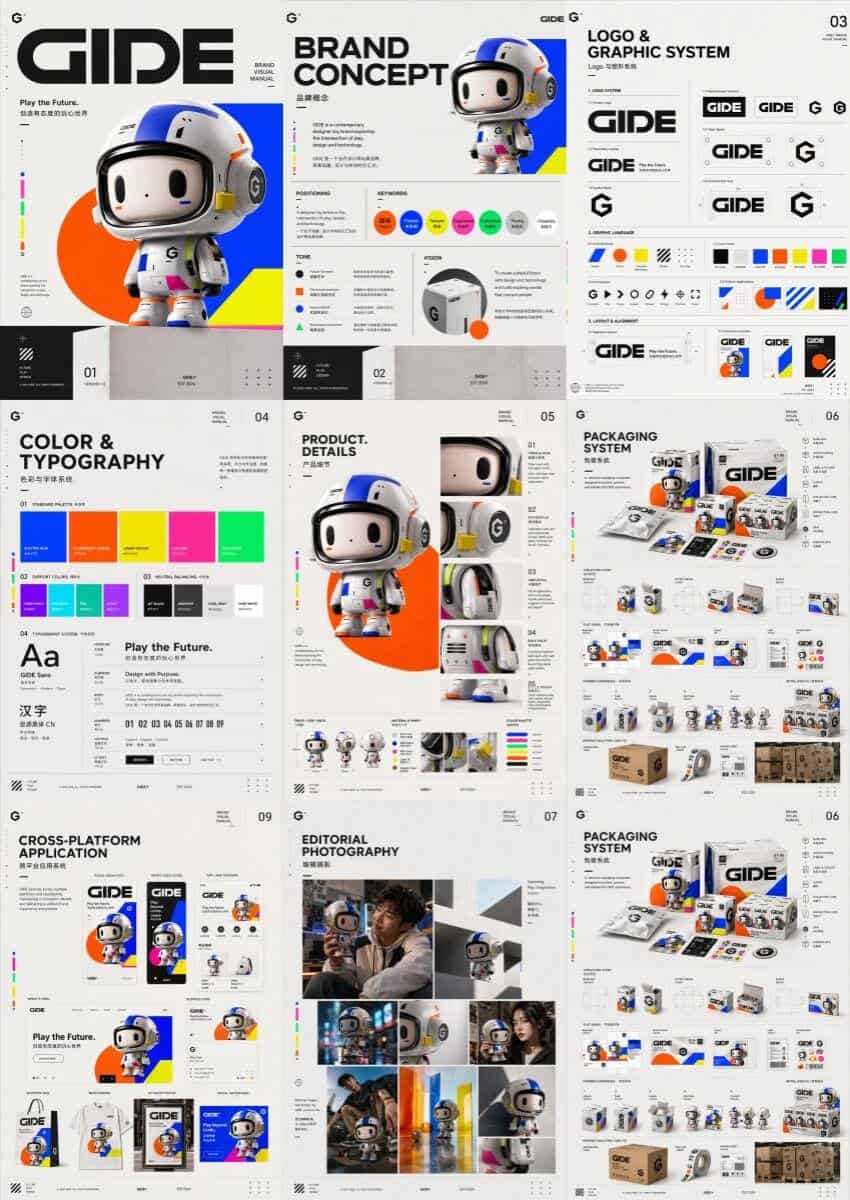
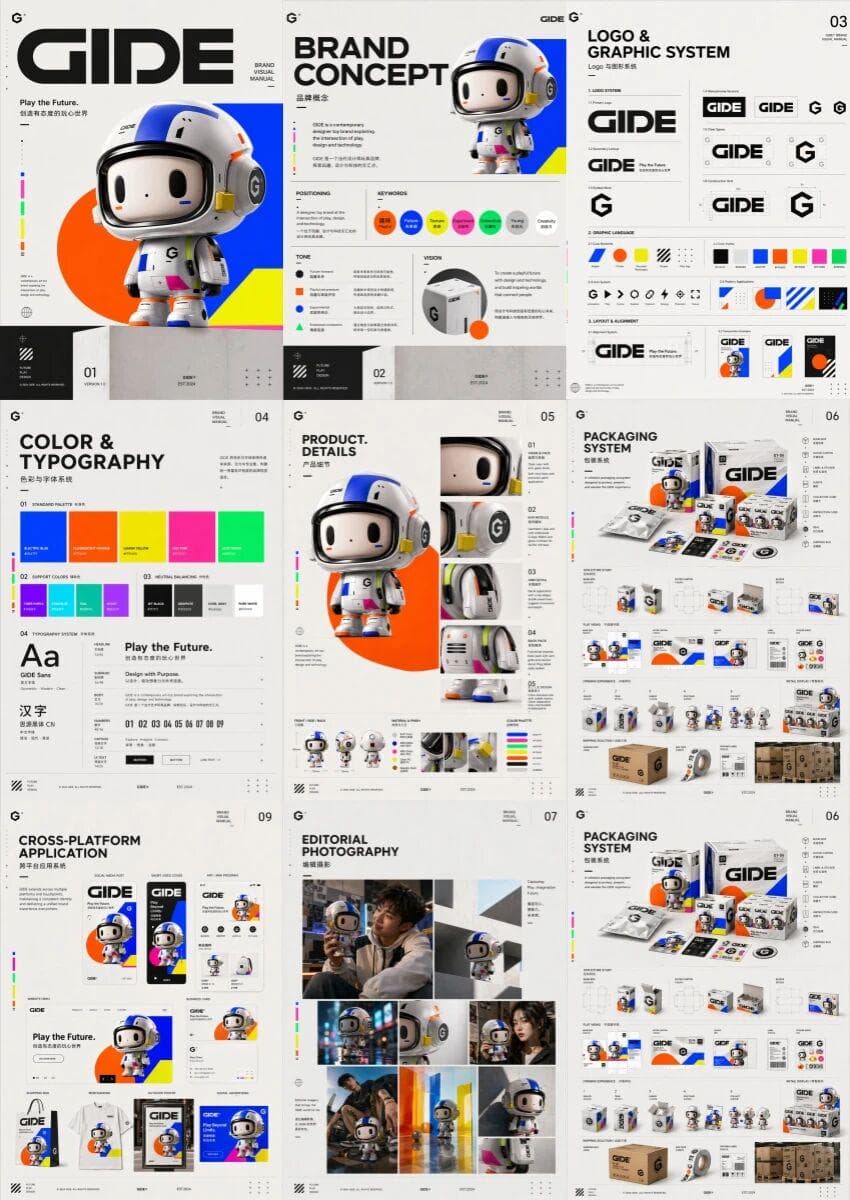
Generate brand visual manual in one sentence
Designed a high-end, multi-page, unified brand visual manual for the trendy toy brand GIDE, displaying multiple pictures side by side into a complete brand visual manual. Content includes cover, brand concept, logo and…
Prompt
Designed a high-end, multi-page, unified brand visual manual for the trendy toy brand GIDE, displaying multiple pictures side by side into a complete brand visual manual. Content includes cover, brand concept, logo and graphic system, colors and fonts, product details, packaging design, editorial photography, immersive retail experience, cross-platform application and summary page. The overall style is fun, futuristic, color tension and high-end design, striking a balance between the vitality of trendy play and the sophistication of a creative technology brand. The visual language includes highly saturated bright colors, simple geometric figures, modern fonts, dynamic rhythm and slightly surreal expressions to build a unified, confident, contemporary and complete brand worldview, like a brand manual at the level of a high-end creative studio.
How to use this prompt
Read the complete Generate brand visual manual in one sentence prompt and identify the subject, style, camera, lighting, and composition requirements before generating.
Replace bracketed or argument-style placeholders with your product, character, brand, scene, color palette, or aspect ratio requirements.
Open https://www.gptimagehub.com/generate?promptId=cmogxn49500njxt5gzy2sswil, generate the image, then refine the prompt with more specific subject, text, layout, or negative constraints if needed.
Prompt FAQ
What is the Generate brand visual manual in one sentence prompt best used for?
This prompt is best used for logo & branding images where you want a reusable structure, detailed visual direction, and consistent output quality.
Can I edit the prompt before generating?
Yes. The full prompt text is visible on this page so you can change subjects, product names, colors, composition, camera terms, aspect ratio, and style notes before generation.
Which model should I use with this prompt?
Use the model shown in the prompt metadata as the default starting point. If another image model supports the same aspect ratio and instruction style, you can adapt the prompt and compare results.