
Vintage Engraved Hoodie Portrait
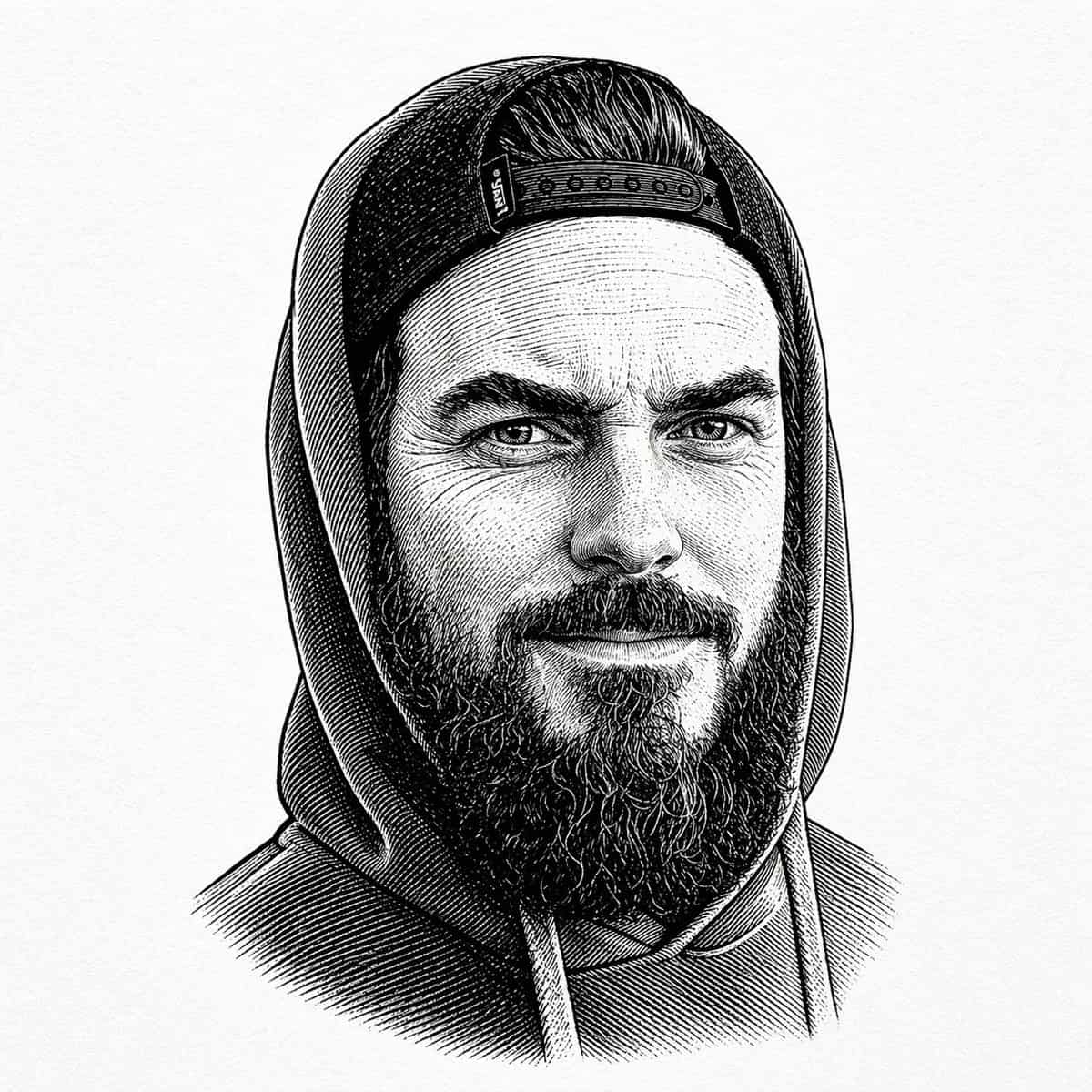
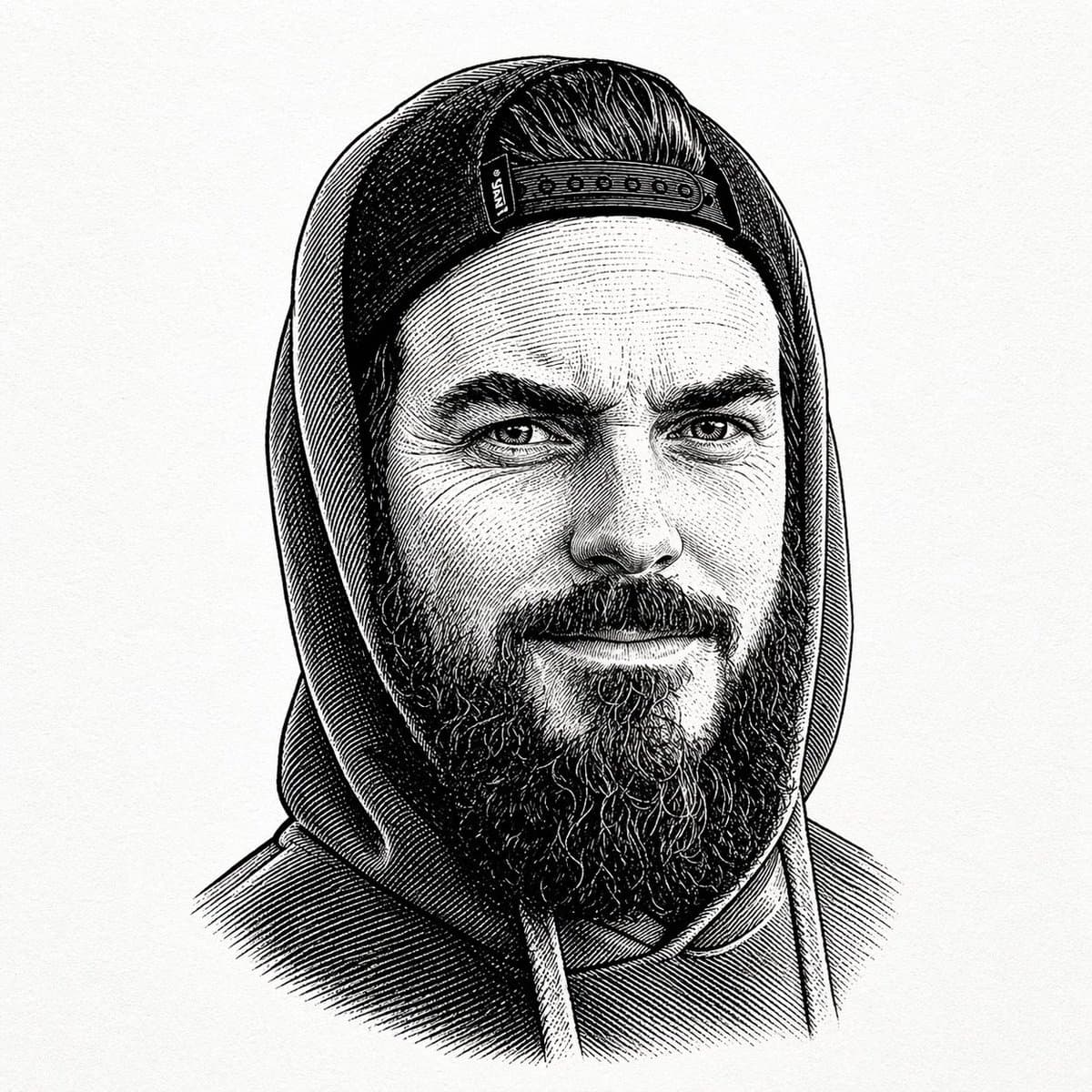
A centered black-and-white vintage engraved portrait of a bearded man wearing a hooded sweatshirt with the hood up and a backward snapback cap visible under the hood. Show only the upper torso and head against a plain o…
Prompt
A centered black-and-white vintage engraved portrait of a bearded man wearing a hooded sweatshirt with the hood up and a backward snapback cap visible under the hood. Show only the upper torso and head against a plain off-white paper background with subtle texture. Render the image in detailed pen-and-ink etching style with dense cross-hatching, fine parallel lines, and old book illustration shading. The figure faces forward in a calm, neutral pose. The cap has a visible snap closure band across the forehead area, slicked-back hair is visible above it, and a thick full beard extends below the face. The hoodie has two drawstrings hanging down at the chest. Keep the composition symmetrical and tightly framed like a classic engraved bust portrait, with no color, no modern graphic elements, and no background objects.
How to use this prompt
Read the complete Vintage Engraved Hoodie Portrait prompt and identify the subject, style, camera, lighting, and composition requirements before generating.
Replace bracketed or argument-style placeholders with your product, character, brand, scene, color palette, or aspect ratio requirements.
Open https://www.gptimagehub.com/generate?promptId=cmogwyeet009tzpdynwyzvq0n, generate the image, then refine the prompt with more specific subject, text, layout, or negative constraints if needed.
Prompt FAQ
What is the Vintage Engraved Hoodie Portrait prompt best used for?
This prompt is best used for logo & branding images where you want a reusable structure, detailed visual direction, and consistent output quality.
Can I edit the prompt before generating?
Yes. The full prompt text is visible on this page so you can change subjects, product names, colors, composition, camera terms, aspect ratio, and style notes before generation.
Which model should I use with this prompt?
Use the model shown in the prompt metadata as the default starting point. If another image model supports the same aspect ratio and instruction style, you can adapt the prompt and compare results.