
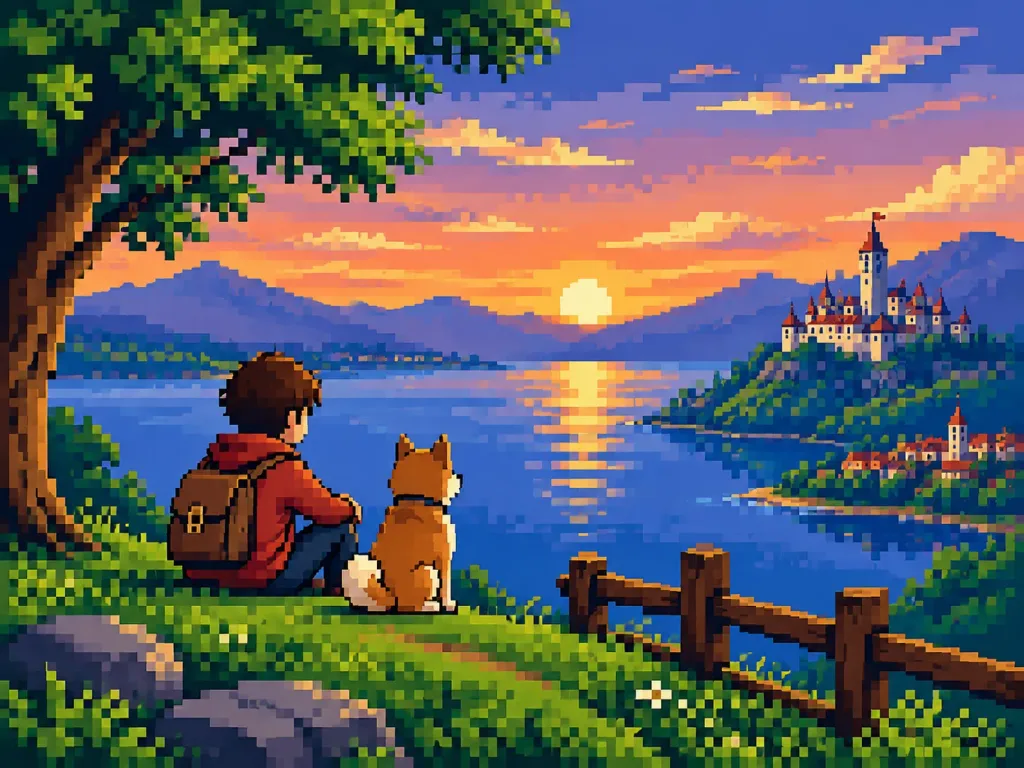
Retro Pixel Art Scene Conversion
Convert any reference photo into a clean 16-bit retro console screenshot while maintaining composition and silhouettes. Adjust the bit depth and console era to shift vintage gaming styles.
Prompt
Transform the reference photo into clean, high-quality retro pixel art while strictly preserving the original composition, subject placement, camera angle, proportions, pose, clothing, and overall scene structure. - Composition: Maintain the reference photo's aspect ratio, visual hierarchy, framing, and camera angle. Do not crop, zoom, or reposition elements. - Subject: Preserve recognizable silhouettes, facial directions, outfits, body proportions, and key visual features while simplifying fine details. - Style: Premium [16-bit] retro pixel art on a strict, uniform low-resolution pixel grid. Large visible pixels, clean pixel-perfect geometry, and crisp hard edges. No semi-realistic rendering, blur, anti-aliasing, or smudging. - Color & Shading: Limited retro gaming color palette with [carefully selected colors with excellent readability] and strong contrast between shapes. Simplified flat shading with one to two tones per surface, minimal highlights, and no smooth gradients. - Environment: Convert all background elements, architecture, vegetation, props, and lighting into pixel-art equivalents while preserving spatial depth. - Final Look: A polished [SNES-era] retro game screenshot, faithful to the reference photo.
What you can customize
Swap these parts of the prompt for your own subject or wording before you generate.
[16-bit]placeholder[carefully selected colors with excellent readability]placeholder[SNES-era]placeholder
Prompt details
- Category
- Game Asset
- Model
- Seedream 5.0 Pro
- Cost per image
- 1K: 37 credits · 2K: 73 credits
- Aspect ratio
- 4:3
- Added