
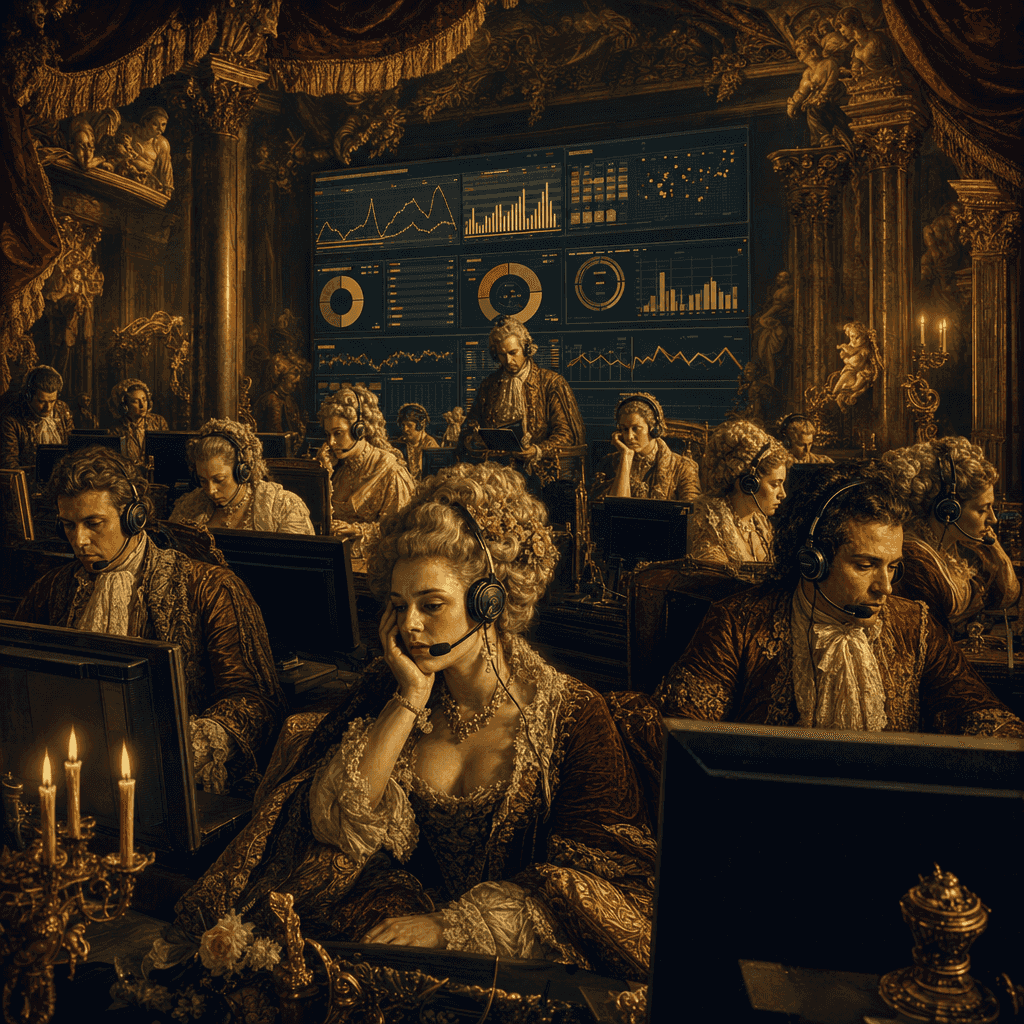
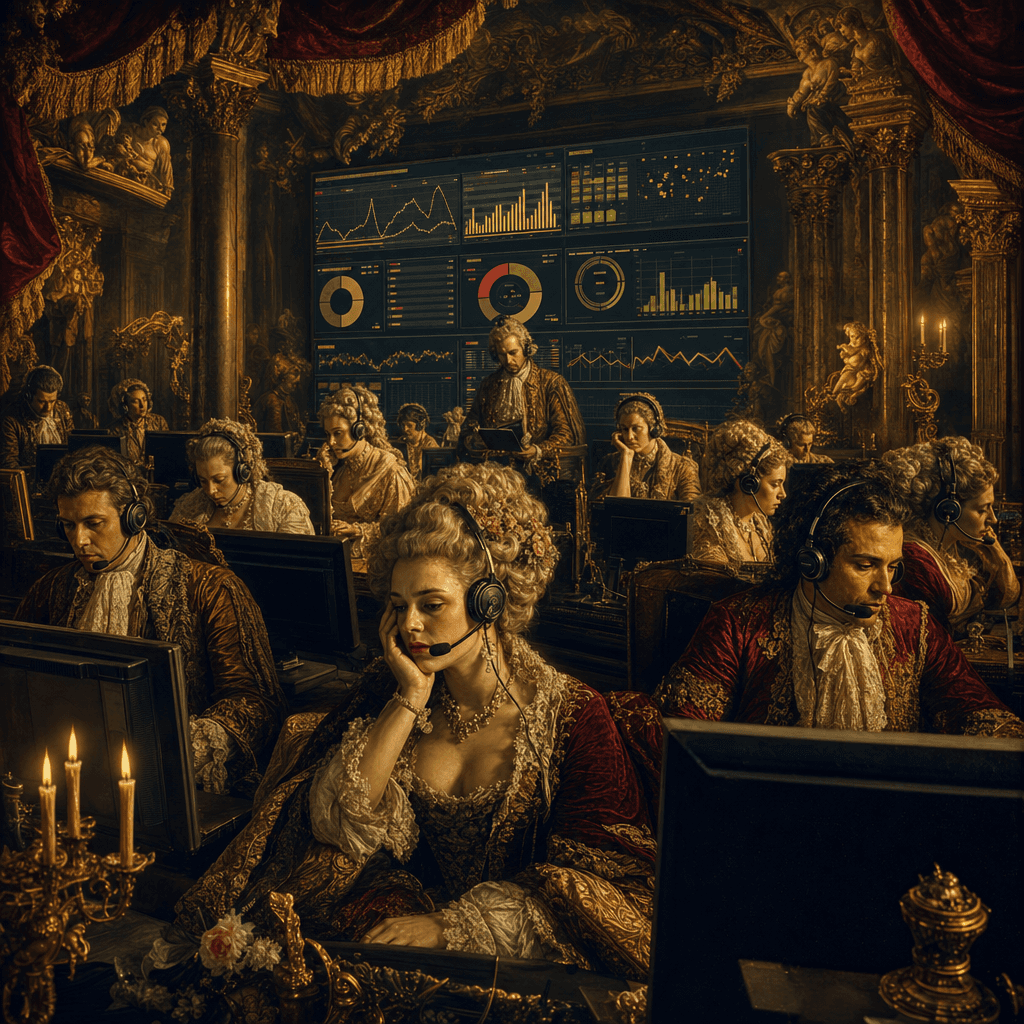
"Classic Oil Painting Version Internet Customer Service Center"
"Classic oil painting version of the Internet Customer Service Center" is an absurd fusion of Baroque group portraits and modern office systems. In the luxurious oil painting composition, a group of customer service sta…
Prompt
"Classic oil painting version of the Internet Customer Service Center" is an absurd fusion of Baroque group portraits and modern office systems. In the luxurious oil painting composition, a group of customer service staff sit in front of candlelight and gold curtains and answer headphones. A huge screen at the back displays the number of work orders, satisfaction, and waiting time. The characters are gorgeously dressed but have professionally exhausted expressions, with a strong sense of conflict. The ratio is 16:9.
How to use this prompt
Read the complete "Classic Oil Painting Version Internet Customer Service Center" prompt and identify the subject, style, camera, lighting, and composition requirements before generating.
Replace bracketed or argument-style placeholders with your product, character, brand, scene, color palette, or aspect ratio requirements.
Open https://www.gptimagehub.com/generate?promptId=cmogxkz9300ljxt5gzfxhlqdz, generate the image, then refine the prompt with more specific subject, text, layout, or negative constraints if needed.
Prompt FAQ
What is the "Classic Oil Painting Version Internet Customer Service Center" prompt best used for?
This prompt is best used for other images where you want a reusable structure, detailed visual direction, and consistent output quality.
Can I edit the prompt before generating?
Yes. The full prompt text is visible on this page so you can change subjects, product names, colors, composition, camera terms, aspect ratio, and style notes before generation.
Which model should I use with this prompt?
Use the model shown in the prompt metadata as the default starting point. If another image model supports the same aspect ratio and instruction style, you can adapt the prompt and compare results.