
“Moments of silence at the airport in the early morning”
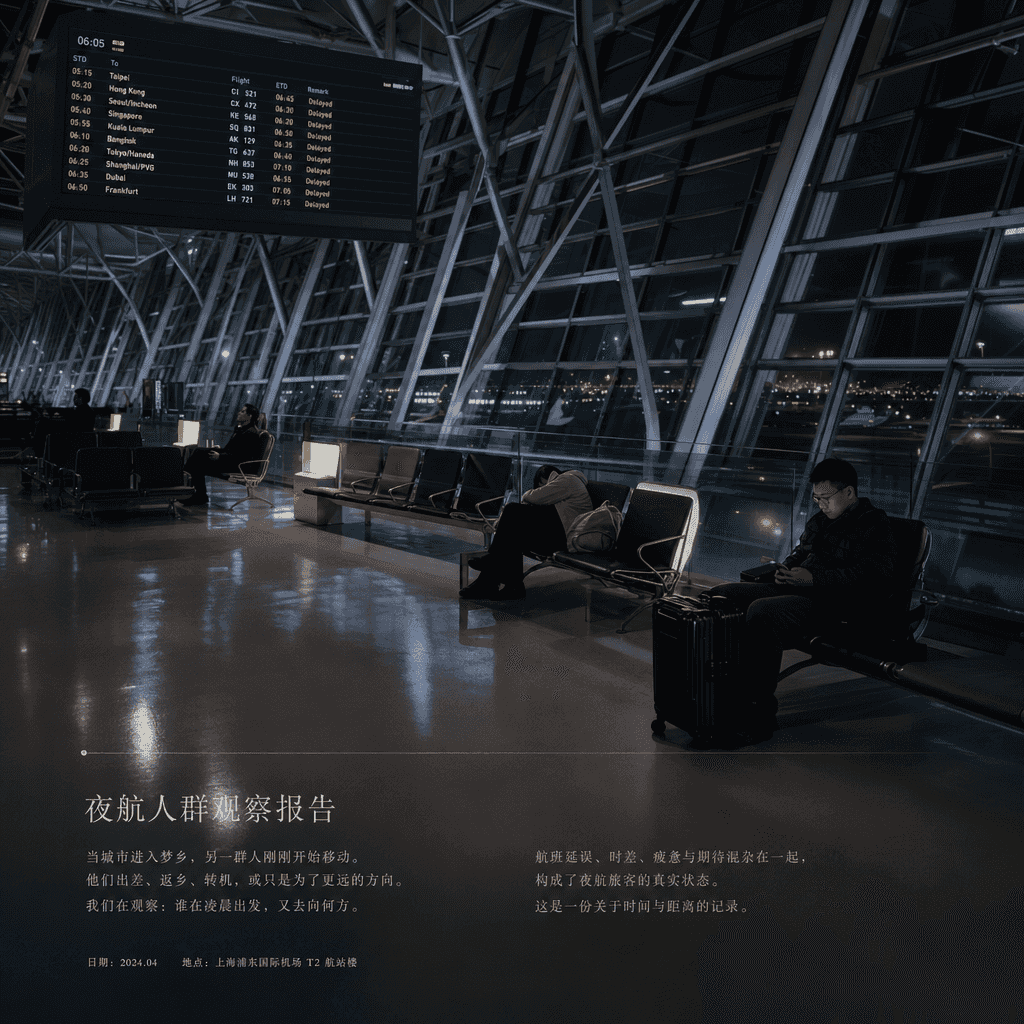
"Silent moment at the airport in the early morning" is a visual fusion of documentary photography and flight information. The main image is an almost empty international airport terminal, with departure cities and delay…
Prompt
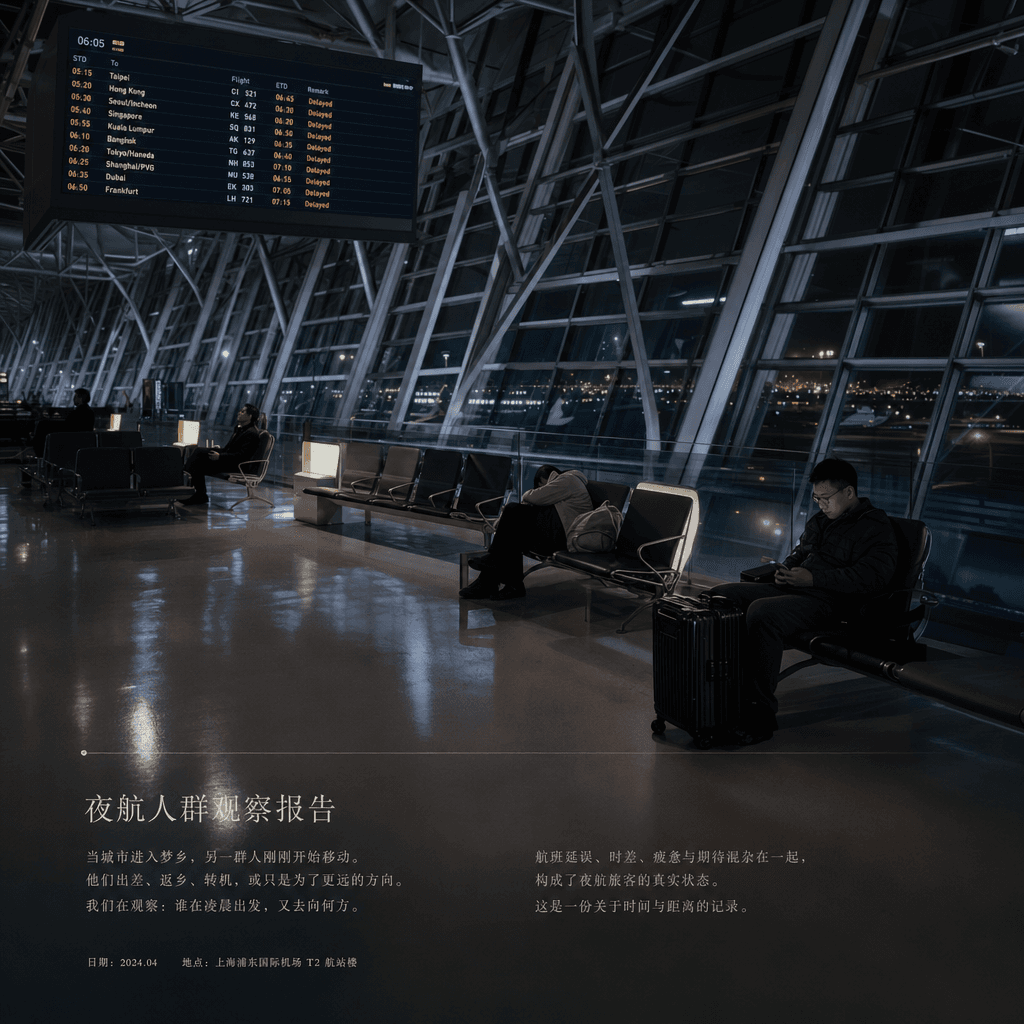
"Silent moment at the airport in the early morning" is a visual fusion of documentary photography and flight information. The main image is an almost empty international airport terminal, with departure cities and delay information scrolling on the electronic screen. A few passengers sit in a daze under the soft light, sleeping, and looking at their mobile phones. The small column at the bottom is like a column in an aviation and travel magazine that writes "Night Flight Crowd Observation Report". The tone is quiet and cold, with a ratio of 16:9.
How to use this prompt
Read the complete “Moments of silence at the airport in the early morning” prompt and identify the subject, style, camera, lighting, and composition requirements before generating.
Replace bracketed or argument-style placeholders with your product, character, brand, scene, color palette, or aspect ratio requirements.
Open https://www.gptimagehub.com/generate?promptId=cmogxkqfq00itxt5g9ocdfnf9, generate the image, then refine the prompt with more specific subject, text, layout, or negative constraints if needed.
Prompt FAQ
What is the “Moments of silence at the airport in the early morning” prompt best used for?
This prompt is best used for other images where you want a reusable structure, detailed visual direction, and consistent output quality.
Can I edit the prompt before generating?
Yes. The full prompt text is visible on this page so you can change subjects, product names, colors, composition, camera terms, aspect ratio, and style notes before generation.
Which model should I use with this prompt?
Use the model shown in the prompt metadata as the default starting point. If another image model supports the same aspect ratio and instruction style, you can adapt the prompt and compare results.