
"Multi-person collaboration document interface in the Warring States Period"
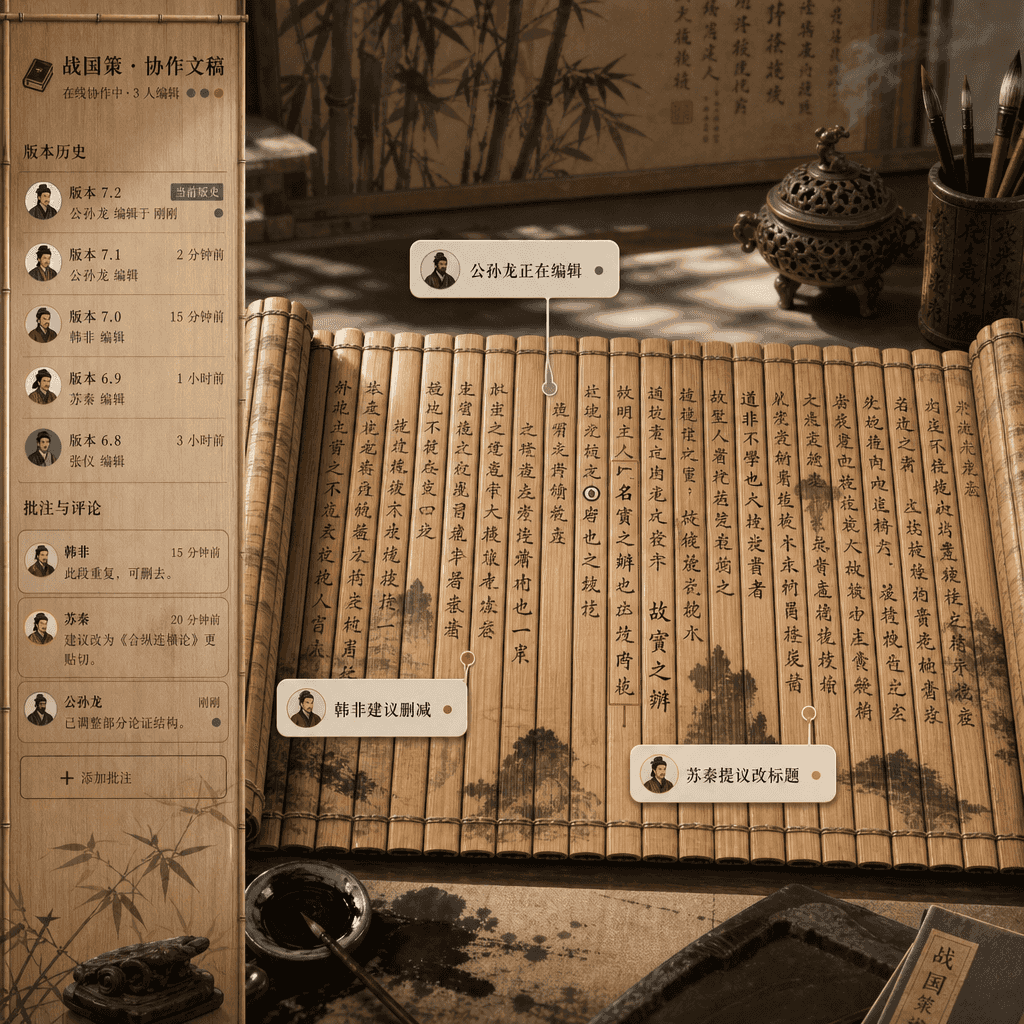
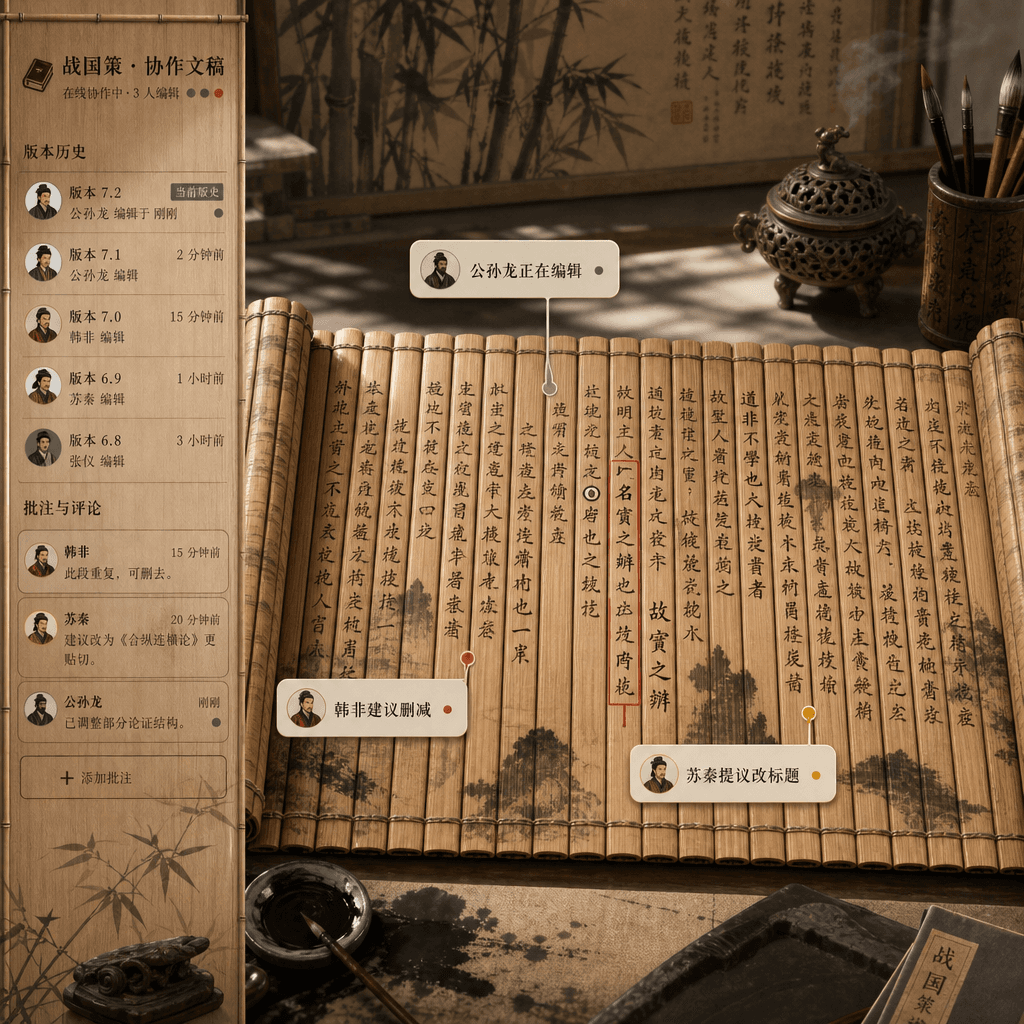
"Multi-person collaborative document interface in the Warring States Period" is an absurd fusion of bamboo slip documents and online document product design. The picture looks like a real-time collaborative editor inter…
Prompt
"Multi-person collaborative document interface in the Warring States Period" is an absurd fusion of bamboo slip documents and online document product design. The picture looks like a real-time collaborative editor interface, but the bottom layer is unfolded bamboo slips and brush ink. Comment bubbles from different authors are marked with "Gongsun Long is editing", "Han Fei suggested deletion" and "Su Qin proposed changing the title". The sidebar is version history and comments. The whole is full of academic rigor and Internet office humor, with a ratio of 16:9.
How to use this prompt
Read the complete "Multi-person collaboration document interface in the Warring States Period" prompt and identify the subject, style, camera, lighting, and composition requirements before generating.
Replace bracketed or argument-style placeholders with your product, character, brand, scene, color palette, or aspect ratio requirements.
Open https://www.gptimagehub.com/generate?promptId=cmogxkp7600ifxt5gyd7s8g76, generate the image, then refine the prompt with more specific subject, text, layout, or negative constraints if needed.
Prompt FAQ
What is the "Multi-person collaboration document interface in the Warring States Period" prompt best used for?
This prompt is best used for ui / ux design images where you want a reusable structure, detailed visual direction, and consistent output quality.
Can I edit the prompt before generating?
Yes. The full prompt text is visible on this page so you can change subjects, product names, colors, composition, camera terms, aspect ratio, and style notes before generation.
Which model should I use with this prompt?
Use the model shown in the prompt metadata as the default starting point. If another image model supports the same aspect ratio and instruction style, you can adapt the prompt and compare results.