
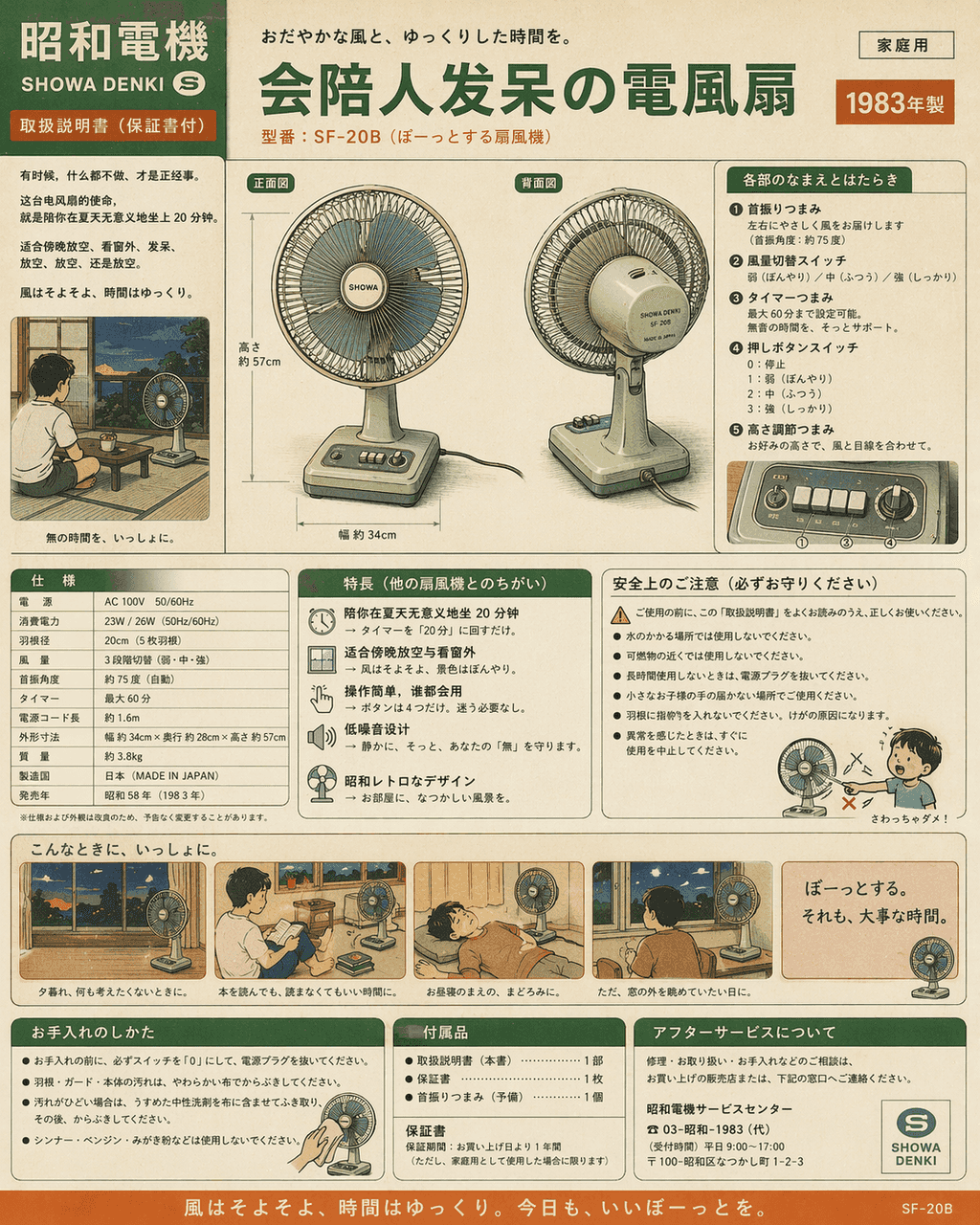
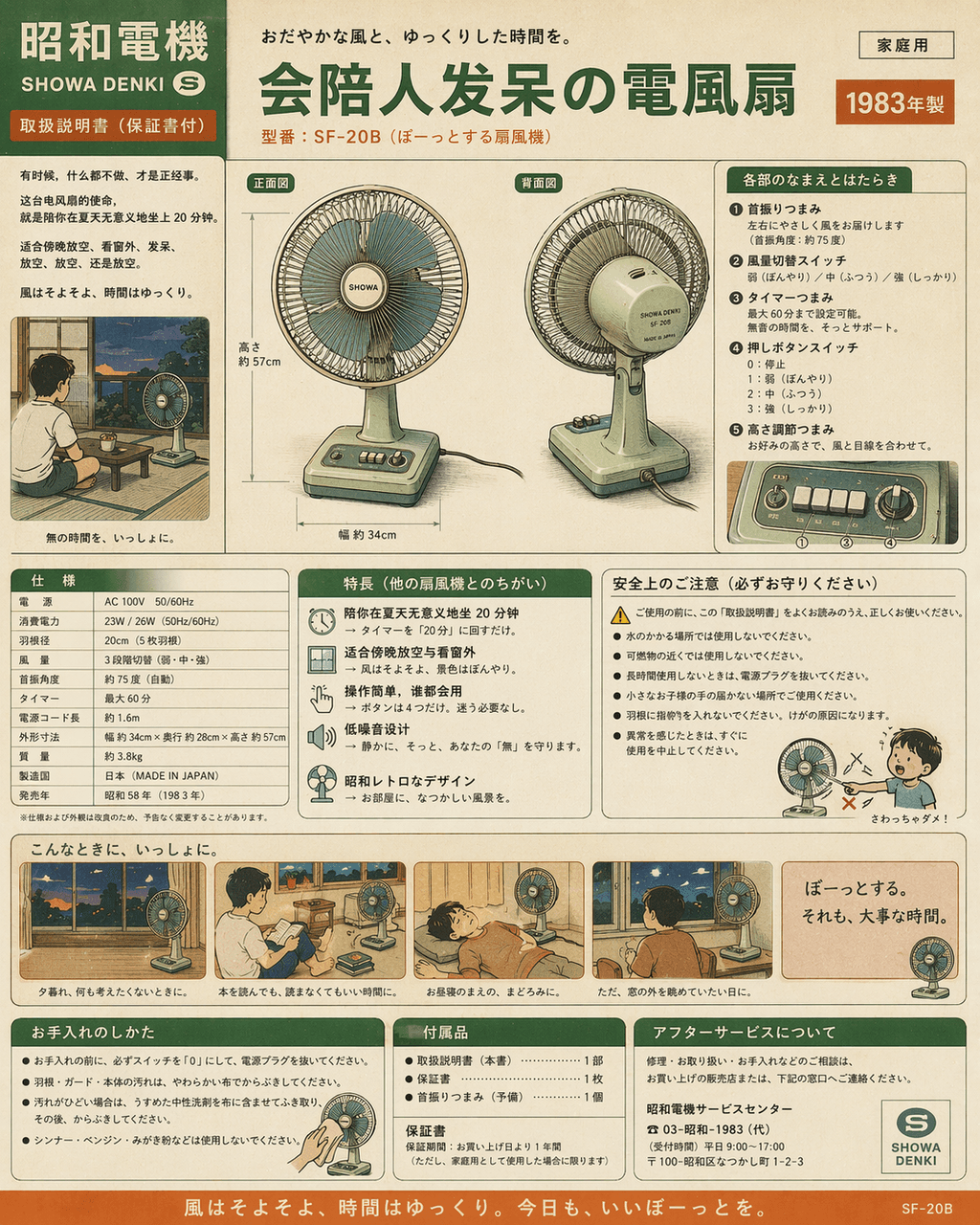
Showa-style home appliance manual: an electric fan that can accompany people in a daze
"Showa-style home appliance manual: an electric fan that can accompany people in a daze", the product manual is humorously integrated with life narratives, the picture is like the color page manual of home appliances in…
Prompt
"Showa-style home appliance manual: an electric fan that can accompany people in a daze", the product manual is humorously integrated with life narratives, the picture is like the color page manual of home appliances in the 1980s, the front and back views of the host, button functions, power parameters, and usage scenario comics are all complete, but the selling point is "to accompany you to sit for 20 minutes in the summer meaninglessly" and "suitable for relaxing and looking out the window in the evening." The colors are nostalgic cream green, off-white, and orange, with a ratio of 4:5.
How to use this prompt
Read the complete Showa-style home appliance manual: an electric fan that can accompany people in a daze prompt and identify the subject, style, camera, lighting, and composition requirements before generating.
Replace bracketed or argument-style placeholders with your product, character, brand, scene, color palette, or aspect ratio requirements.
Open https://www.gptimagehub.com/generate?promptId=cmogxk9uy00hvxt5gc3vzbbzv, generate the image, then refine the prompt with more specific subject, text, layout, or negative constraints if needed.
Prompt FAQ
What is the Showa-style home appliance manual: an electric fan that can accompany people in a daze prompt best used for?
This prompt is best used for other images where you want a reusable structure, detailed visual direction, and consistent output quality.
Can I edit the prompt before generating?
Yes. The full prompt text is visible on this page so you can change subjects, product names, colors, composition, camera terms, aspect ratio, and style notes before generation.
Which model should I use with this prompt?
Use the model shown in the prompt metadata as the default starting point. If another image model supports the same aspect ratio and instruction style, you can adapt the prompt and compare results.