
The seaside town’s business schedule throughout the year
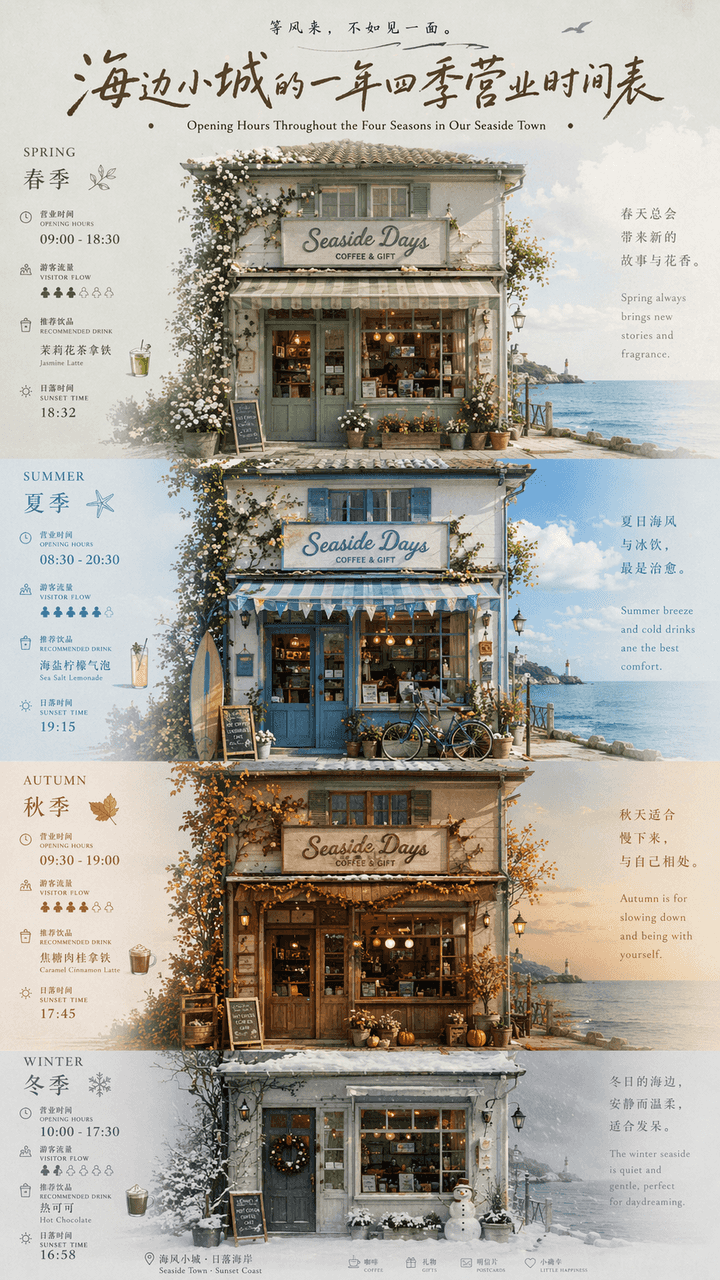
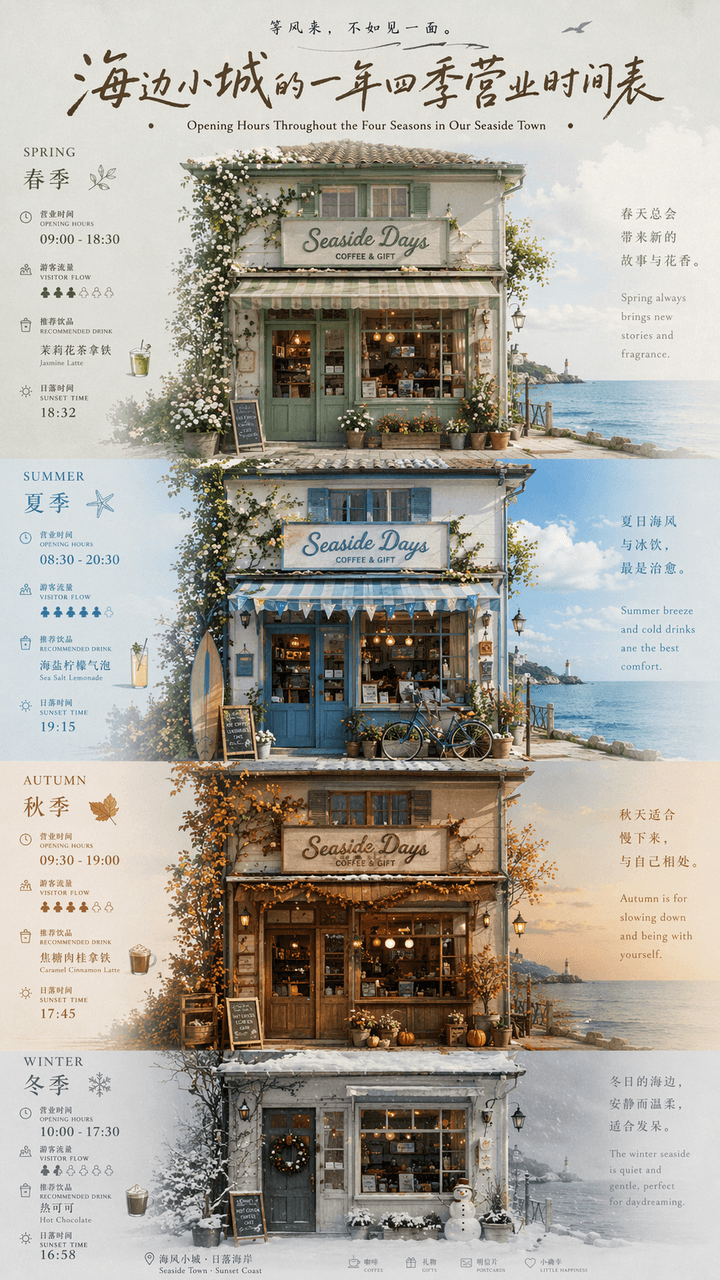
"A year-round business schedule of a small seaside town" is a fusion of local cultural and tourism posters and calendar infographics. The picture is centered on the facade of a seaside store. The four seasons of spring,…
Prompt
"A year-round business schedule of a small seaside town" is a fusion of local cultural and tourism posters and calendar infographics. The picture is centered on the facade of a seaside store. The four seasons of spring, summer, autumn and winter are represented by changes in window furnishings, door plants, sky colors and clothing. Each season is next to a thin number. The business hours, tourist flow, recommended drinks, and sunset time are marked. The title uses retro handwritten signature characters, and the subtitles are arranged in Chinese and English. The whole thing looks like an independent magazine travel feature. The color scheme transitions from sage green in spring, sea salt blue in summer, caramel brown in autumn to foggy gray white in winter. The proportions 9:16.
How to use this prompt
Read the complete The seaside town’s business schedule throughout the year prompt and identify the subject, style, camera, lighting, and composition requirements before generating.
Replace bracketed or argument-style placeholders with your product, character, brand, scene, color palette, or aspect ratio requirements.
Open https://www.gptimagehub.com/generate?promptId=cmogxic5800grxt5gpdhpc7qp, generate the image, then refine the prompt with more specific subject, text, layout, or negative constraints if needed.
Prompt FAQ
What is the The seaside town’s business schedule throughout the year prompt best used for?
This prompt is best used for other images where you want a reusable structure, detailed visual direction, and consistent output quality.
Can I edit the prompt before generating?
Yes. The full prompt text is visible on this page so you can change subjects, product names, colors, composition, camera terms, aspect ratio, and style notes before generation.
Which model should I use with this prompt?
Use the model shown in the prompt metadata as the default starting point. If another image model supports the same aspect ratio and instruction style, you can adapt the prompt and compare results.