
A map of emotions in the Paris Metro
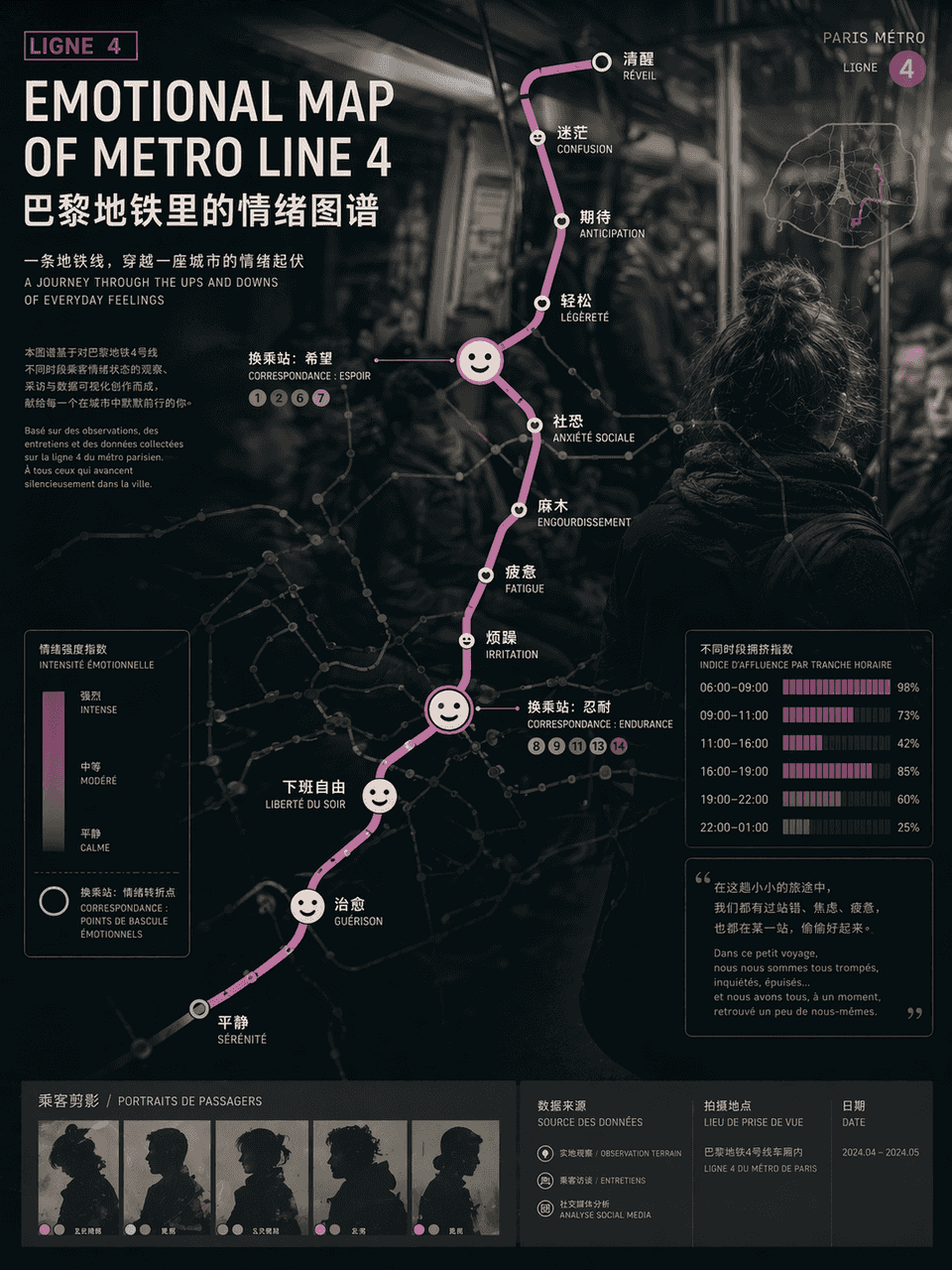
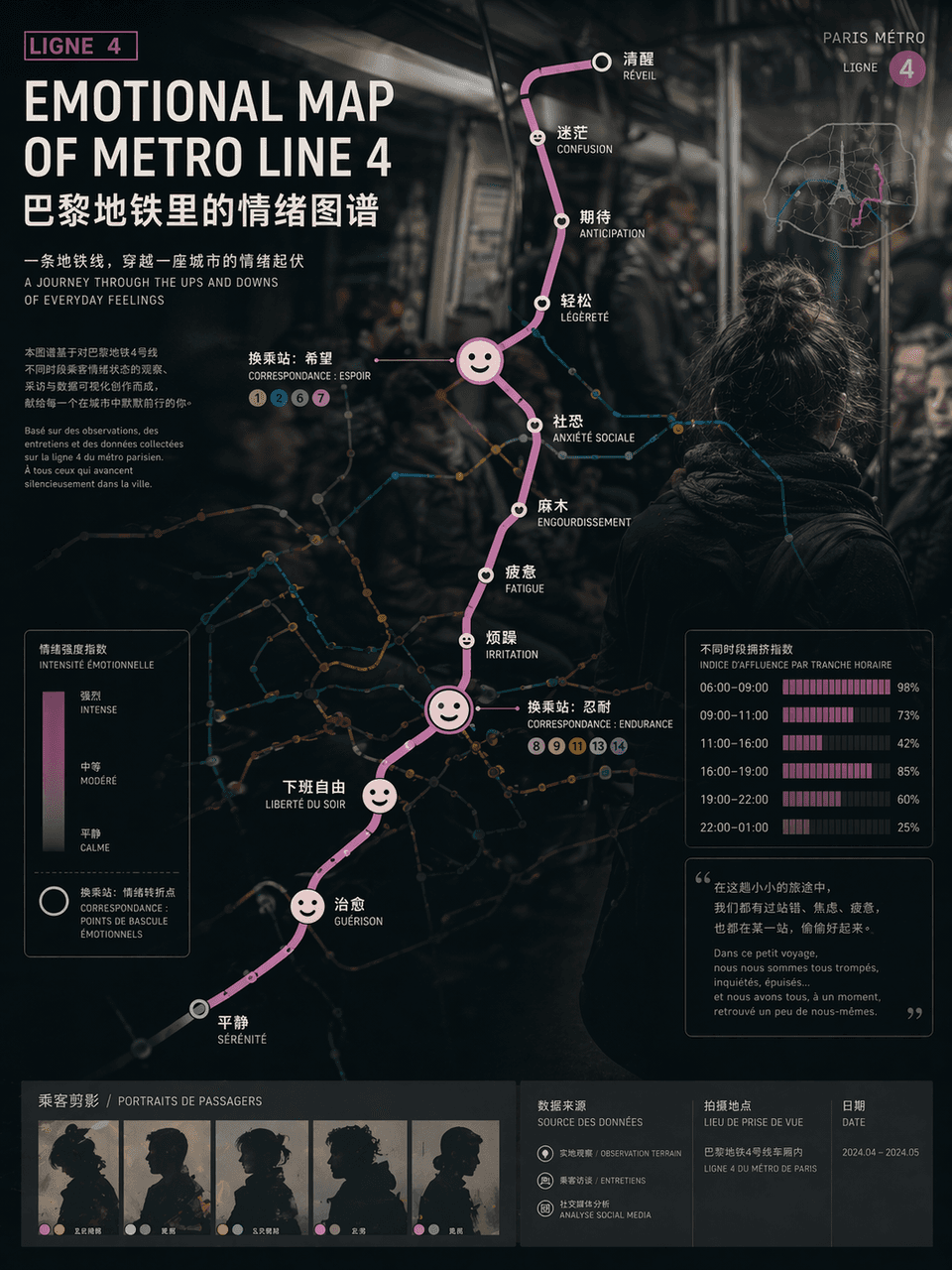
"EMOTIONAL MAP OF METRO LINE"/"EMOTIONAL MAP OF METRO LINE" 4", the emotional visualization poster is integrated with the urban traffic map. The route map uses standard subway map syntax, but the station name of each st…
Prompt
"EMOTIONAL MAP OF METRO LINE"/"EMOTIONAL MAP OF METRO LINE" 4", the emotional visualization poster is integrated with the urban traffic map. The route map uses standard subway map syntax, but the station name of each station is replaced with an emotional state, such as "awake", "numb", "expectation", "social fear" and "free from get off work", and the transfer nodes are enlarged into abstract expression icons , the background is vaguely blurred out in the style of documentary photography of crowded carriages. Passenger silhouettes and crowding index bar charts at different time periods are embedded in the corners of the poster. The title uses calm Swiss-style sans serifs. The subtitle is like an introduction to an art exhibition. The overall design combines social observation and contemporary art temperament. The proportions 3:4.
How to use this prompt
Read the complete A map of emotions in the Paris Metro prompt and identify the subject, style, camera, lighting, and composition requirements before generating.
Replace bracketed or argument-style placeholders with your product, character, brand, scene, color palette, or aspect ratio requirements.
Open https://www.gptimagehub.com/generate?promptId=cmogxi7a700gnxt5g8uzsvghb, generate the image, then refine the prompt with more specific subject, text, layout, or negative constraints if needed.
Prompt FAQ
What is the A map of emotions in the Paris Metro prompt best used for?
This prompt is best used for other images where you want a reusable structure, detailed visual direction, and consistent output quality.
Can I edit the prompt before generating?
Yes. The full prompt text is visible on this page so you can change subjects, product names, colors, composition, camera terms, aspect ratio, and style notes before generation.
Which model should I use with this prompt?
Use the model shown in the prompt metadata as the default starting point. If another image model supports the same aspect ratio and instruction style, you can adapt the prompt and compare results.