
A city’s insomnia index
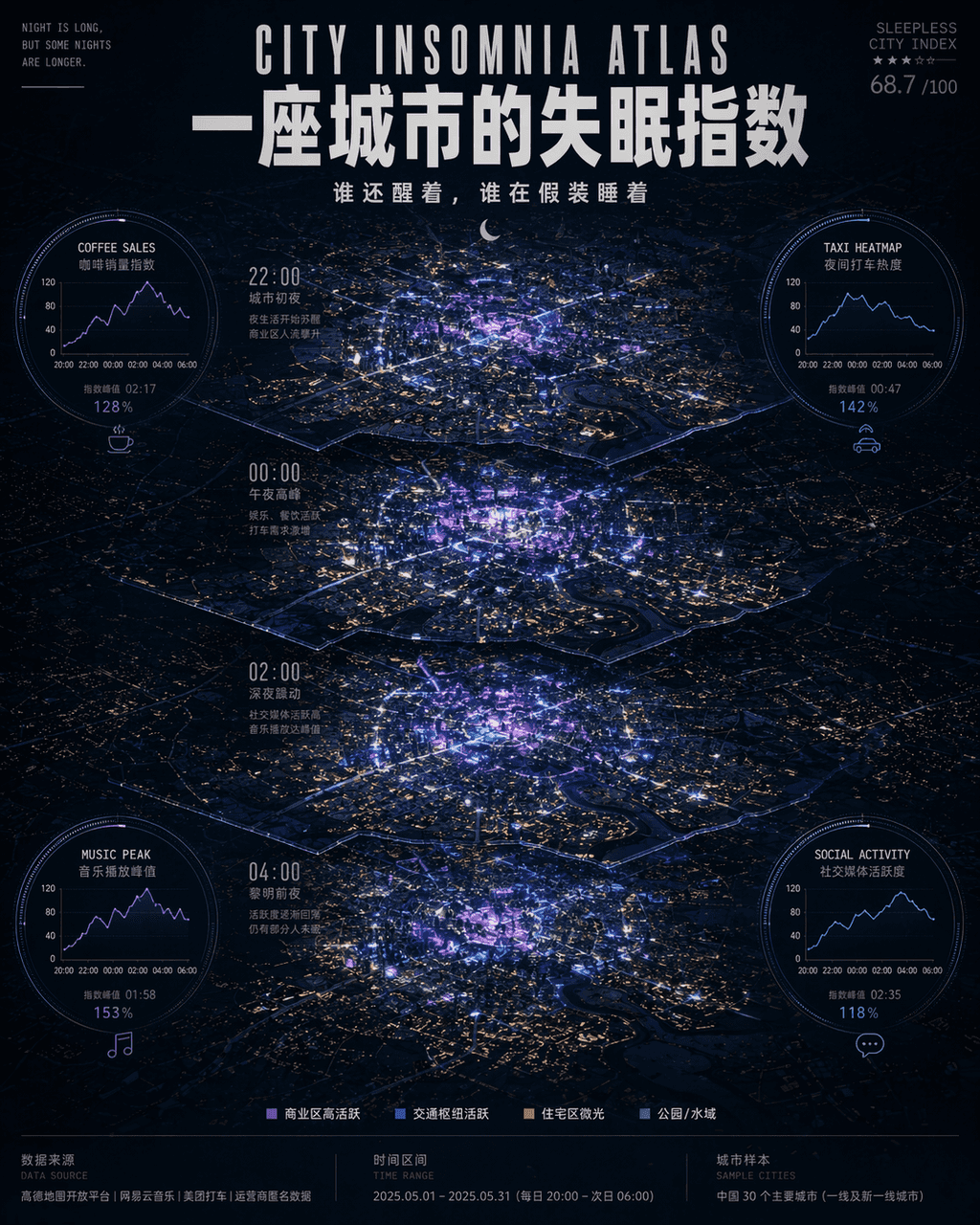
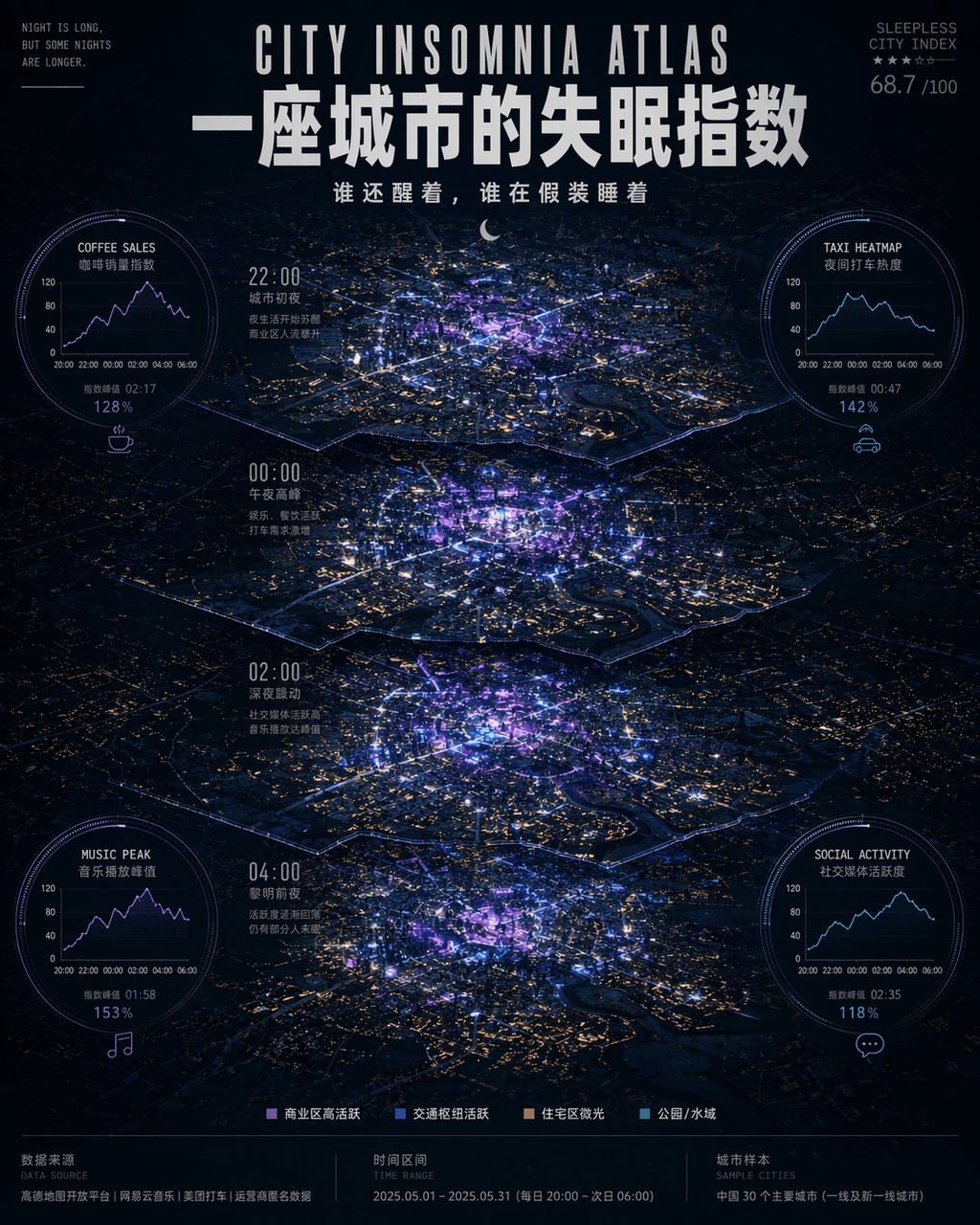
"A city's insomnia index"/"CITY INSOMNIA ATLAS", nightlife data visualization poster, the center is a top-down perspective of the city's night view map, according to late night 22:00, 00:00, 02:00, 04:00 The four time p…
Prompt
"A city's insomnia index"/"CITY INSOMNIA ATLAS", nightlife data visualization poster, the center is a top-down perspective of the city's night view map, according to late night 22:00, 00:00, 02:00, 04:00 The four time periods are illuminated in layers, with the commercial area highlighted in neon purple and electric blue, and the residential area presented in a dot matrix of dim yellow window light. Four circular data modules are embedded around the map: coffee sales curve, night taxi popularity, music playback peak, and social media activity. The title uses narrow uppercase English and Chinese bold overlapping, and the subtitle reads "Who is still awake and who is pretending to be asleep". The small characters at the bottom annotate the data source, time interval and city sample number. The overall visual reference is "Monocle" + Technology think tank report style, the atmosphere is between urban romance and mild anxiety, ratio 4:5.
How to use this prompt
Read the complete A city’s insomnia index prompt and identify the subject, style, camera, lighting, and composition requirements before generating.
Replace bracketed or argument-style placeholders with your product, character, brand, scene, color palette, or aspect ratio requirements.
Open https://www.gptimagehub.com/generate?promptId=cmogxhqbw00gdxt5ga8q4yxv2, generate the image, then refine the prompt with more specific subject, text, layout, or negative constraints if needed.
Prompt FAQ
What is the A city’s insomnia index prompt best used for?
This prompt is best used for other images where you want a reusable structure, detailed visual direction, and consistent output quality.
Can I edit the prompt before generating?
Yes. The full prompt text is visible on this page so you can change subjects, product names, colors, composition, camera terms, aspect ratio, and style notes before generation.
Which model should I use with this prompt?
Use the model shown in the prompt metadata as the default starting point. If another image model supports the same aspect ratio and instruction style, you can adapt the prompt and compare results.