
Cute Picture Book #29
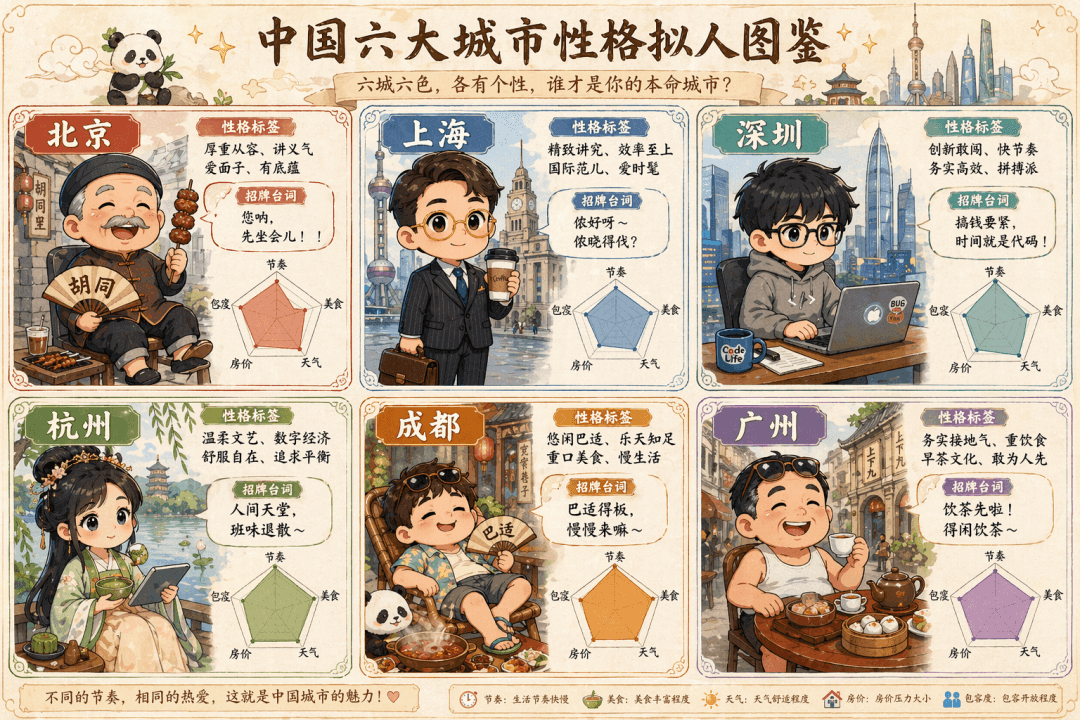
The prompt is to draw a cute hand-painted "Anthropomorphic Illustration of Characters in Six Big Cities in China". The six Q-version villains in the six-square grid represent Beijing (the old man in the alley wearing a…
Prompt
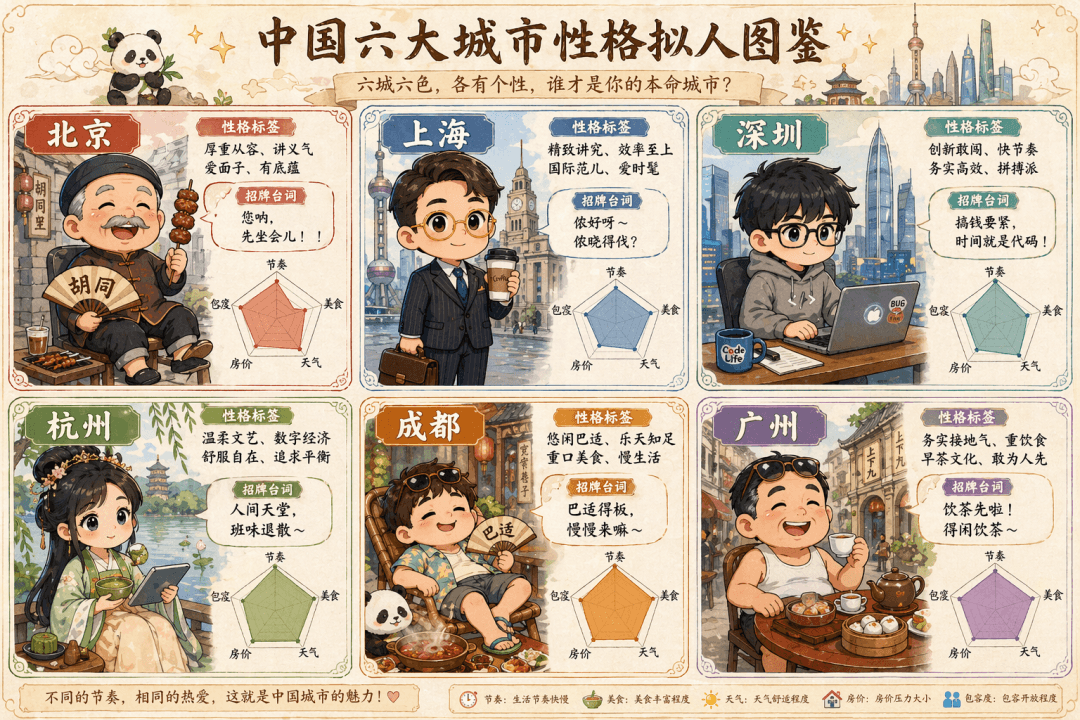
The prompt is to draw a cute hand-painted "Anthropomorphic Illustration of Characters in Six Big Cities in China". The six Q-version villains in the six-square grid represent Beijing (the old man in the alley wearing a Tang suit wearing strings), Shanghai (the elite white-collar worker with gold-rimmed glasses holding a coffee), Shenzhen (the programmer in a sweatshirt holding a notebook), Hangzhou (the girl in Hanfu holding matcha and a tablet), Chengdu (half-lying in shorts and flip-flops around a hot pot), and Guangzhou (Lao Guang drinking morning tea in flip-flops). Each grid is equipped with a personality label, signature lines, and a radar chart (five dimensions: rhythm, food, weather, housing prices, and tolerance), and the whole is like an elf guide.
How to use this prompt
Read the complete Cute Picture Book #29 prompt and identify the subject, style, camera, lighting, and composition requirements before generating.
Replace bracketed or argument-style placeholders with your product, character, brand, scene, color palette, or aspect ratio requirements.
Open https://www.gptimagehub.com/generate?promptId=cmogxpbjb00pdxt5grigwujv4, generate the image, then refine the prompt with more specific subject, text, layout, or negative constraints if needed.
Prompt FAQ
What is the Cute Picture Book #29 prompt best used for?
This prompt is best used for infographic / education images where you want a reusable structure, detailed visual direction, and consistent output quality.
Can I edit the prompt before generating?
Yes. The full prompt text is visible on this page so you can change subjects, product names, colors, composition, camera terms, aspect ratio, and style notes before generation.
Which model should I use with this prompt?
Use the model shown in the prompt metadata as the default starting point. If another image model supports the same aspect ratio and instruction style, you can adapt the prompt and compare results.