
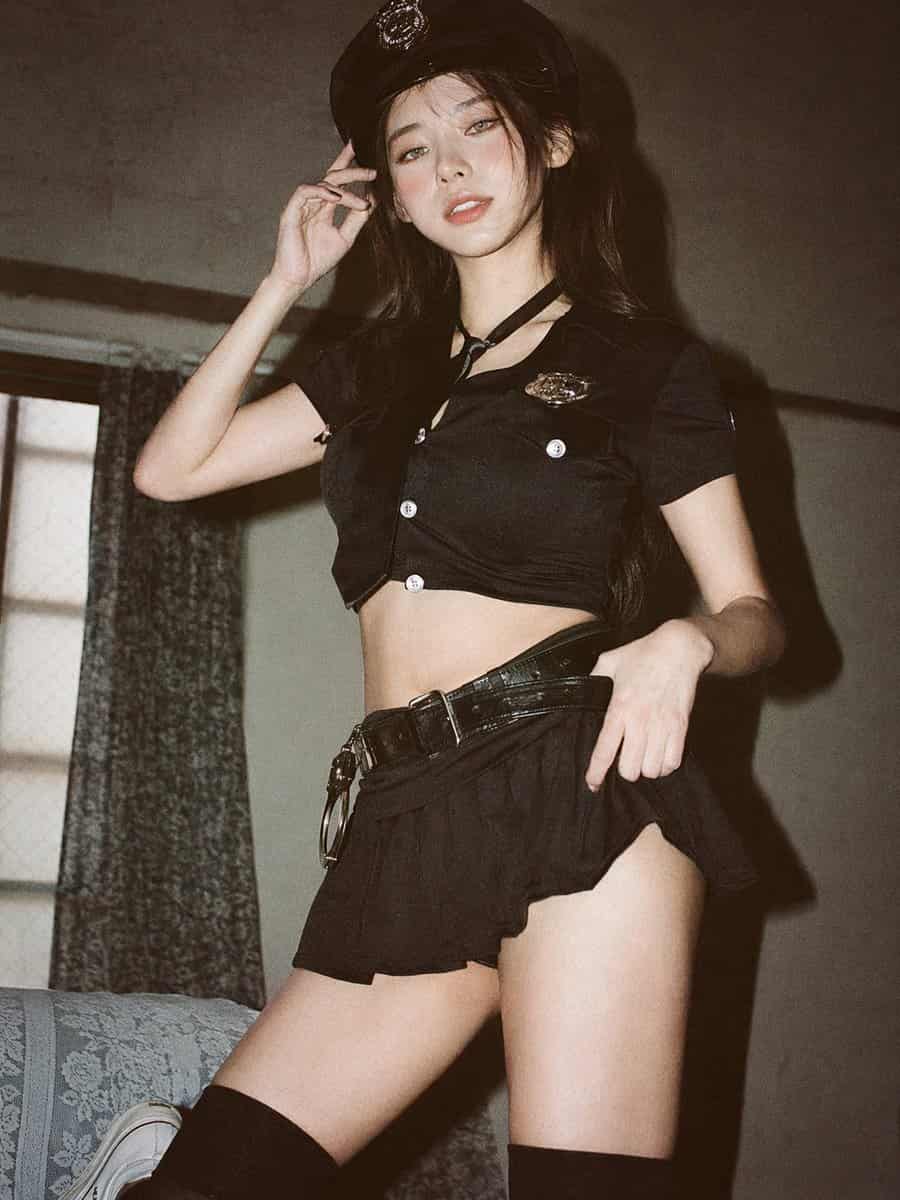
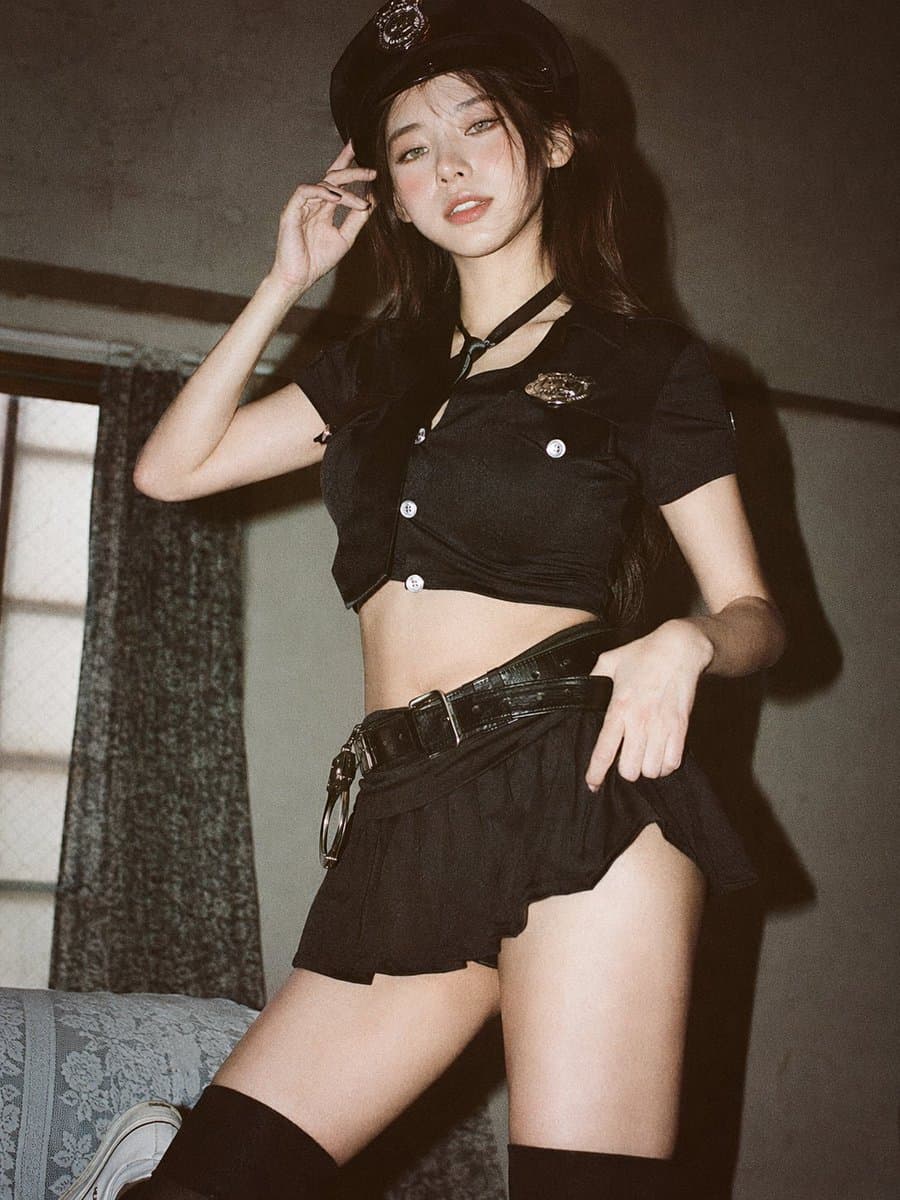
Soft Airy 35mm Portrait
GPT Image 2 soft airy 35mm portrait sample
Prompt
Analog 35mm film photography, soft airy Japanese-style aesthetic, gentle diffused natural window light, slight overexposure, pastel tones, low contrast, soft highlights, minimal indoor setting near a window with white curtains, clean light-colored wall, natural composition, eye-level, slightly closer full-body framing (mid-thigh to head), young East Asian woman, natural minimal makeup, soft realistic skin texture, long slightly messy dark hair, oversized white button-up shirt, light casual shorts, barefoot, simple and relaxed styling, standing naturally with relaxed posture, arms loosely at sides, facing camera, gentle soft smile, subtle stillness, focus on light, air, and quiet everyday mood, soft film grain, dreamy and understated atmosphere.
How to use this prompt
Read the complete Soft Airy 35mm Portrait prompt and identify the subject, style, camera, lighting, and composition requirements before generating.
Replace bracketed or argument-style placeholders with your product, character, brand, scene, color palette, or aspect ratio requirements.
Open https://www.gptimagehub.com/generate?promptId=cmqf0qxlp001r13a79z9r9qqk, generate the image, then refine the prompt with more specific subject, text, layout, or negative constraints if needed.
Prompt FAQ
What is the Soft Airy 35mm Portrait prompt best used for?
This prompt is best used for portrait & photography images where you want a reusable structure, detailed visual direction, and consistent output quality.
Can I edit the prompt before generating?
Yes. The full prompt text is visible on this page so you can change subjects, product names, colors, composition, camera terms, aspect ratio, and style notes before generation.
Which model should I use with this prompt?
Use the model shown in the prompt metadata as the default starting point. If another image model supports the same aspect ratio and instruction style, you can adapt the prompt and compare results.