
Poster & Illustration
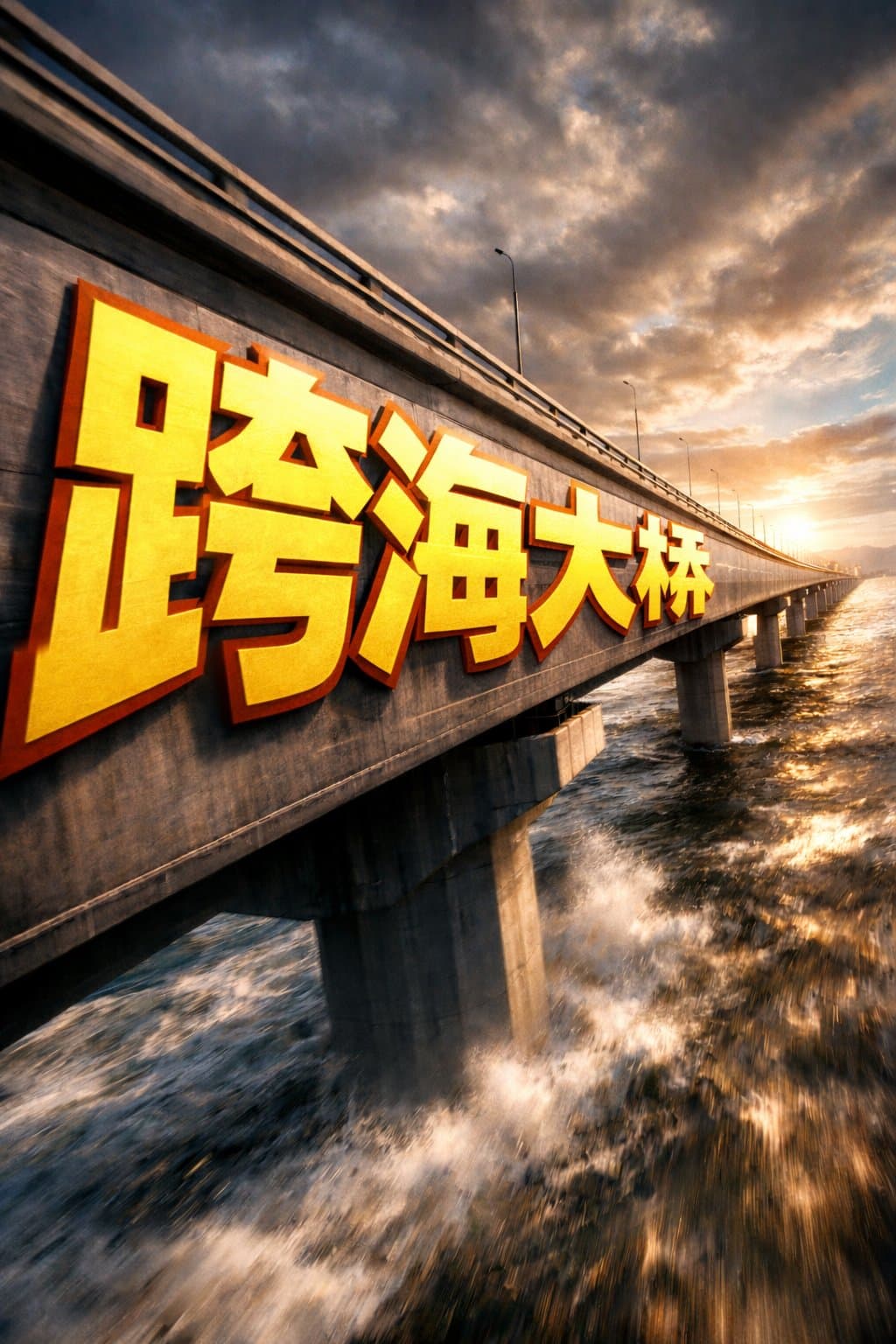
Extreme Perspective Typography Bridge
GPT Image 2 extreme perspective typography bridge sample
typographyperspectivecinematic
Source:@xpg0970
Prompt
A cross-sea bridge photographed from a dramatic cinematic side angle. Giant bold sans-serif text painted directly onto the bridge surface, starting large near the camera and progressively foreshortening toward the vanishing point. The letterforms conform to the surface curvature, appearing surface-integrated rather than floating. Oversized bright yellow text with sharp orange outline, extreme perspective distortion aligned to the vanishing point. Cinematic lighting, subtle motion blur, poster-grade dynamic integrated typography, modern advertising aesthetics. The text reads the bridge name in large characters.
Prompt details
- Category
- Poster & Illustration
- Model
- GPT IMAGE 2
- Cost per image
- 1K: 43 credits · 2K: 86 credits · 4K: 143 credits
- Aspect ratio
- 1:1
- Creator
- @xpg0970
- Added