
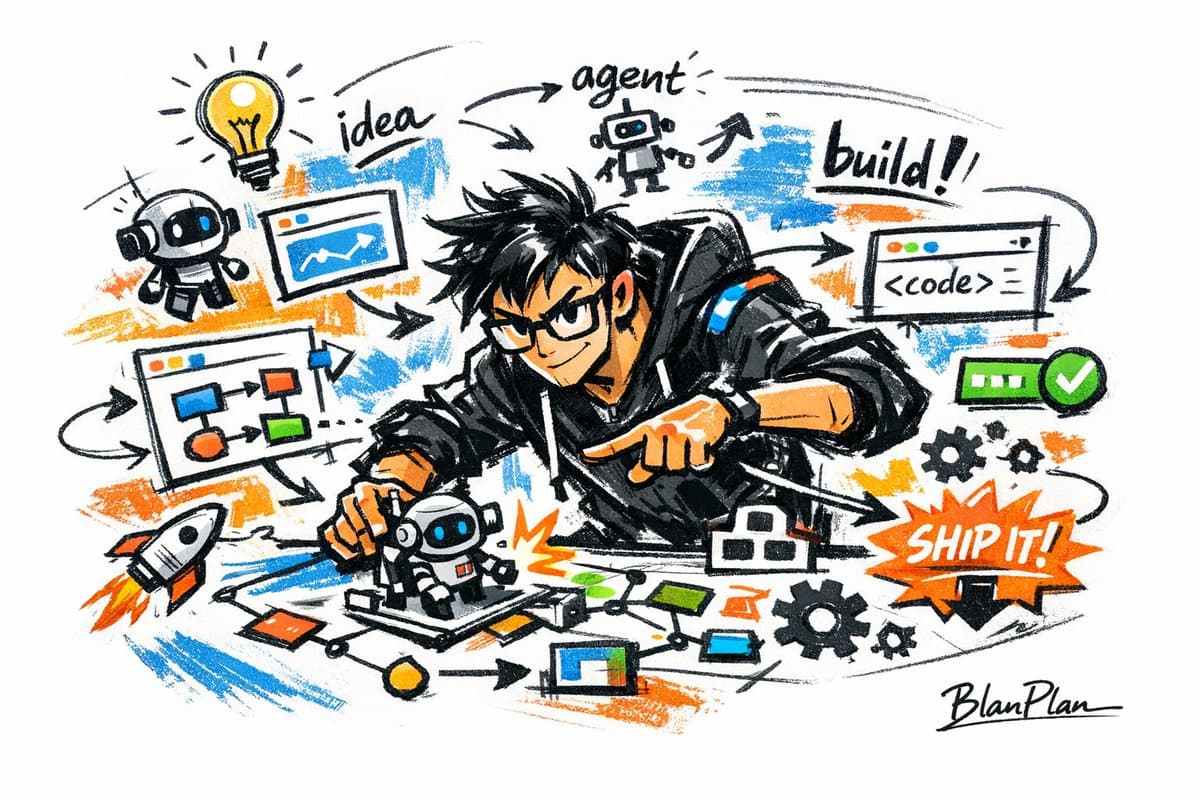
Doodle Sketch AI Builder
Generate hand-drawn graffiti sketch illustrations of developers and tech workflows, ideal for startup posters, website banners, and tech blog articles.
Prompt
It expresses [a powerful AI builder] in the style of graffiti, and the overall presentation is rapid sketching, free deformation, impromptu hand-drawing and draft-style visual effects. The lines are casual, exaggerated, and can vary in thickness. They are slightly messy but rhythmic and expressive. They emphasize generalization, exaggeration, fun and spontaneity, rather than rigorous realism or fine depiction. The color is expressed in a rough, dry-brushed block surface, which can retain uneven smear marks, brush marks, whitening and coverage. The color is automatically adapted according to the [theme/subject], but the overall expression is maintained in a graffiti-like, sketchy, and generalized style. No transparent watercolor smudge effect, no delicate watercolor transition, no paper texture, no soft fog, no dreamy texture. The background is mainly white space, keeping it simple, relaxed, unfinished, and designed. A small amount of auxiliary symbols, arrows, marks, circles, repeated lines, handwritten text or other graffiti elements can be added to enhance the sketchbook or essay-style visual language, but it should not be too crowded or destroy the main body and white space. The content of the picture does not need to be clearly written in advance. [A powerful AI builder] will automatically deduce and generate the most suitable main image, actions, related elements, symbols or simplified scenes. The overall style of graffiti sketching and exaggerated general expression will be maintained to avoid complex realistic backgrounds and excessive elaboration. The exclusive signature "BlanPlan" needs to be added naturally to the picture. As part of the picture, the position should be low-key but clear. It can be placed in the lower left corner, lower right corner or near the title. The style must be unified with the overall layout, like the signature of the work or the design signature. The signature font should be exquisite, restrained and high-end. It should not be too large, should not destroy the main composition, and should not appear abrupt or cheap.
What you can customize
Swap these parts of the prompt for your own subject or wording before you generate.
[a powerful AI builder]placeholder[theme/subject]placeholder[A powerful AI builder]placeholder“BlanPlan”quoted wording
Prompt details
- Category
- Poster & Illustration
- Model
- GPT IMAGE 2
- Cost per image
- 1K: 43 credits · 2K: 86 credits · 4K: 143 credits
- Aspect ratio
- 1:1
- Creator
- @blanplan
- License
- CC BY 4.0
- Added
- Updated