
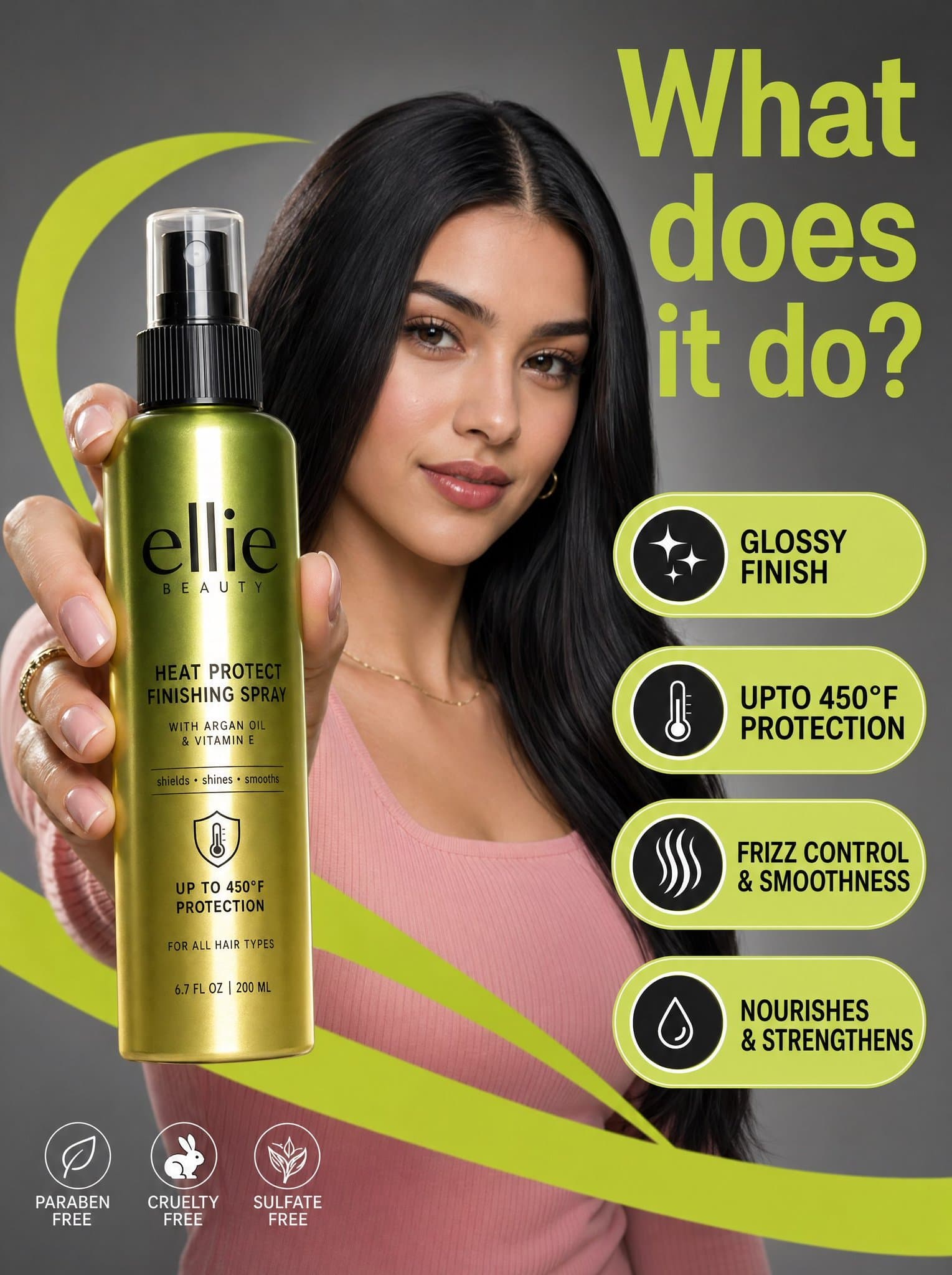
Beauty Product Commercial Marketing Photograph
Generates a commercial beauty product ad featuring a model holding a bottle with graphic feature callouts, suitable for ecommerce marketing.
Prompt
A high-resolution commercial marketing photograph features a young woman with sleek dark hair and a pink ribbed top in a neutral grey studio setting, centered behind a glossy Ellie Beauty spray bottle held prominently in the foreground. The composition is energized by vibrant, lime-green graphic "swooshes" and floating pill-shaped callouts that highlight product features like "glossy finish" and "upto 450°F protection" in bold black sans-serif text. The lighting is professionally diffused, casting soft highlights on the model’s face while creating a sharp, vertical reflection on the metallic green-to-gold gradient bottle label. Topping the scene is a large, lime-green headline in the upper right asking, "What does it do?", altogether creating a clean, modern, and high-contrast aesthetic with a shallow depth of field that keeps the product and the model's focused expression in sharp relief.
What you can customize
Swap these parts of the prompt for your own subject or wording before you generate.
“swooshes”quoted wording“glossy finish”quoted wording“upto 450°F protection”quoted wording“What does it do?”quoted wording
Prompt details
- Category
- Product & E-commerce
- Model
- GPT IMAGE 2
- Cost per image
- 1K: 43 credits · 2K: 86 credits · 4K: 143 credits
- Aspect ratio
- 1:1
- Creator
- @AIwithSarah_
- License
- CC BY 4.0
- Added
- Updated