
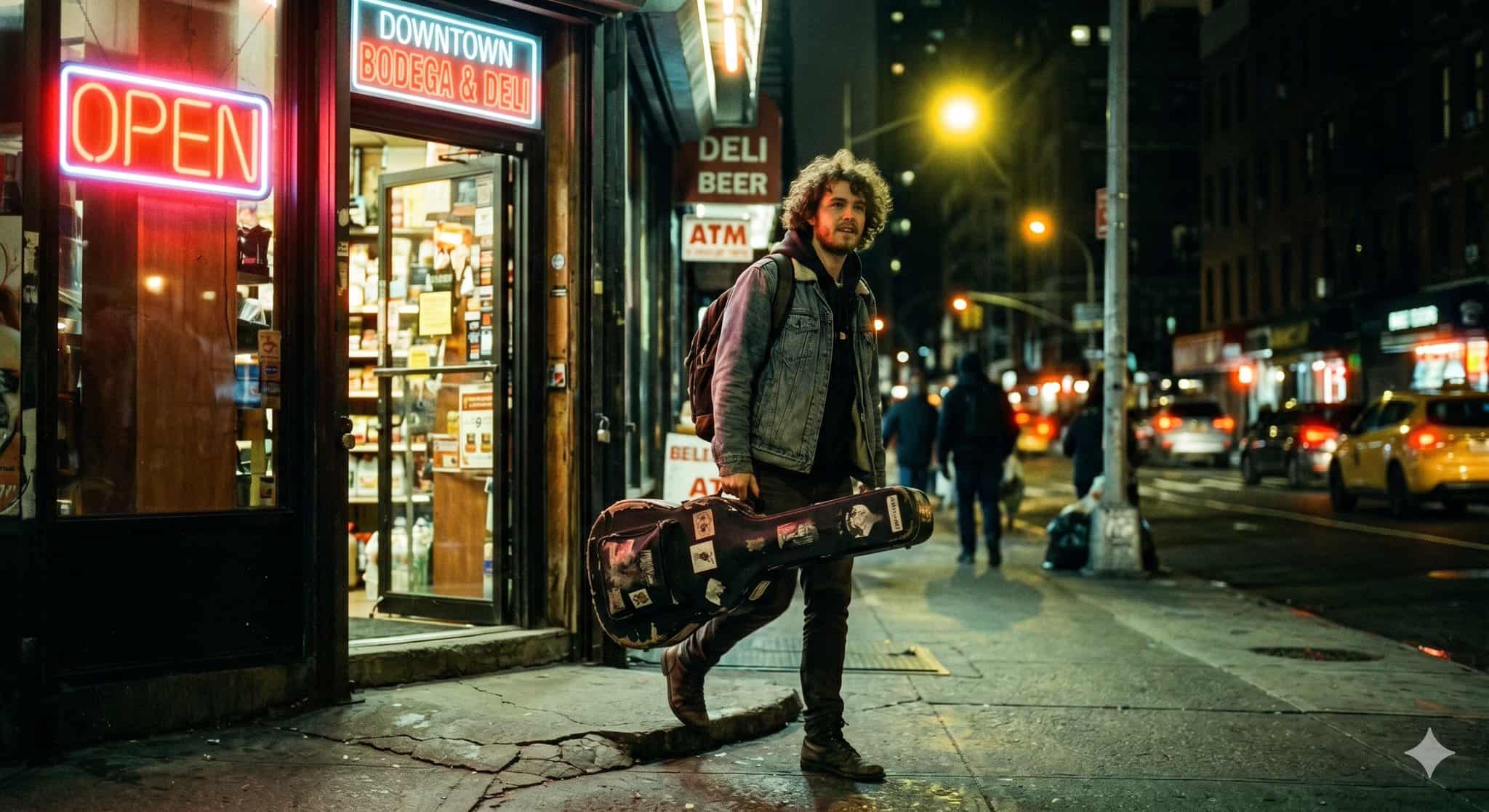
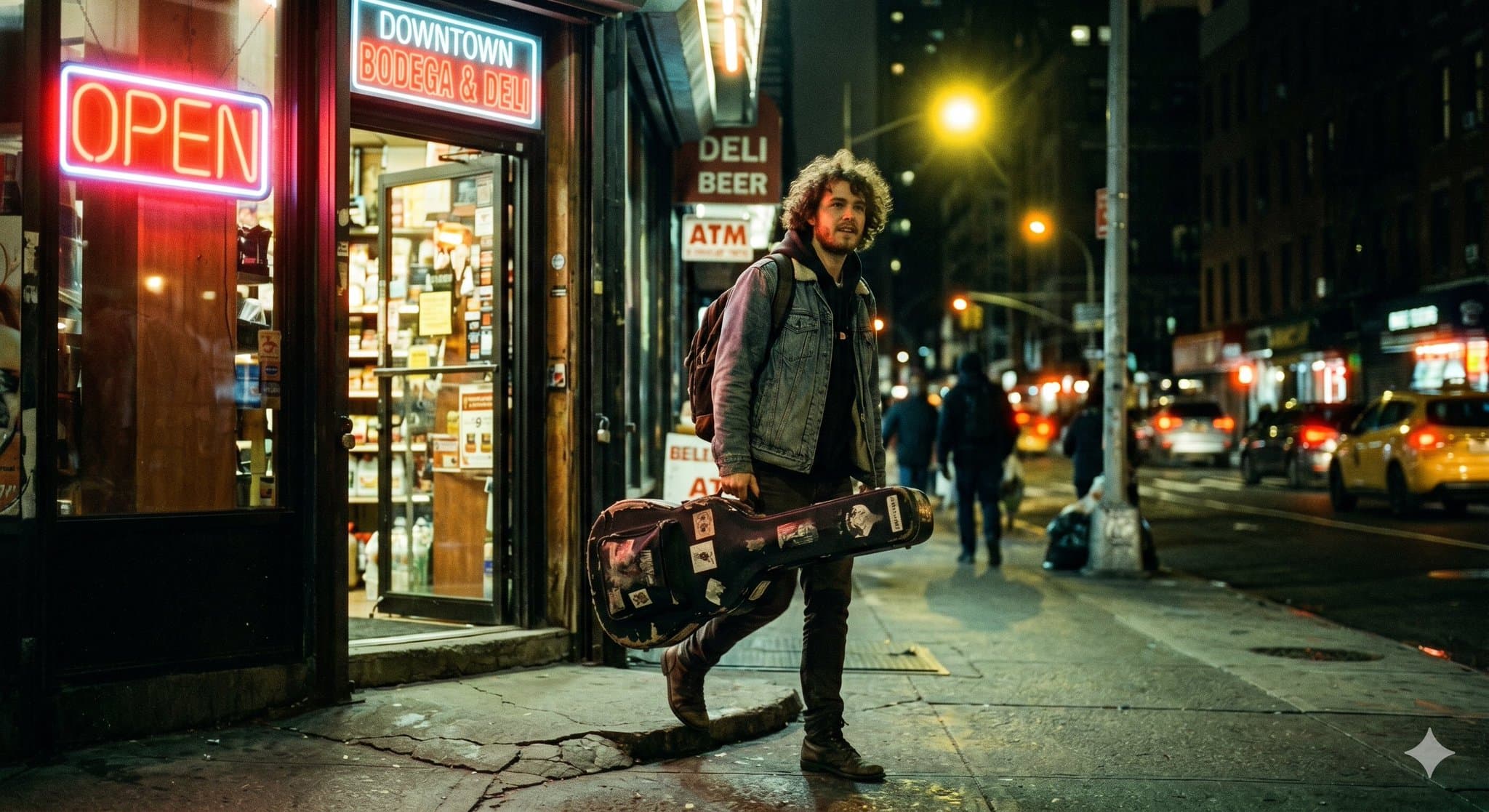
Musician Leaving Bodega Night Cinematic Portrait
A candid, magazine-cover quality documentary photograph of a young musician with curly hair, casually carrying a worn guitar case, stepping out of a classic downtown bodega at 11 PM. The lighting features a complex mixe…
Prompt
A candid, magazine-cover quality documentary photograph of a young musician with curly hair, casually carrying a worn guitar case, stepping out of a classic downtown bodega at 11 PM. The lighting features a complex mixed color temperature: a bright neon "OPEN" sign casts an intense, warm red glow across his face, while a yellow streetlamp provides a striking backlight behind him. The image perfectly emulates 35mm film shot on a Canon AE-1 with a 50mm f/1.4 lens wide open, exhibiting a shallow depth of field with the background beautifully blurred. It captures the exact aesthetics of CineStill 800T film, specifically featuring the distinctive soft red halation bloom radiating outward from the neon light sources, a tungsten white balance, and moody, slightly green-tinted shadows in the darkest areas. Cinematic night photography, photorealistic, highly detailed.
How to use this prompt
Read the complete Musician Leaving Bodega Night Cinematic Portrait prompt and identify the subject, style, camera, lighting, and composition requirements before generating.
Replace bracketed or argument-style placeholders with your product, character, brand, scene, color palette, or aspect ratio requirements.
Open https://www.gptimagehub.com/generate?promptId=cmogws4vi001vzpdy5wv8hdhq, generate the image, then refine the prompt with more specific subject, text, layout, or negative constraints if needed.
Prompt FAQ
What is the Musician Leaving Bodega Night Cinematic Portrait prompt best used for?
This prompt is best used for logo & branding images where you want a reusable structure, detailed visual direction, and consistent output quality.
Can I edit the prompt before generating?
Yes. The full prompt text is visible on this page so you can change subjects, product names, colors, composition, camera terms, aspect ratio, and style notes before generation.
Which model should I use with this prompt?
Use the model shown in the prompt metadata as the default starting point. If another image model supports the same aspect ratio and instruction style, you can adapt the prompt and compare results.