
analyze this photo and give me a detailed JSON prompt that recreates it. brea...
analyze this photo and give me a detailed JSON prompt that recreates it. break down the color grading and every exact color in the photo (use Opus, not Sonnet. Opus has stronger visual analysis and writes more detailed…
Prompt
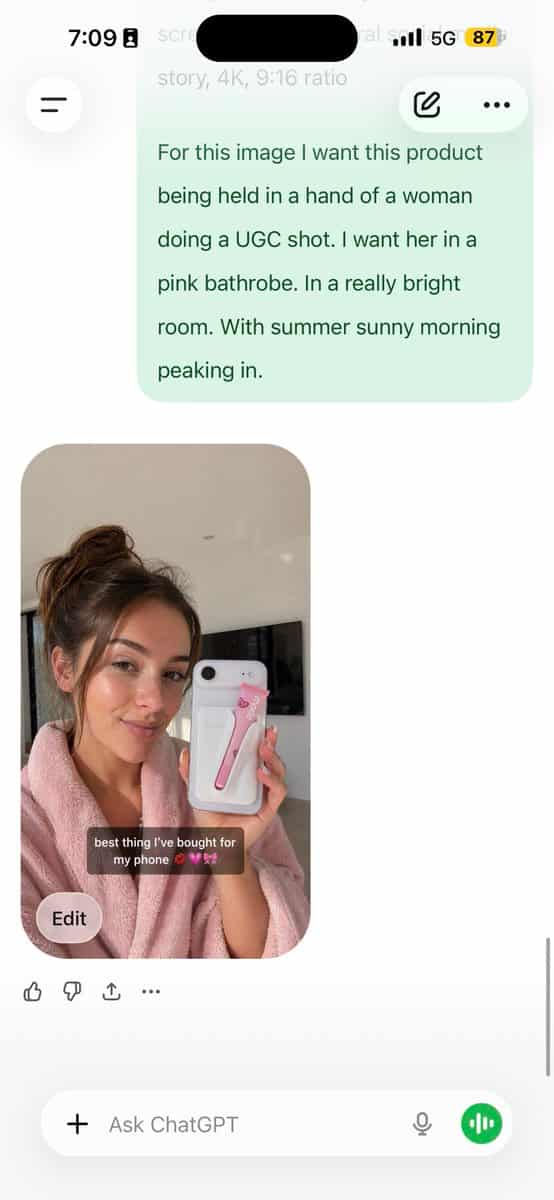
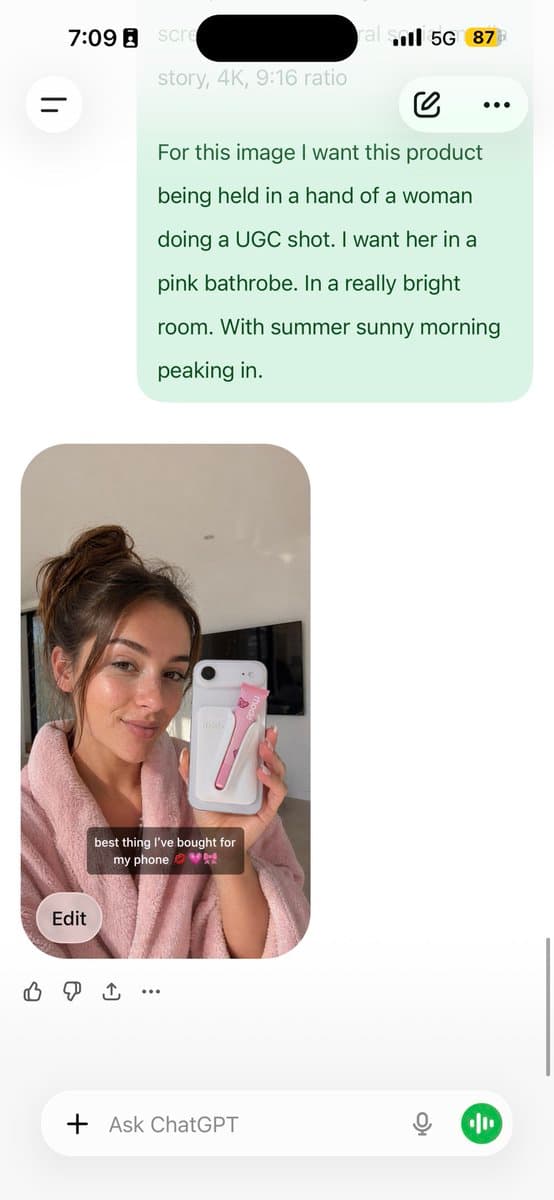
analyze this photo and give me a detailed JSON prompt that recreates it. break down the color grading and every exact color in the photo (use Opus, not Sonnet. Opus has stronger visual analysis and writes more detailed JSON) paste that JSON into ChatGPT upload your product image and prompt: using this JSON as reference, generate a person holding my product save that generated photo as your character reference attach it to every future generation for facial consistency you now have a consistent UGC model that works across any product the JSON controls the lighting and color grading. GPT image-2 handles the character. you control the product placement. the #1 tell on AI photos is flat colors and a grainy look. this method removes both. 5 minutes to set up. unlimited variations after.
How to use this prompt
Read the complete analyze this photo and give me a detailed JSON prompt that recreates it. brea... prompt and identify the subject, style, camera, lighting, and composition requirements before generating.
Replace bracketed or argument-style placeholders with your product, character, brand, scene, color palette, or aspect ratio requirements.
Open https://www.gptimagehub.com/generate?promptId=cmogws0lq001jzpdymr6rmtxn, generate the image, then refine the prompt with more specific subject, text, layout, or negative constraints if needed.
Prompt FAQ
What is the analyze this photo and give me a detailed JSON prompt that recreates it. brea... prompt best used for?
This prompt is best used for portrait & photography images where you want a reusable structure, detailed visual direction, and consistent output quality.
Can I edit the prompt before generating?
Yes. The full prompt text is visible on this page so you can change subjects, product names, colors, composition, camera terms, aspect ratio, and style notes before generation.
Which model should I use with this prompt?
Use the model shown in the prompt metadata as the default starting point. If another image model supports the same aspect ratio and instruction style, you can adapt the prompt and compare results.