
Dreamy Oriental female portrait prompt
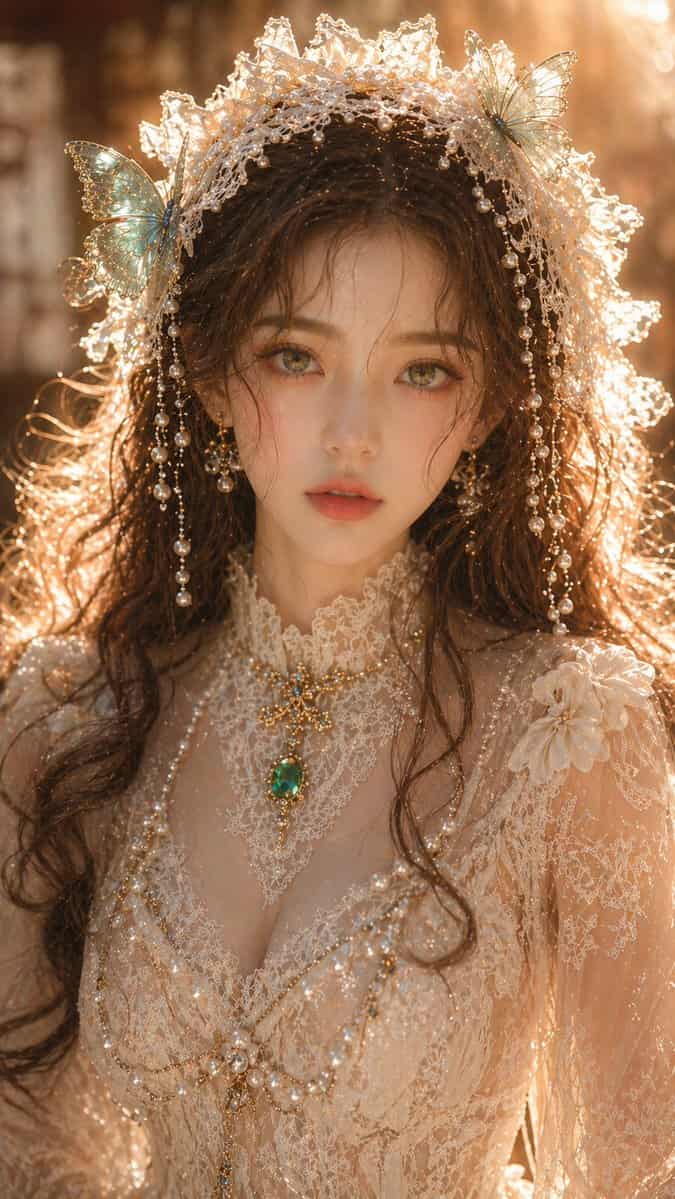
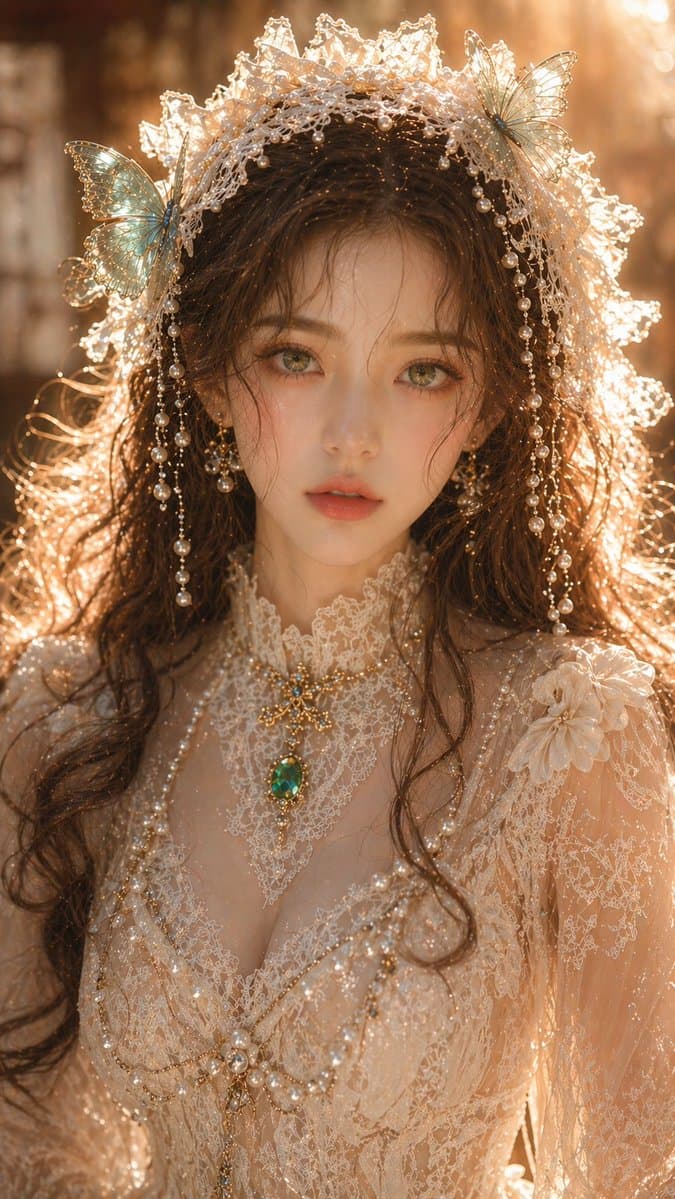
{argument name="subject" default="Dreamy Oriental female portrait"}, adult female, close-up portrait, exquisite facial features, fair and translucent skin, delicate but clean skin texture, emerald green eyes, soft and c…
Prompt
{argument name="subject" default="Dreamy Oriental female portrait"}, adult female, close-up portrait, exquisite facial features, fair and translucent skin, delicate but clean skin texture, emerald green eyes, soft and charming gaze, brown wavy hair falling naturally; {argument name="accessories" default="Off-white lace headpiece"}, embellished with turquoise butterflies and pearl decorations; attire is an exquisite lace gown with a clear structure and clean, not overly complex texture, accompanied by emerald jewelry; lighting is soft warm gold side-backlighting, rim lighting is clear but not overexposed, skin has slight highlights but not excessive reflection, overall lighting is clean and transparent, background is softly blurred with shallow depth of field; high-end portrait photography quality, details are clear but restrained, no grain, no noise, real physical lighting, 8K, commercial-grade quality. Aspect ratio: 9:16
How to use this prompt
Read the complete Dreamy Oriental female portrait prompt prompt and identify the subject, style, camera, lighting, and composition requirements before generating.
Replace bracketed or argument-style placeholders with your product, character, brand, scene, color palette, or aspect ratio requirements.
Open https://www.gptimagehub.com/generate?promptId=cmogwyrka00a5zpdysrekft0g, generate the image, then refine the prompt with more specific subject, text, layout, or negative constraints if needed.
Prompt FAQ
What is the Dreamy Oriental female portrait prompt prompt best used for?
This prompt is best used for portrait & photography images where you want a reusable structure, detailed visual direction, and consistent output quality.
Can I edit the prompt before generating?
Yes. The full prompt text is visible on this page so you can change subjects, product names, colors, composition, camera terms, aspect ratio, and style notes before generation.
Which model should I use with this prompt?
Use the model shown in the prompt metadata as the default starting point. If another image model supports the same aspect ratio and instruction style, you can adapt the prompt and compare results.