
Prompt
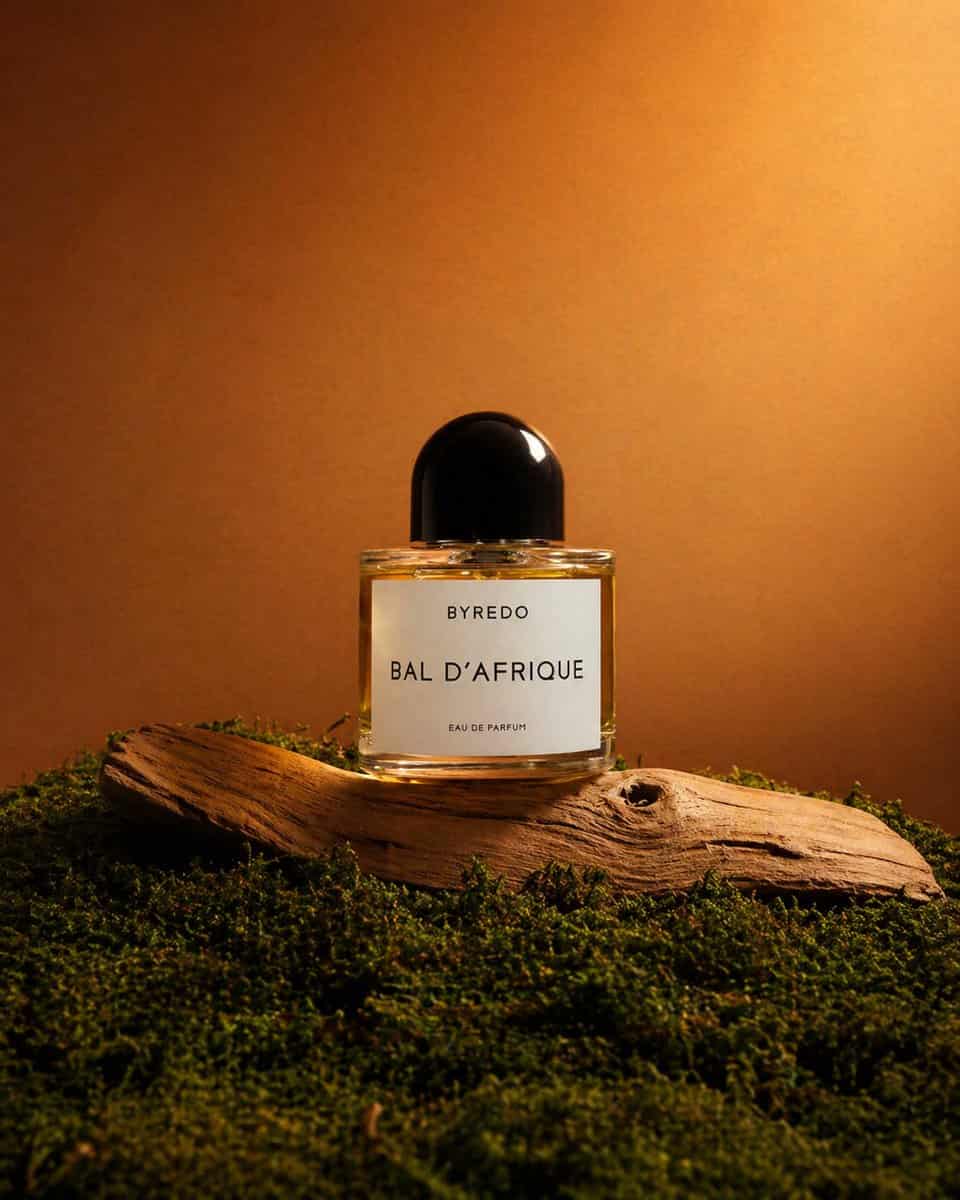
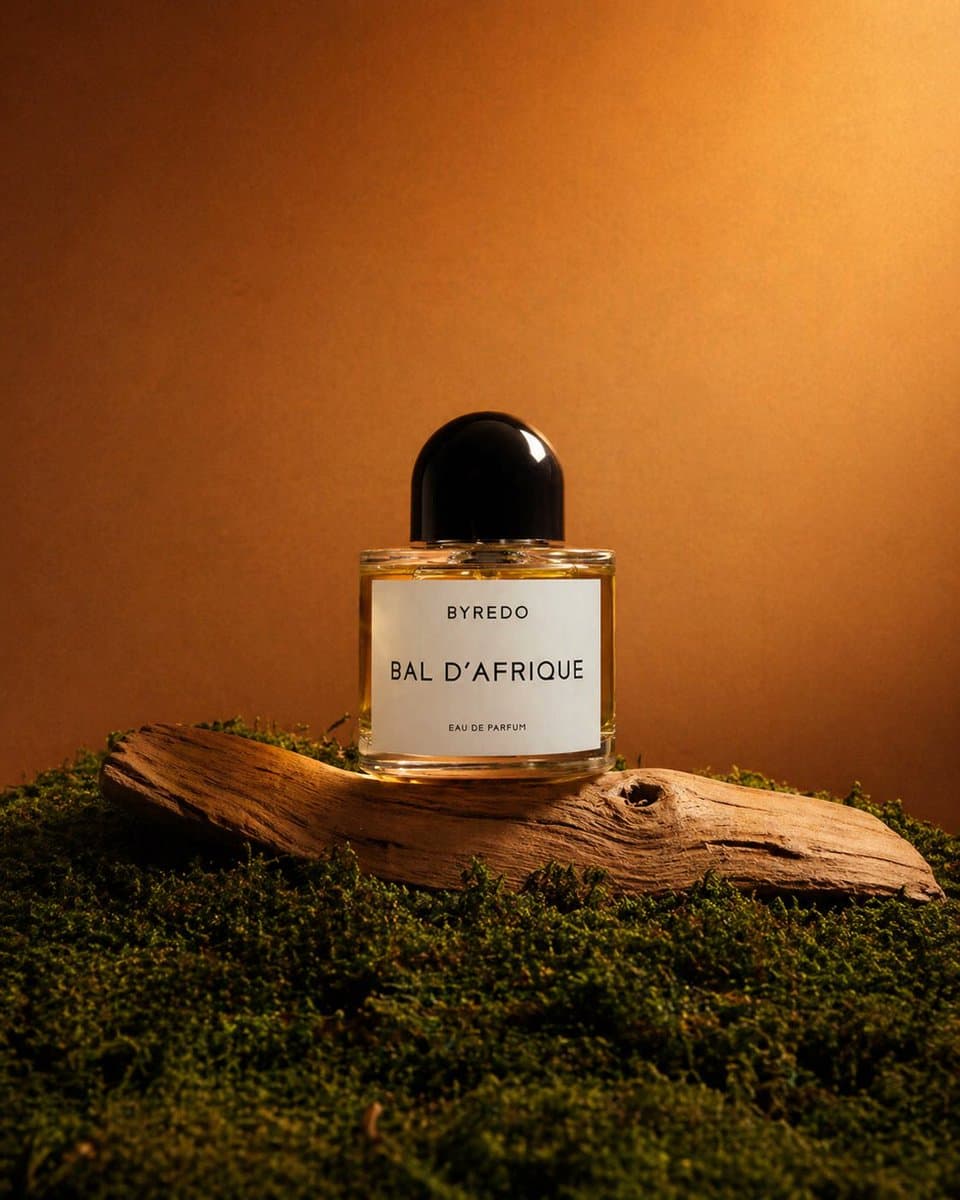
A high-end editorial product photograph of a single luxury perfume bottle centered in a warm earthy still-life scene. The product is a clear rectangular glass bottle filled with golden amber liquid, topped with a glossy rounded black cap, with a clean white front label that reads "BYREDO", "BAL D’AFRIQUE", and "EAU DE PARFUM". Place the bottle upright on 1 curved piece of pale weathered driftwood, surrounded by a dense carpet of 1 layer of rich green moss covering the foreground and lower frame. Use a minimal studio composition with the product isolated against a smooth warm brown-to-amber gradient background, softly illuminated like sunset light. Light the scene with dramatic directional warm light from the upper right, creating a bright glow on the background, a crisp highlight on the cap, soft reflections in the glass, and gentle shadows across the wood and moss. Keep the framing vertical, the bottle centered slightly low in the composition with generous negative space above, and the overall mood natural, luxurious, earthy, cinematic, and polished like a premium fragrance campaign shot.
How to use this prompt
Read the complete Editorial Perfume Shot on Moss prompt and identify the subject, style, camera, lighting, and composition requirements before generating.
Replace bracketed or argument-style placeholders with your product, character, brand, scene, color palette, or aspect ratio requirements.
Open https://www.gptimagehub.com/generate?promptId=cmogx55cs00f1zpdypx1vjrc7, generate the image, then refine the prompt with more specific subject, text, layout, or negative constraints if needed.
Prompt FAQ
What is the Editorial Perfume Shot on Moss prompt best used for?
This prompt is best used for other images where you want a reusable structure, detailed visual direction, and consistent output quality.
Can I edit the prompt before generating?
Yes. The full prompt text is visible on this page so you can change subjects, product names, colors, composition, camera terms, aspect ratio, and style notes before generation.
Which model should I use with this prompt?
Use the model shown in the prompt metadata as the default starting point. If another image model supports the same aspect ratio and instruction style, you can adapt the prompt and compare results.