
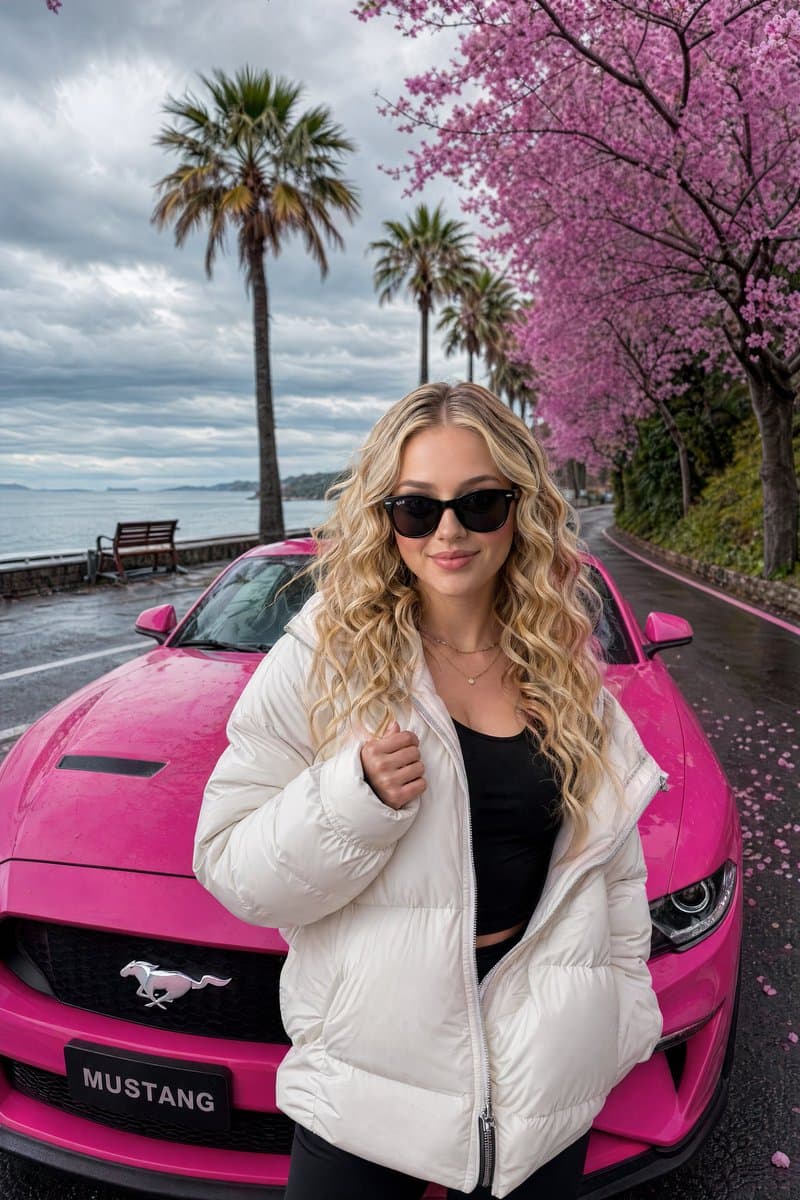
Luxury Lifestyle Mustang Shot
Generates a fashion portrait of a woman posed with a sports car on a scenic coastal road, ideal for digital creator profiles and luxury lifestyle posts.
Prompt
A stylish young woman with {argument name="hair style" default="long wavy blonde hair"}, defined cheekbones, and a confident expression, wearing black sunglasses and a {argument name="clothing" default="thick white puffer jacket"} over a fitted black top, standing confidently in front of a {argument name="car" default="vibrant hot-pink Ford Mustang"}. She is posing with one hand slightly raised near her chest, exuding effortless attitude and elegance. The car is parked on a scenic coastal road lined with blooming pink cherry blossom trees and tall palm trees. Behind them is a calm sea under a dramatic overcast sky with soft clouds. Pink petals are scattered on the wet asphalt. A wooden bench is visible on the left side near the water. Cinematic lighting, photorealistic, ultra-detailed skin texture, natural lighting reflections, Instagram-style luxury lifestyle shot, vibrant colors, moody atmosphere, 8k resolution --ar 9:16 --stylize 250
Prompt details
- Category
- Portrait & Photography
- Model
- GPT IMAGE 2
- Cost per image
- 1K: 43 credits · 2K: 86 credits · 4K: 143 credits
- Aspect ratio
- 1:1
- Creator
- @Sharon Riley
- License
- CC BY 4.0
- Added
- Updated