
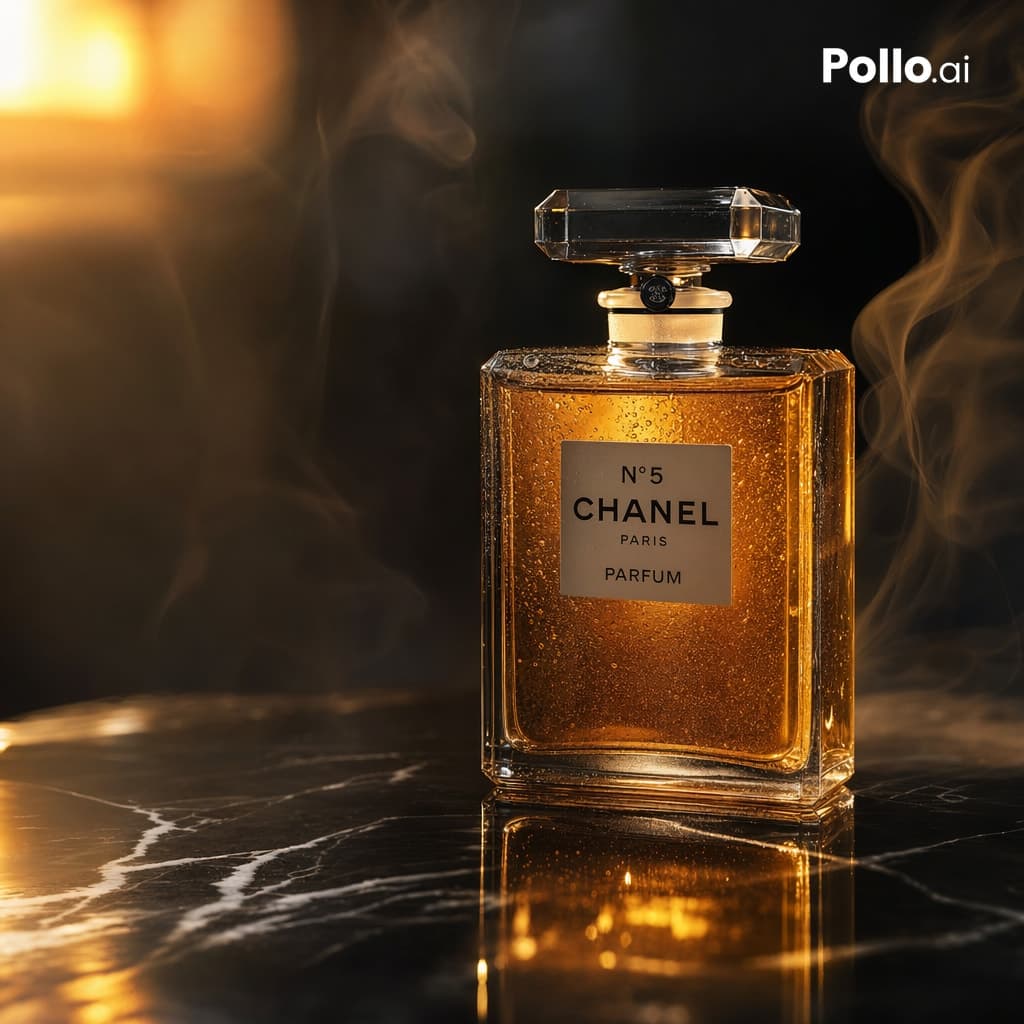
Luxury Amber Perfume Ad
A dark luxury fragrance composition using amber liquid, faceted glass, and warm side light. The strongest contrast is the luminous bottle against a quiet black background.
Prompt
A luxurious cinematic product photograph of a classic rectangular perfume bottle inspired by {argument name="brand label" default="N°5 CHANEL PARIS PARFUM"}, placed upright on a glossy black marble surface with white veining. The bottle is centered slightly to the right, made of clear faceted glass with a large transparent crystal stopper, filled with rich amber-gold perfume that glows from within. Tiny condensation droplets cover the glass, adding texture and realism. Dramatic warm lighting from the upper left creates golden highlights, deep reflections on the marble, and a soft luminous bloom in the background. Wisps of elegant smoke curl around the bottle on both sides, enhancing a moody high-end advertisement feel. Dark background, shallow depth of field, ultra-detailed studio product photography, luxury beauty campaign aesthetic, crisp focus on the bottle, realistic reflections, warm black-and-gold color palette. Add a small white {argument name="corner logo" default="Pollo.ai"} in the top-right corner. Square composition, premium commercial ad, photorealistic, high contrast, refined and sophisticated.
Example images
Created with our built-in image tool as composition and style examples.
Usage guide
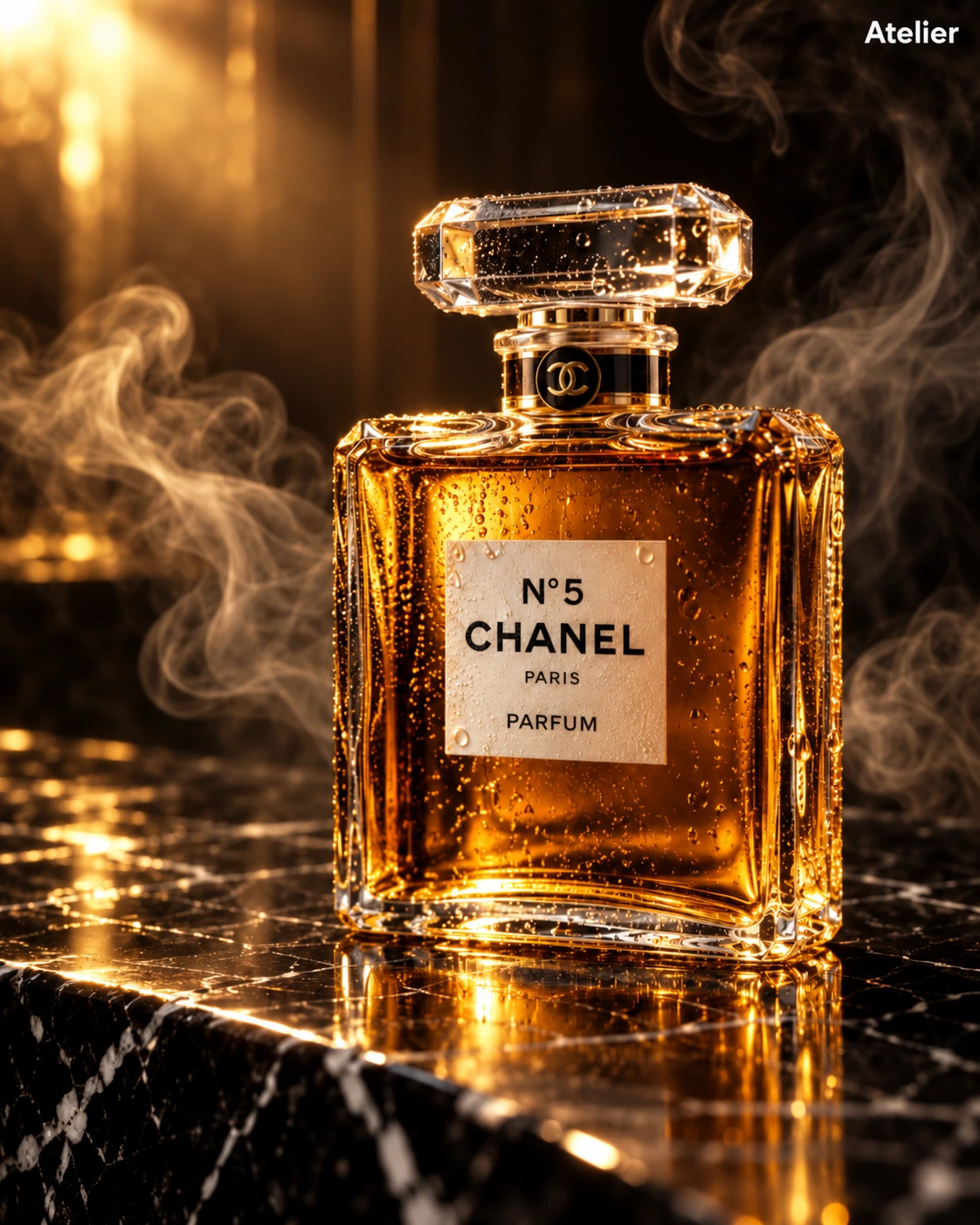
A dark luxury fragrance composition using amber liquid, faceted glass, and warm side light. The strongest contrast is the luminous bottle against a quiet black background.
When to use
Fragrance campaign concepts and glass-packaging lighting studies. The same visual structure can be adapted to your own bottle and label.
What the existing example shows
The existing illustration has amber glass highlights, smoke, and a dark reflective surface. Its bottle still carries the original CHANEL reference; the small corner text was separately edited to Atelier.
Suggested setup
- Aspect ratio
- 4:5 · The original wording includes a square-composition instruction, but the stored example is 4:5. Use one consistent ratio and leave breathing room around the stopper.
- Reference images
- Recommended when reproducing a real bottle shape or label. For a new concept, describe a fictional bottle and exact label text.
What to customize
- Bottle and labelRound smoky-glass bottle labeled LUNE / AMBER No. 03
- Replace the bottle shape and all label strings together instead of only changing a corner caption.
- SurfacePolished dark stone with a restrained reflection
- Ask for one coherent reflection and keep the surface pattern secondary to the glass.
- AtmosphereA thin ribbon of haze behind the bottle
- Keep haze off the label and avoid combining heavy smoke with large condensation droplets.
View a complete adaptation
LUNE Amber No. 03
An original fictional fragrance layout that replaces the reference brand and resolves the conflicting crop instructions.
This adaptation has not been generated. The existing image belongs to the original illustration record.
Create a 4:5 vertical luxury fragrance product photograph for a fictional brand named "LUNE". Place one round smoky-glass bottle slightly right of center on polished dark stone, with a low clear stopper and warm amber liquid. The small cream label reads exactly "LUNE" and "AMBER No. 03". Light the bottle from the upper left so the amber liquid glows and the curved glass has crisp edge highlights. Keep one subtle reflection beneath the bottle and a thin ribbon of haze behind it, never crossing the label. Use a deep black background, controlled golden highlights, and a shallow depth of field. Leave the upper-left area quiet for later campaign copy. No other logos, corner captions, or extra bottles.
Troubleshooting
- A reference brand remains in the new design
- Replace every brand-bearing element explicitly, including label, cap markings, and corner text; changing only the headline does not redesign the bottle.
- Smoke hides the product
- Move the haze behind the bottle, reduce its opacity, and request an unobstructed label and stopper silhouette.
Editorial notes and generation record
AI-assisted editorial analysis of the source prompt and existing illustration. Settings are starting suggestions; the new adaptation is not a model test.
The existing illustration was generated with the built-in image tool. Its provider model is not disclosed. Actual image size: 1122 × 1402.
Original illustration input
Create one finished image illustrating this image prompt.
Aspect ratio: 4:5.
A luxurious cinematic product photograph of a classic rectangular perfume bottle inspired by N°5 CHANEL PARIS PARFUM, placed upright on a glossy black marble surface with white veining. The bottle is centered slightly to the right, made of clear faceted glass with a large transparent crystal stopper, filled with rich amber-gold perfume that glows from within. Tiny condensation droplets cover the glass, adding texture and realism. Dramatic warm lighting from the upper left creates golden highlights, deep reflections on the marble, and a soft luminous bloom in the background. Wisps of elegant smoke curl around the bottle on both sides, enhancing a moody high-end advertisement feel. Dark background, shallow depth of field, ultra-detailed studio product photography, luxury beauty campaign aesthetic, crisp focus on the bottle, realistic reflections, warm black-and-gold color palette. Add a small white Pollo.ai in the top-right corner. Square composition, premium commercial ad, photorealistic, high contrast, refined and sophisticated.
Subsequent editing instruction
Edit this product photograph. Change only the small white text in the upper right corner from 'Pollo.ai' to 'Atelier', same size and position. Keep the perfume bottle, its CHANEL label, lighting, golden color, droplets, steam, framing and all other details unchanged.
Prompt details
- Category
- Product & E-commerce
- Model
- GPT IMAGE 2
- Cost per image
- 1K: 43 credits · 2K: 86 credits · 4K: 143 credits
- Aspect ratio
- 4:5
- Creator
- @Polanco | IA
- License
- CC BY 4.0
- Added
- Updated