
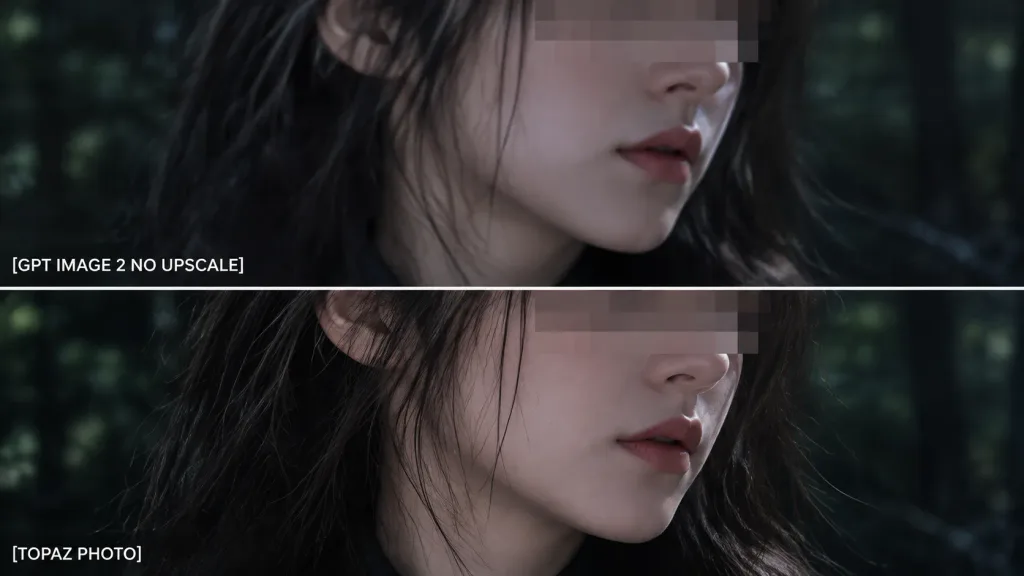
Cắt Zoom So Sánh Hai Khung Hình
Tạo chế độ xem cận cảnh phóng to gồm hai khung để so sánh chất lượng kèm nhãn tùy chỉnh. Thay đổi nhãn chữ và hậu cảnh theo nhu cầu đánh giá.
Prompt
Using the reference photo as the source image, create an extreme zoom-in crop for a detail-comparison view: - Composition: Two stacked horizontal comparison panels separated by a clean divider line. Crop tightly around the subject's face, hair, jawline, and neck so the facial area occupies most of the frame, showing only slivers of the [forest background] along the edges. - Elements & Text: Preserve the existing anonymizing face blocks. Display exactly two white text labels on the left: "[GPT IMAGE 2 NO UPSCALE]" in the upper panel and "[TOPAZ PHOTO]" in the lower panel. - Lighting & Style: Retain the dark cinematic lighting, authentic colors, and side-by-side sharpness differences. - Constraints: Do not add new objects, modify the subject, or add extra text.
Những phần bạn có thể tùy chỉnh
Trước khi tạo ảnh, hãy thay các phần này của prompt bằng chủ đề hoặc nội dung của bạn.
[forest background]chỗ giữ chỗ[GPT IMAGE 2 NO UPSCALE]chỗ giữ chỗ[TOPAZ PHOTO]chỗ giữ chỗ
Chi tiết prompt
- Danh mục
- Infographic / Giáo dục
- Mô hình
- GPT IMAGE 2
- Chi phí mỗi ảnh
- 1K: 43 tín dụng · 2K: 86 tín dụng · 4K: 143 tín dụng
- Tỷ lệ khung hình
- 16:9
- Ngày thêm