
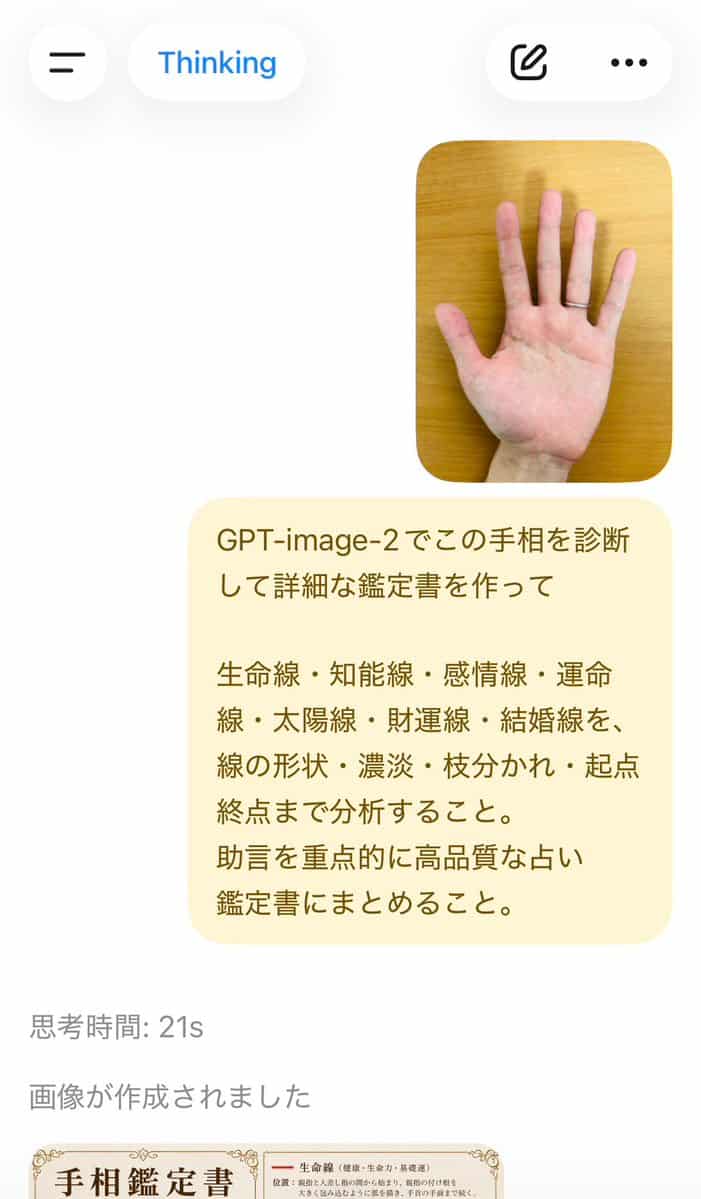
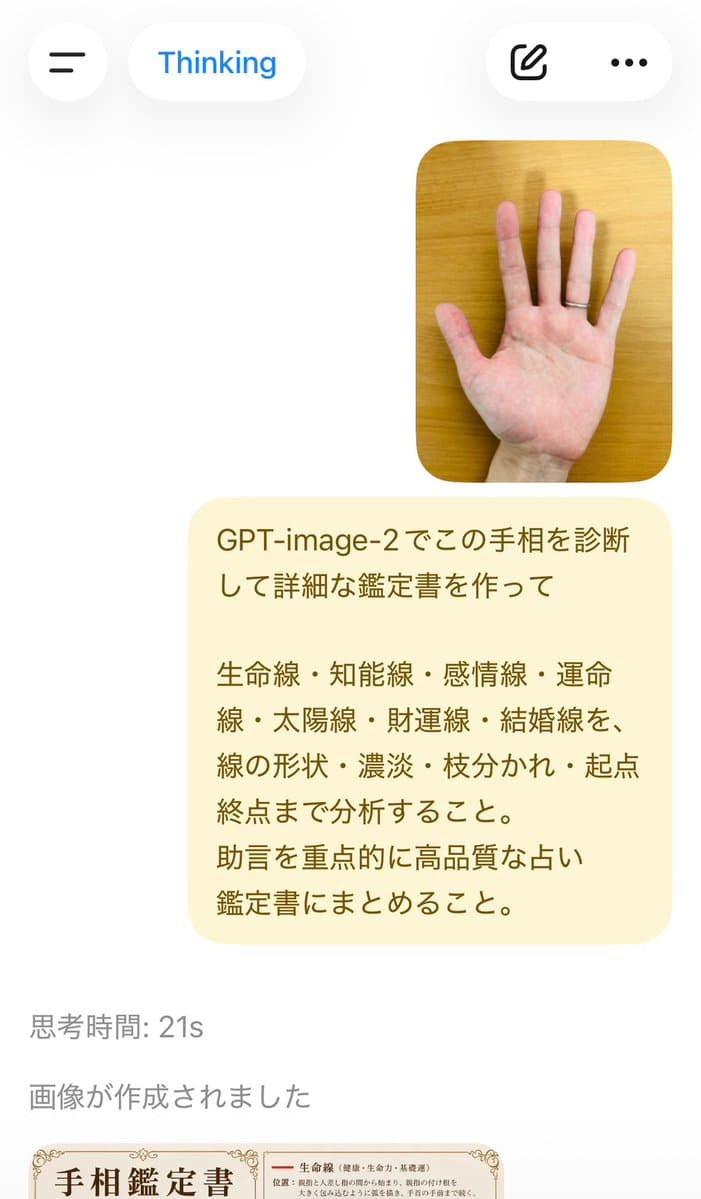
Báo cáo chẩn đoán đọc lòng bàn tay
Chẩn đoán chỉ số lòng bàn tay này bằng GPT-image-2 và tạo báo cáo đánh giá chi tiết. Phân tích đường Sinh mệnh, đường Thông minh, đường Trái tim, đường Định mệnh, đường Mặt trời, đường May mắn và đường Hôn nhân, bao gồm…
Lời nhắc
Chẩn đoán chỉ số lòng bàn tay này bằng GPT-image-2 và tạo báo cáo đánh giá chi tiết. Phân tích đường Sinh mệnh, đường Thông minh, đường Trái tim, đường Định mệnh, đường Mặt trời, đường May mắn và đường Hôn nhân, bao gồm hình dạng, bóng đổ, phân nhánh, điểm bắt đầu và điểm kết thúc của chúng. Chú trọng tư vấn và biên soạn thành báo cáo thẩm định bói toán có chất lượng cao.
Cách sử dụng lời nhắc này
Đọc lời nhắc Báo cáo chẩn đoán đọc lòng bàn tay hoàn chỉnh và xác định các yêu cầu về chủ đề, phong cách, máy ảnh, ánh sáng và bố cục trước khi tạo.
Thay thế phần giữ chỗ trong ngoặc hoặc kiểu đối số bằng các yêu cầu về sản phẩm, nhân vật, thương hiệu, cảnh, bảng màu hoặc tỷ lệ khung hình của bạn.
Mở https://www.gptimagehub.com/vi/generate?promptId=cmogwvsx30065zpdyu8lg3xwk, tạo hình ảnh, sau đó tinh chỉnh lời nhắc với chủ đề, văn bản, bố cục hoặc ràng buộc phủ định cụ thể hơn nếu cần.
Câu hỏi thường gặp
Lời nhắc Báo cáo chẩn đoán đọc lòng bàn tay được sử dụng tốt nhất để làm gì?
Lời nhắc này được sử dụng tốt nhất cho các hình ảnh thiết kế ui / ux mà bạn muốn có cấu trúc có thể sử dụng lại, hướng trực quan chi tiết và chất lượng đầu ra nhất quán.
Tôi có thể chỉnh sửa lời nhắc trước khi tạo không?
Vâng. Văn bản nhắc nhở đầy đủ hiển thị trên trang này để bạn có thể thay đổi chủ đề, tên sản phẩm, màu sắc, bố cục, thuật ngữ máy ảnh, tỷ lệ khung hình và ghi chú kiểu dáng trước khi tạo.
Tôi nên sử dụng mô hình nào với lời nhắc này?
Sử dụng mô hình hiển thị trong siêu dữ liệu lời nhắc làm điểm bắt đầu mặc định. Nếu một mô hình hình ảnh khác hỗ trợ cùng tỷ lệ khung hình và kiểu hướng dẫn, bạn có thể điều chỉnh lời nhắc và so sánh kết quả.