
Guia do modelo GPT Image 2
Um guia prático para usar GPT Image 2 em GPT Image Hub, incluindo níveis de qualidade suportados, proporções de aspecto, imagens de referência, padrões de prompt e quando escolhê-lo em vez de modelos de imagem Gemini.
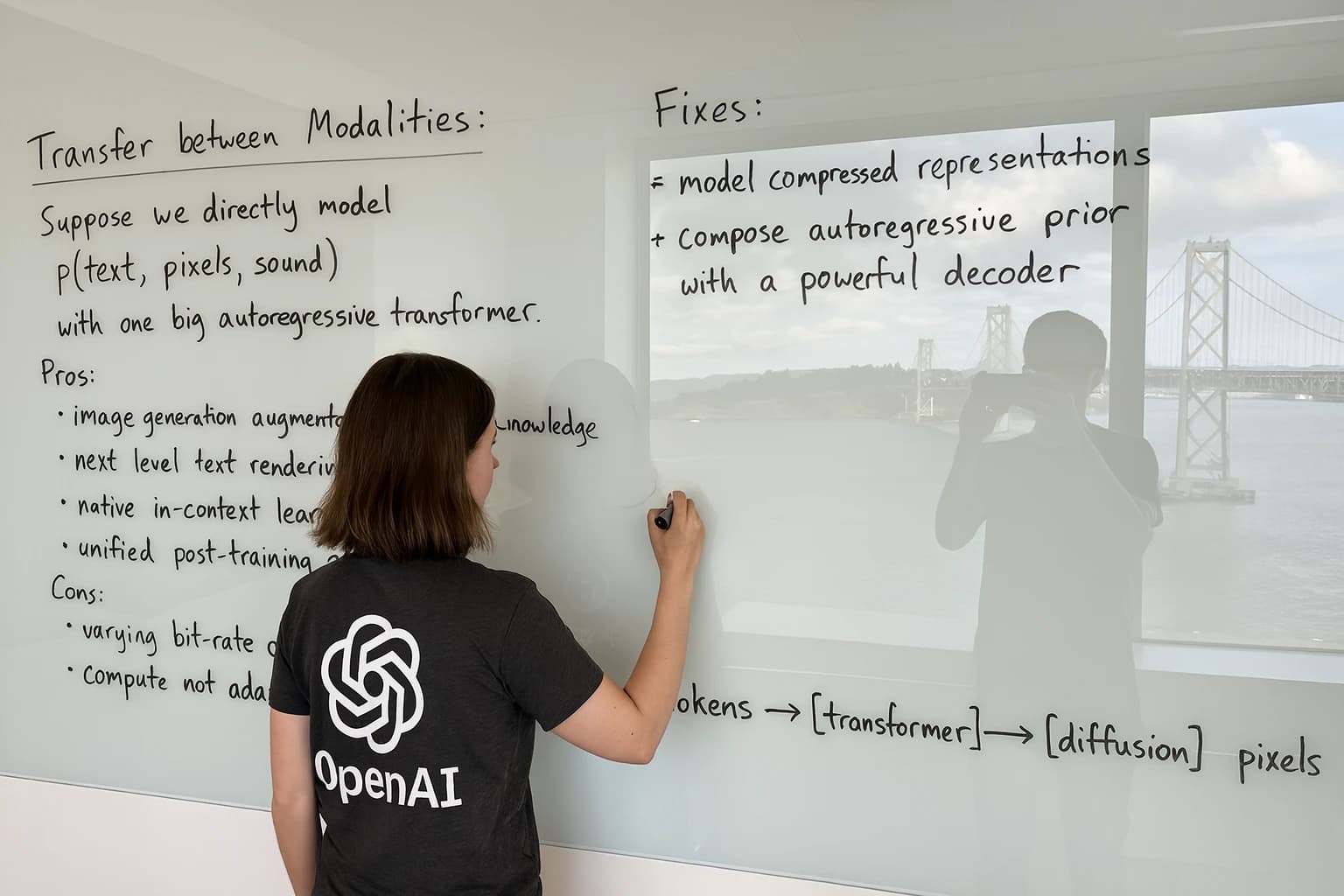
GPT Image 2 é a melhor opção padrão em GPT Image Hub quando você precisa de geração ou edição de alta qualidade, muitas opções de proporção de aspecto e até 16 imagens de referência. Use-o para visuais comerciais sofisticados, modelos de produtos, ativos editoriais e avisos onde o seguimento de instruções é mais importante do que a menor latência de iteração possível.
Exemplos visuais
Exemplos visuais
Um cenário comercial clean com iluminação premium e espaço para manchetes.
Herói do produto editorial
Um cenário comercial clean com iluminação premium e espaço para manchetes.
4K soro para a pele em mármore quente, luz suave da janela, área de título em branco.Quadro de referência
Múltiplas entradas visuais traduzidas em uma imagem de marca consistente.
Preserve a paleta, o material e a geometria do logotipo de todas as referências.Fluxo de trabalho de ativo final
Rascunho em 1K, revisão em 2K, exportação em 4K para direção aprovada.
Gere a imagem final da campanha 4K após a aprovação da composição.Melhores casos de uso
- Renderizações de produtos, conceitos de anúncios, recursos visuais principais da campanha, miniaturas e criativos sociais.
- Edições de imagens que precisam de diversas entradas de referência ou restrições consistentes de marca/estilo.
- 4K exporta em GPT Image Hub quando uma imagem final maior é necessária.
- Prompts estruturados com composição detalhada, tipografia, iluminação e direção de câmera.
Onde ter cuidado
- Requisitos de plano de fundo transparente, porque o guia GPT Image 2 atual de OpenAI diz que planos de fundo transparentes não são suportados para este modelo.
- Brainstorming muito difícil, onde o rascunho mais rápido e de baixo custo é mais importante do que o polimento da produção.
- Solicitações que dependem do raciocínio multimodal específico do Gemini ou de exemplos do ecossistema do Google.
Pontos fortes
Modelo padrão forte para fluxos de trabalho de geração e edição de imagens de alta qualidade.
Suporta o conjunto de proporções mais amplo exposto em GPT Image Hub, incluindo formatos alto, largo, quadrado e ultralargo.
Permite até 16 imagens de referência, úteis para quadros de estilo, referências de produtos, sistemas de marca e consistência visual de múltiplas imagens.
Bom ajuste para ativos finais após um prompt ter sido testado com passagens de rascunho mais rápidas.
Casos de uso
Imagens de heróis comerciais
Visuais de produtos, campanhas, miniaturas e páginas de destino que precisam de uma primeira impressão refinada.
Edições de múltiplas referências
Painéis de marca, referências de produtos e pacotes de estilo onde diversas informações devem permanecer coerentes.
Exportações finais de alta resolução
Conceitos aprovados que necessitam de tamanhos de entrega maiores e composição cuidadosa.
Fluxo de trabalho
Esboce a cena
Bloqueie o assunto, a composição, o humor e o texto da imagem antes de aumentar o nível de qualidade.
Anexar referências
Marque cada referência como produto, estilo, material, layout ou orientação de iluminação.
Exportação final
Passar da exploração 1K para 2K ou 4K assim que a direção for aprovada.
Solicitando orientação
- Escreva a cena primeiro e depois especifique a câmera, a iluminação, o material, a paleta, o texto e o formato de saída.
- Para fluxos de trabalho de imagens de referência, indique exatamente o que preservar e o que pode mudar.
- Use 1K para rascunhos rápidos e depois passe para 2K ou 4K somente quando a composição for aprovada.
- Mantenha o texto da imagem curto e cite-o explicitamente.
Solicitações prontas para cópia
Crie uma imagem heróica 4K para um soro de cuidado de pele premium em mármore quente, luz suave da janela matinal, reflexos orvalhados, embalagem bege mínima, espaço em branco à direita para o texto do título, fotografia editorial do produto.
Use as imagens de referência como âncoras de estilo da marca. Gere um gráfico quadrado de inicialização do aplicativo com o mesmo sistema de cores e iluminação, mas substitua o assunto por um ícone de câmera de vidro flutuante sobre um fundo escuro de estúdio.
Projete um pôster cinematográfico para uma biblioteca de prompts de imagens de IA, área de trabalho centralizada, imagens geradas brilhantes na tela, reflexos realistas, sem texto extra, exceto "GPT Image Hub".
Fontes oficiais
Perguntas frequentes
GPT Image 2 é o modelo padrão em GPT Image Hub?
Sim. GPT Image Hub usa GPT Image 2 como modelo de imagem padrão porque abrange o conjunto mais amplo de níveis de qualidade, proporções e fluxos de trabalho de imagem de referência na configuração atual do aplicativo.
GPT Image 2 suporta saída 4K aqui?
GPT Image Hub expõe 4K como um nível de qualidade disponível para GPT Image 2. Use-o para exportações finais, em vez de para todos os rascunhos, porque uma resolução mais alta geralmente aumenta a latência e o custo.
GPT Image 2 pode criar fundos transparentes?
O guia atual de geração de imagens de OpenAI diz que gpt-image-2 não oferece suporte a fundos transparentes, portanto, prompts que exigem ativos PNG transparentes devem ser planejados de acordo.
Utilize este modelo
Comece com um modelo de prompt ou compare os modelos primeiro
Use o gerador quando você já conhece o modelo ou compare todos os modelos suportados quando o prompt precisar de um equilíbrio diferente de velocidade, detalhes e entradas de referência.