
Guia do modelo Nano Banana
Um guia de modelo para Nano Banana em GPT Image Hub, cobrindo casos de uso de Gemini 2.5 Flash Image, geração de 1K, limites de imagem de referência e padrões de prompt para iteração rápida.
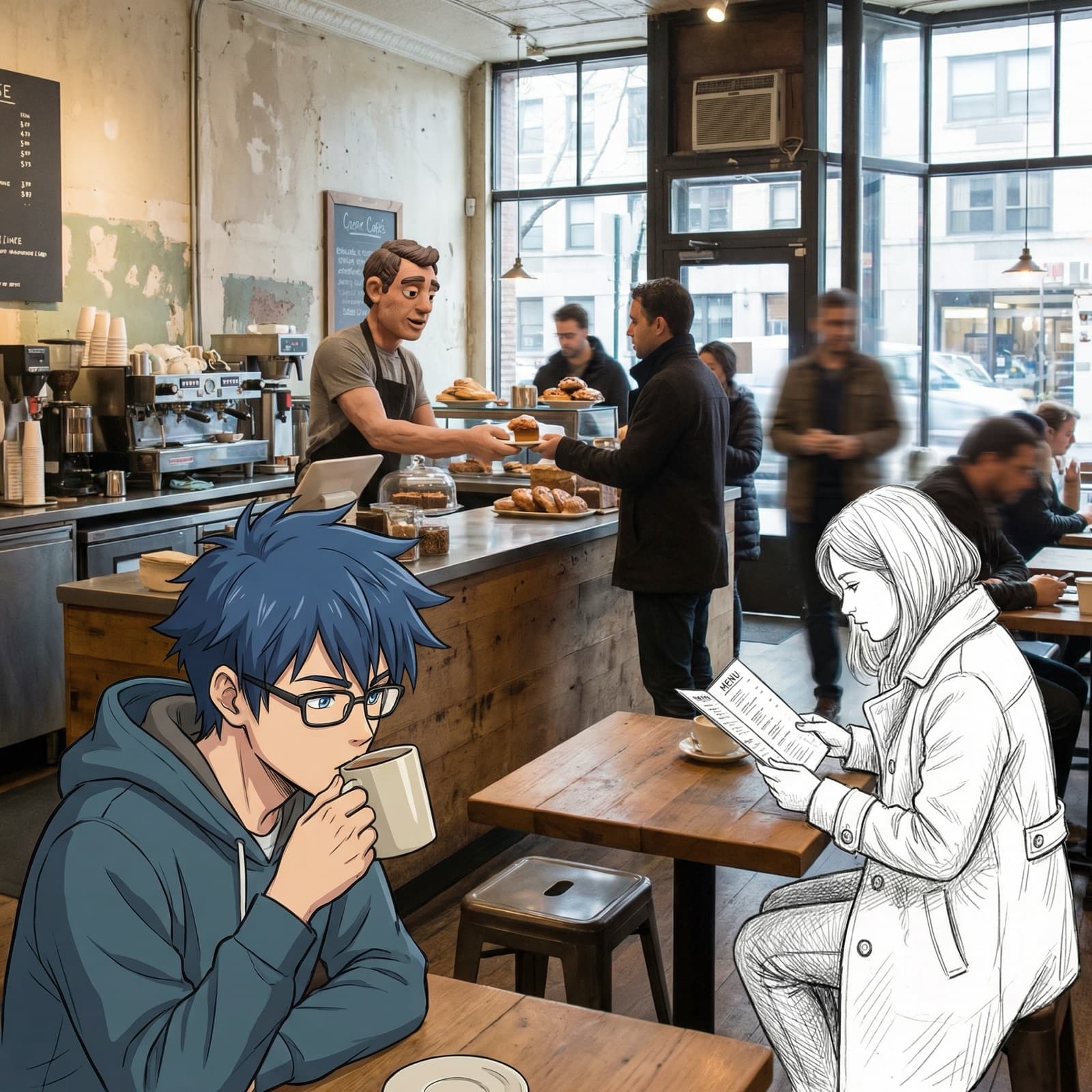
Nano Banana é a opção de imagem rápida do Gemini em GPT Image Hub. Use-o quando desejar iteração criativa rápida, edições leves de imagens e saídas guiadas por imagens de referência em 1K. É um bom modelo de exploração antes de mover um prompt vencedor para GPT Image 2, Nano Banana 2 ou Nano Banana Pro para exportações maiores.
Exemplos visuais
Exemplos visuais
Um conceito divertido de avatar quadrado gerado a partir de um prompt compacto.
Ideação de mascote
Um conceito divertido de avatar quadrado gerado a partir de um prompt compacto.
Mascote AI brincalhão com tema de banana, paleta amarela, acabamento limpo semelhante a um vetor.Edição rápida do produto
Uma imagem de referência obtém um fundo mais limpo e uma iluminação comercial mais suave.
Mantenha a forma do produto inalterada, adicione um fundo quente e sombra suave.Placa de teste imediata
Pequenas variações imediatas comparadas antes de entrar em produção.
Gere três instruções leves de moodboard para um aplicativo tropical.Melhores casos de uso
- Passes de Moodboard, idealização visual, pequenos conceitos sociais e exploração inicial de fotos de produtos.
- Edições rápidas onde o objetivo é a direção, não o acabamento final da entrega.
- Gerando composições alternativas de uma família imediata.
- Testar estruturas de prompt antes de produzir um resultado final em um modelo de resolução mais alta.
Onde ter cuidado
- 4K resultados finais, porque esta configuração do Hub expõe Nano Banana apenas em 1K.
- Placas de referência grandes que precisam de mais de 3 imagens de entrada.
- Ativos de produção complexos onde tipografia, detalhes finos ou saída em escala de impressão são essenciais.
Pontos fortes
Iteração criativa 1K rápida para exploração imediata e teste de conceito.
Suporta entrada de imagem de referência para orientação de estilo, assunto ou composição.
Boa opção para verificar se uma ideia imediata está direcionalmente correta antes de gastar tempo em variantes de resolução mais alta.
Funciona bem com instruções visuais concisas e solicitações de edição claras.
Casos de uso
Exploração rápida de conceitos
Experimente várias direções visuais antes de gastar tempo em resultados maiores.
Edições leves
Mudanças simples de plano de fundo, estilo e apresentação do produto a partir de um pequeno conjunto de referências.
Testes A/B imediatos
Compare o texto, a composição e o tom antes de escolher o modelo final.
Fluxo de trabalho
Comece amplo
Use instruções concisas para testar rapidamente o assunto, o estilo e a composição.
Mantenha as referências simples
Use até três referências e indique quais detalhes devem permanecer inalterados.
Promova os vencedores
Mova a melhor direção para Nano Banana 2, Nano Banana Pro ou GPT Image 2.
Solicitando orientação
- Mantenha os prompts compactos e orientados para a ação: assunto, mudança, estilo e restrição.
- Ao editar a partir de referências, informe ao modelo quais elementos devem permanecer inalterados.
- Use-o para testar A/B vários ângulos de prompt antes de se comprometer com um modelo final.
- Evite sobrecarregar um prompt com sistemas de estilos não relacionados.
Solicitações prontas para cópia
Crie três conceitos rápidos para um mascote de IA divertido com tema de banana, iluminação de estúdio, paleta simples de amarelo e preto, avatar social quadrado e acabamento limpo semelhante a um vetor.
Edite a imagem de referência em uma foto quente de produto de comércio eletrônico, mantenha o formato do produto inalterado, adicione sombra suave, fundo amarelo claro, sem texto.
Gere uma imagem de moodboard 1K para um aplicativo de produtividade tropical, iconografia divertida de frutas, cartões de interface de vidro, configuração de mesa brilhante, luz matinal otimista.
Fontes oficiais
Perguntas frequentes
O que é Nano Banana em GPT Image Hub?
Nano Banana é o rótulo Hub para o modelo gemini-2.5-flash-image do Google. Ele está posicionado aqui como uma opção rápida de geração e edição de 1K.
Quantas imagens de referência Nano Banana pode usar?
GPT Image Hub atualmente permite até 3 imagens de referência para Nano Banana.
Quando devo atualizar um prompt Nano Banana para outro modelo?
Mova o prompt para GPT Image 2, Nano Banana 2 ou Nano Banana Pro quando o conceito for aprovado e você precisar de resolução mais alta, mais referências ou mais detalhes de produção.
Utilize este modelo
Comece com um modelo de prompt ou compare os modelos primeiro
Use o gerador quando você já conhece o modelo ou compare todos os modelos suportados quando o prompt precisar de um equilíbrio diferente de velocidade, detalhes e entradas de referência.