
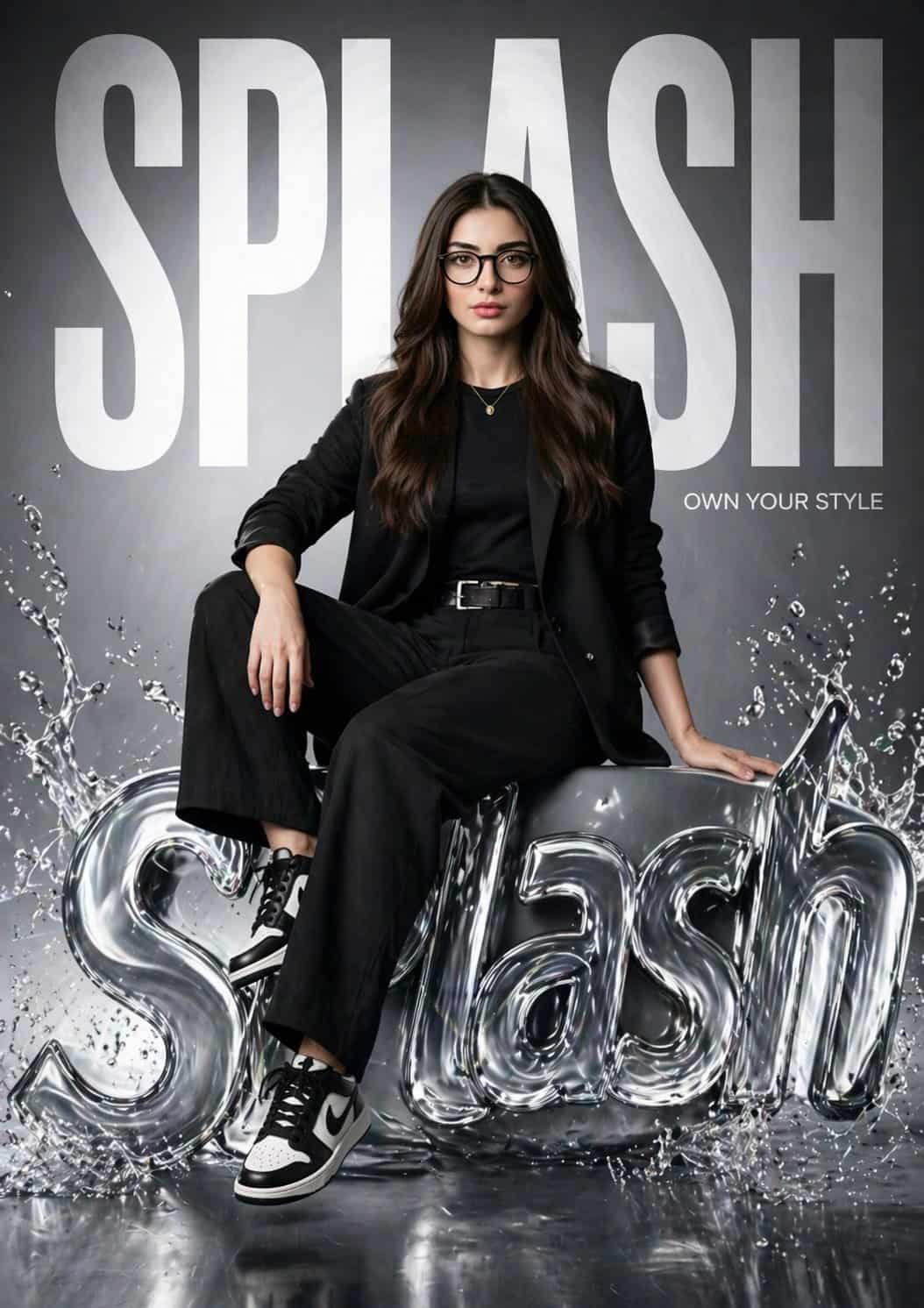
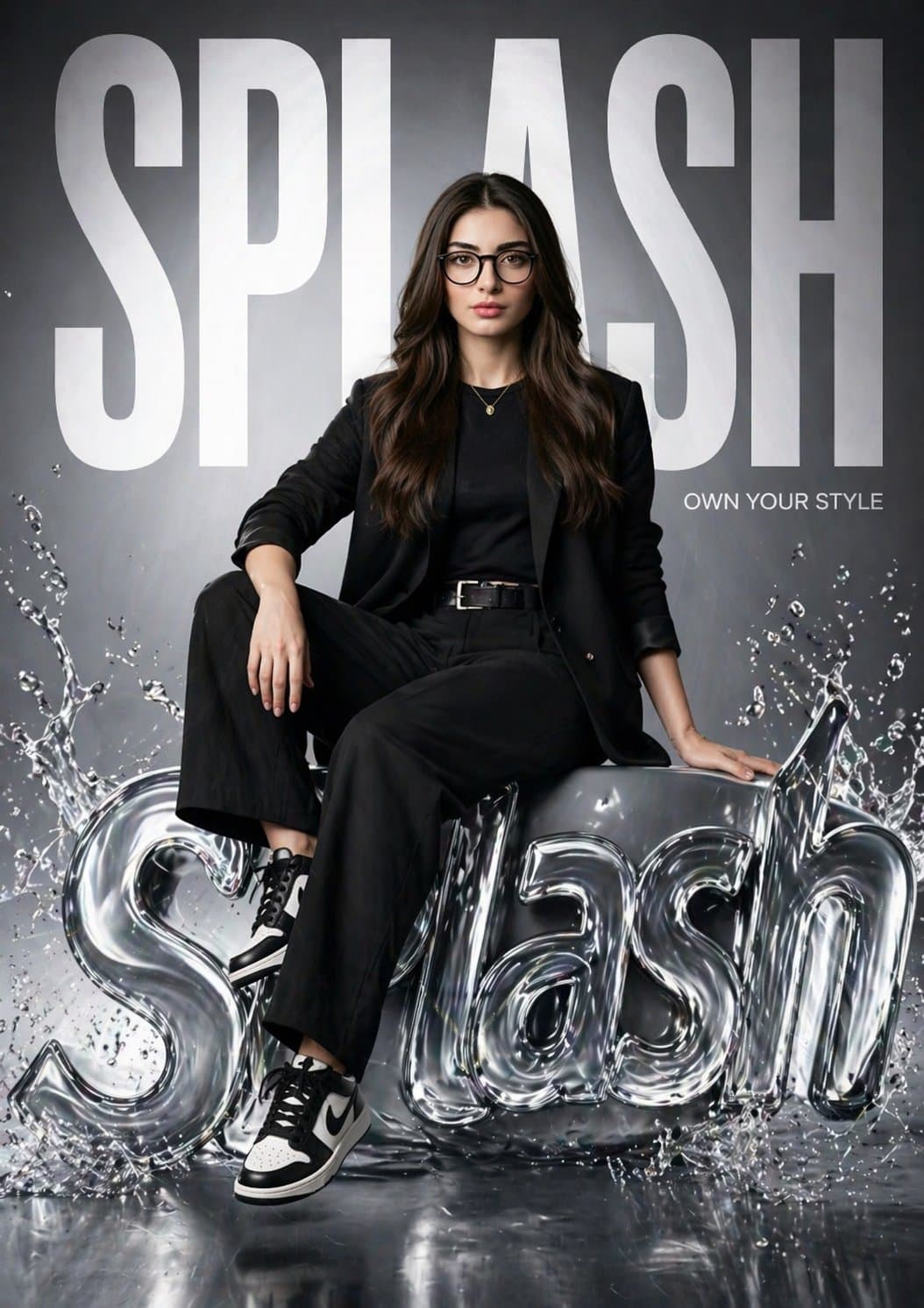
Pôster da campanha hiper-realista da marca de moda SPLASH
Crie um pôster de moda hiper-realista para “SPLASH” apresentando a mesma garota da imagem de referência (mantenha o rosto 100% idêntico). Ela está sentada com confiança em um logotipo 3D SPLASH brilhante e líquido com e…
Alerta
Crie um pôster de moda hiper-realista para “SPLASH” apresentando a mesma garota da imagem de referência (mantenha o rosto 100% idêntico). Ela está sentada com confiança em um logotipo 3D SPLASH brilhante e líquido com efeitos de respingos de água. Uma perna relaxada, uma dobrada, pose editorial forte. O fundo tem um enorme texto “SPLASH” em negrito preenchendo o quadro, parcialmente atrás dela. Adicione um pequeno slogan: “Domine seu estilo”. Look: street fashion preto moderno (blazer, top justo, calça, tênis). Iluminação: estúdio cinematográfico, luz soft key + luz de aro, destaques reflexivos no logotipo líquido. Estilo: campanha de marca de luxo (Zara/H&M), ambiente clean e brilhante. Câmera: lente de 85 mm, profundidade de campo rasa, 8K, ultradetalhada, fotorrealista.
Como usar este prompt
Leia o prompt Pôster da campanha hiper-realista da marca de moda SPLASH completo e identifique o assunto, estilo, câmera, iluminação e requisitos de composição antes de gerar.
Substitua os espaços reservados entre colchetes ou em estilo de argumento pelos requisitos de produto, personagem, marca, cena, paleta de cores ou proporção de aspecto.
Abra https://www.gptimagehub.com/pt-BR/generate?promptId=cmogwv7v9005hzpdyaswm36y4, gere a imagem e refine o prompt com assunto, texto, layout ou restrições negativas mais específicos, se necessário.
Perguntas frequentes imediatas
Qual é a melhor utilização do prompt Pôster da campanha hiper-realista da marca de moda SPLASH?
Este prompt é melhor usado para imagens logo e branding onde você deseja uma estrutura reutilizável, direção visual detalhada e qualidade de saída consistente.
Posso editar o prompt antes de gerar?
Sim. O texto completo do prompt fica visível nesta página para que você possa alterar assuntos, nomes de produtos, cores, composição, termos da câmera, proporção de aspecto e notas de estilo antes da geração.
Qual modelo devo usar com este prompt?
Use o modelo mostrado nos metadados do prompt como ponto de partida padrão. Se outro modelo de imagem suportar a mesma proporção e estilo de instrução, você poderá adaptar o prompt e comparar os resultados.